6.
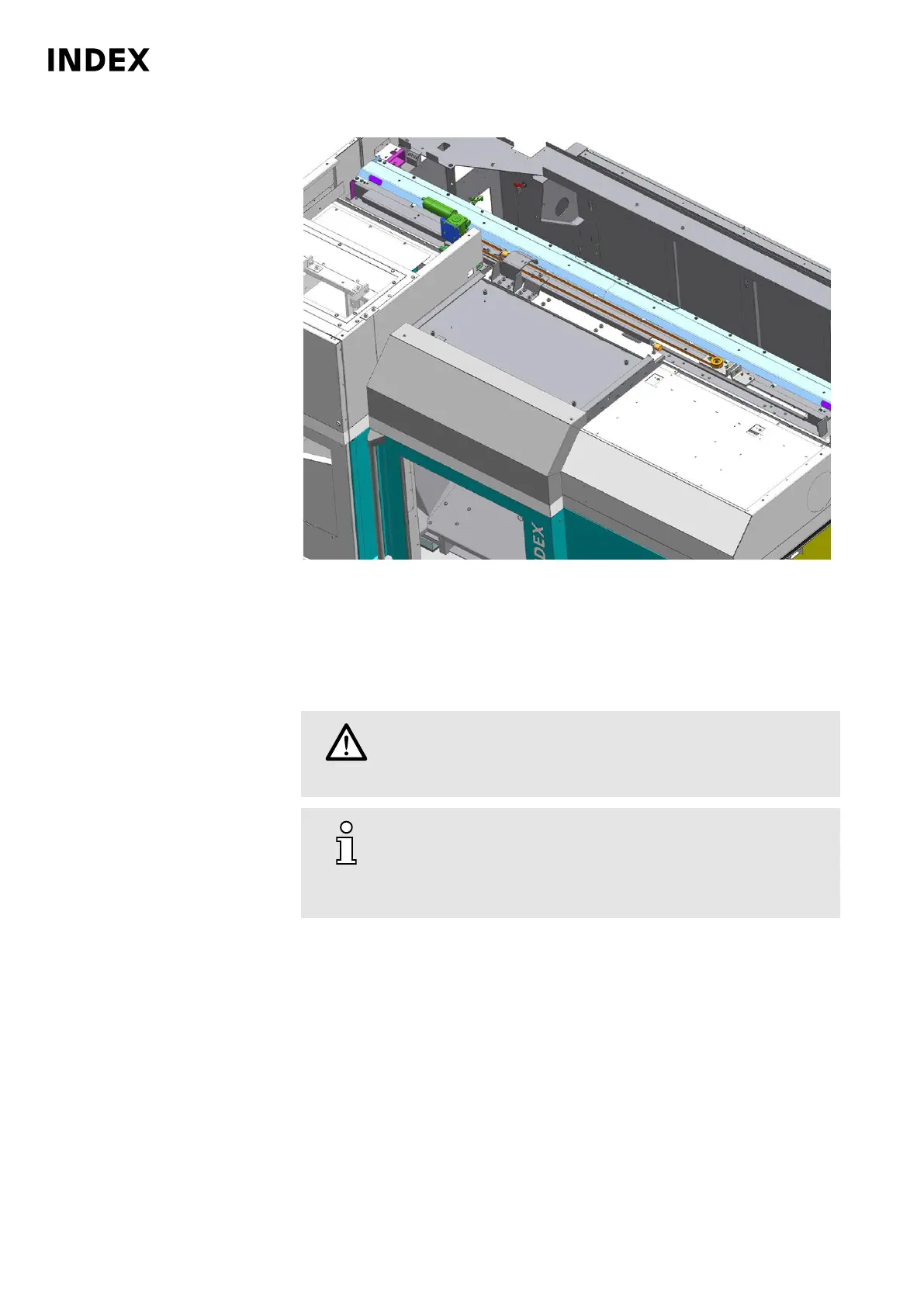
Example: View of the automatic work area door with drive
Check the work area door for ease of movement. To do this, press the
emergency stop button and manually open and close the work area door. If the
work area door can be moved only with effort, determine the cause. Possible
causes are defective or improperly adjusted wipers, or chips on the guide bar
or in the guide rollers of the work area door.
7.
Danger
Pinching of limbs due to faulty obstacle detection on the
work area door
Check obstacle detection.
Use only appropriate tools such as a broom handle, wooden
beams or similar for checking.
The machine must be switched on and fully functional for this
test.
Maintenance Summary - 2.000 Operating hours
50
Maintenance Instructions
C200
LP1702.10021 - 05.06.2019



 To Next Page