27
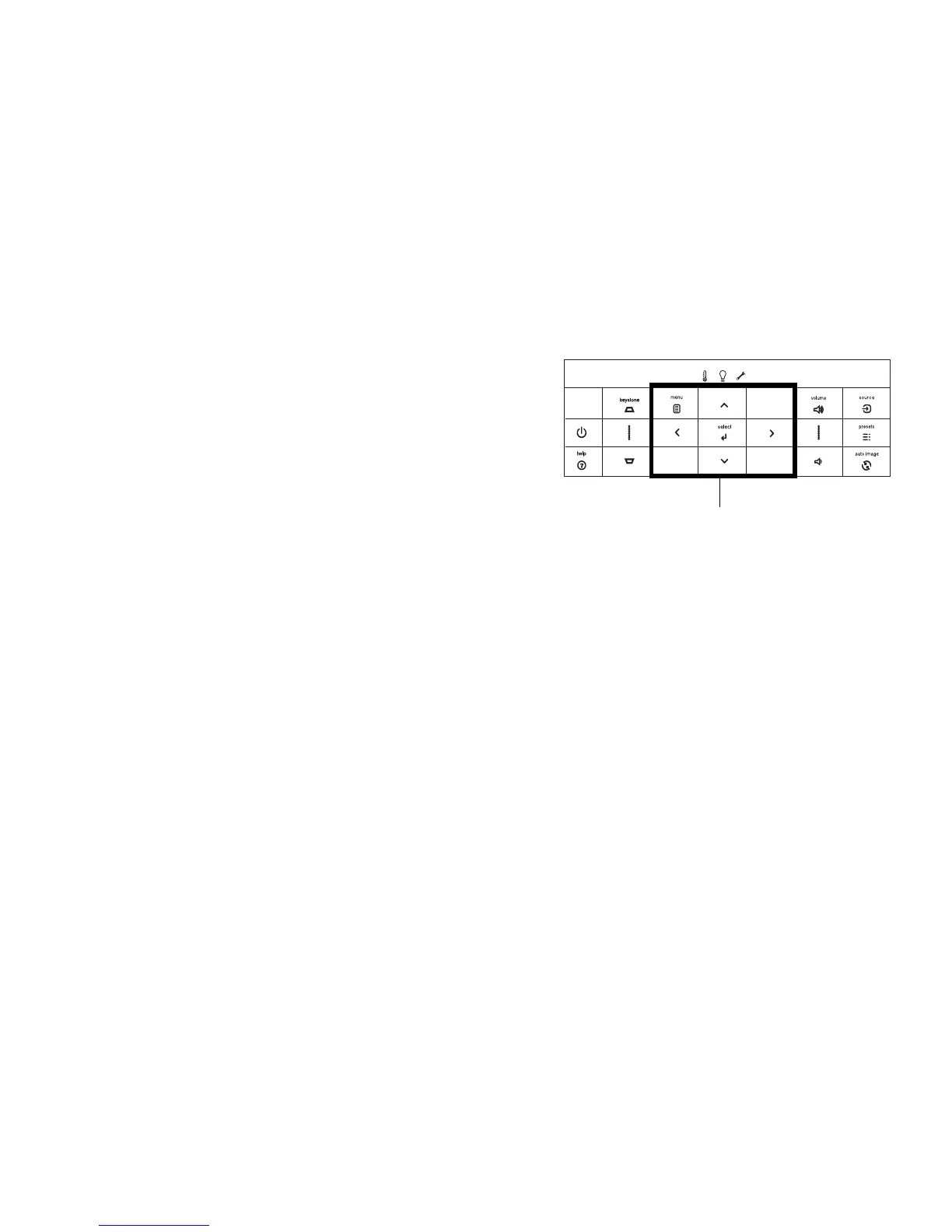
Using the keypad buttons
Most buttons are described in detail in other sections, but here is an overview of
their functions:
Power–turns the
pro
jector on and off (page 8).
Auto Image–res
ets the projector to the source (page 27).
Presets–cycles through the available
preset settings (page 31).
Keystone–adjusts squareness of the image (pa
ge 9).
Menu–opens the o
n-screen menus (page 30).
Select–confirms choices made in the menus (pa
ge 30).
Up/Down/Left/Right arrows–navig
ates to and adjusts settings in the menus
(page 30).
Volume–adjusts sound (page 25).
Source–brings up a menu with
all possible sources, allowing the user to change the
active source (page 8).
Help–accesses the projector’s help feature.



 To Next Page