User’s Manual
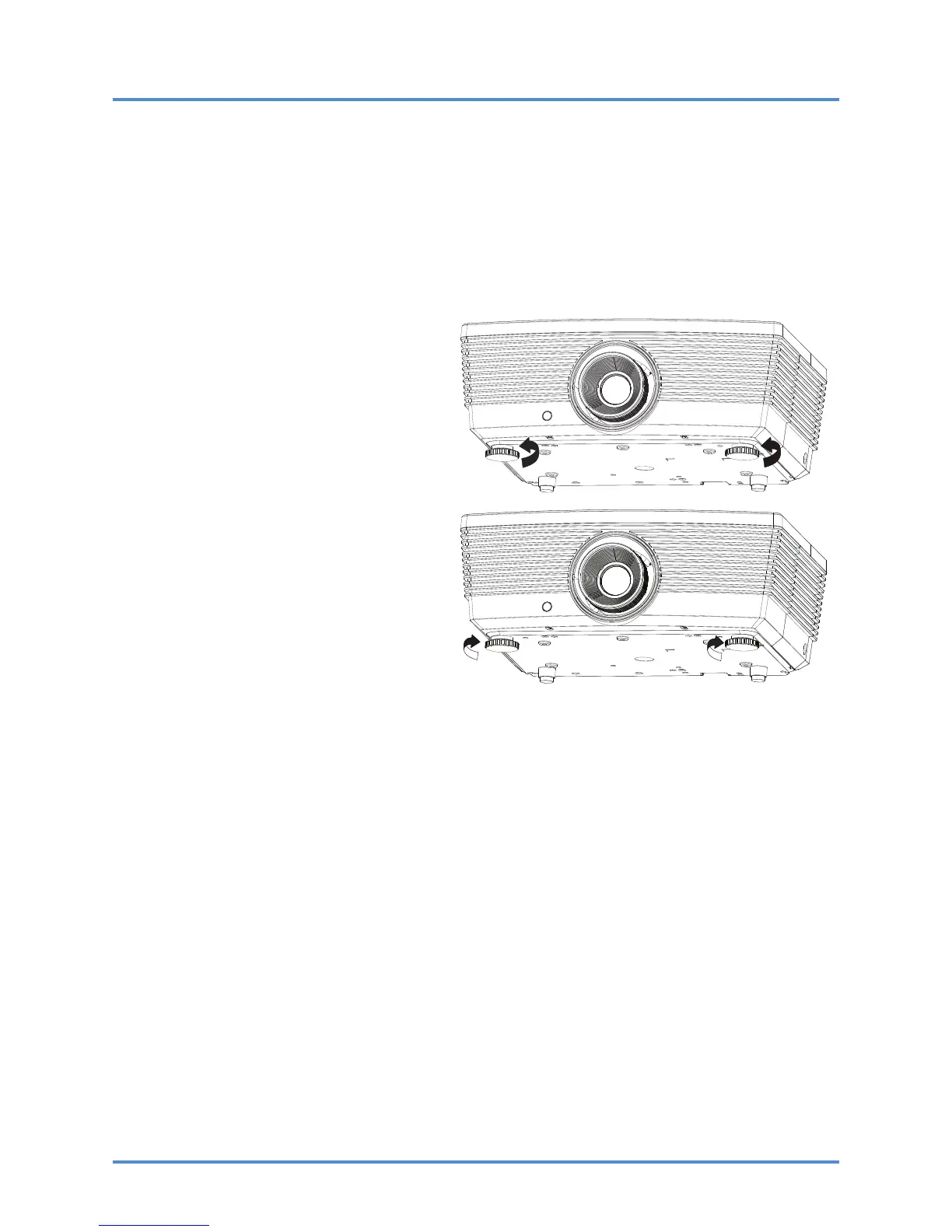
Adjusting the Projector Level
Take note of the following when setting up the projector:
• The projector table or stand should be level and sturdy.
• Position the projector so that it is perpendicular to the screen.
• Remove and discard the foam spacers on the rear leveling feet before adjusting the pro-
jection angle.
• Ensure the cables are in a safe location. You could trip over them.
1.
To raise the level of the projector,
twist the leveling feet clockwise.
2.
To lower the level of the projector,
lift the projector and twist the level-
ing feet counter clockwise.
– 16 –



 To Next Page