Page 16
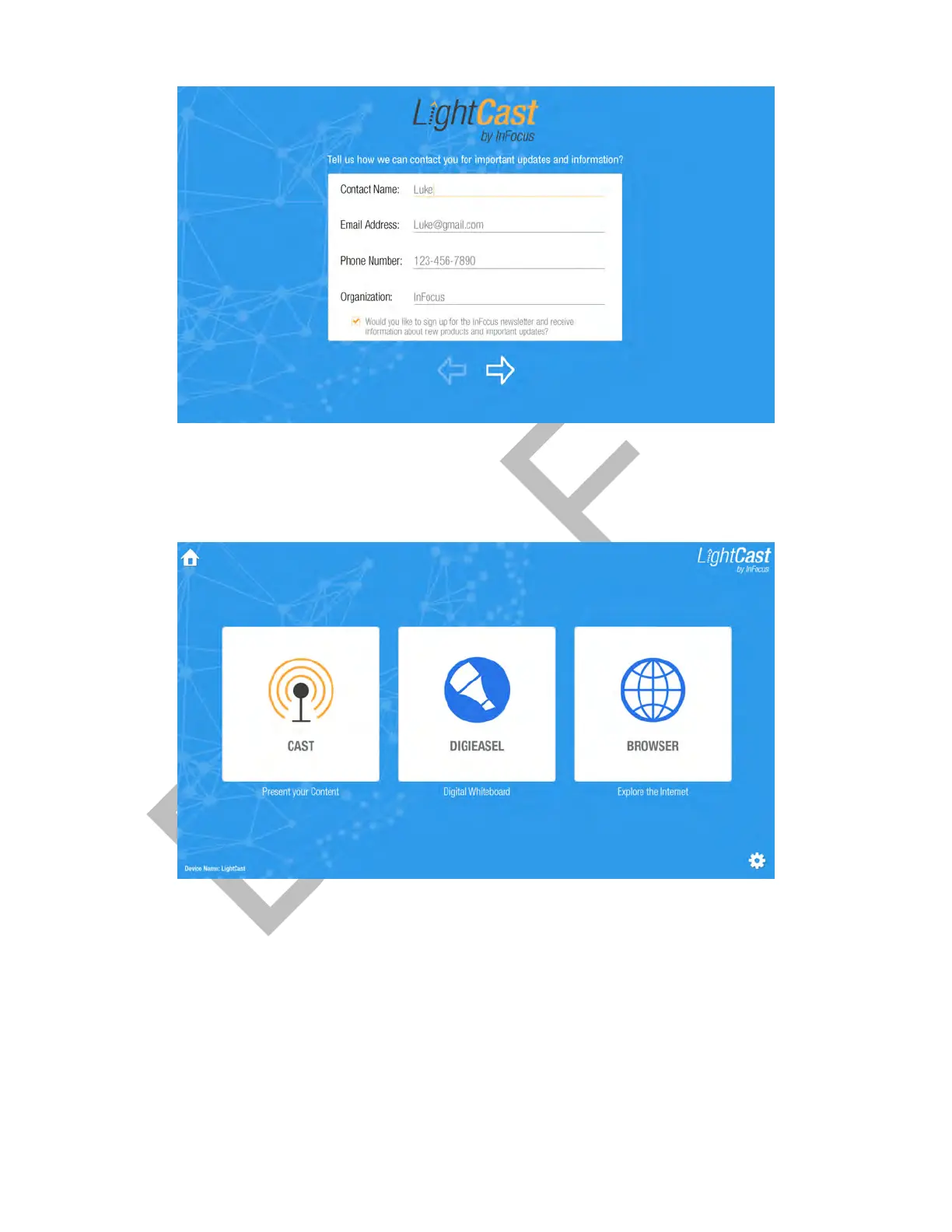
3) Enter your registration information and tap the arrow to move to the next screen.
4) Enter the Device Name and WiFi Connection information, and tap the arrow. A confirmation page displays.
(The LAN information populates when a LAN connection is detected.)
5) Tap the arrow again and the Home page displays.
6) Select between the Cast, Whiteboard, and Browser features:
Cast: displays instructions on how to wirelessly display your computer, tablet, or phone content on the panel using
LightCast, AirPlay, or Miracast.
Whiteboard: provides a Whiteboard for capturing meeting notes and annotation.
Browser: provides access to the internet.



 To Next Page