Page 27INF6502WB/INF6502LC/INF7002WB/INF7002LC User Guide
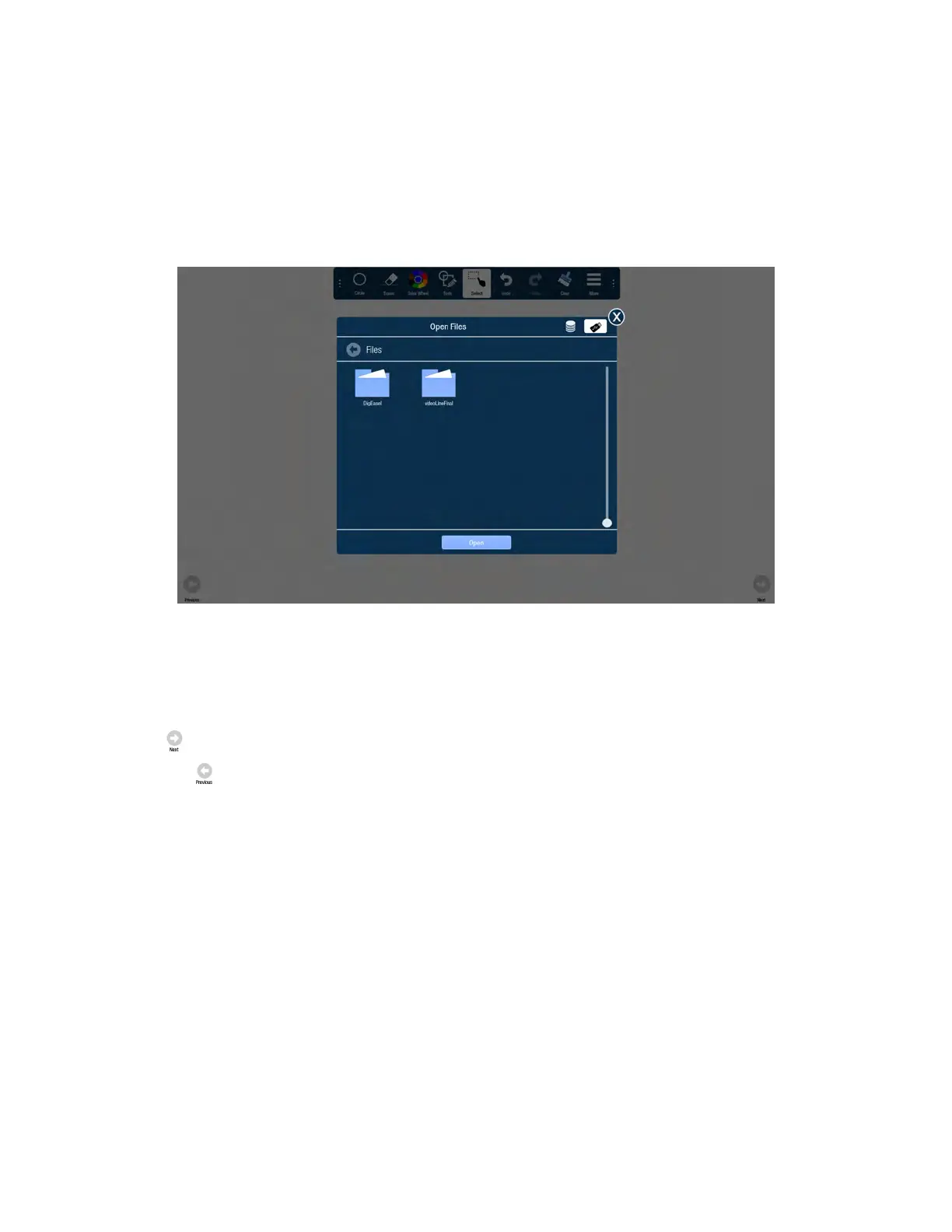
Open a whiteboard file from a USB thumb drive
1) Tap More.
2) Tap USB.
3) Tap Open.
4) If the whiteboard canvas contains objects, you will be prompted to save the existing canvas. Select Save to save
the existing canvas or select Don't save to delete the existing canvas and open a new one. (Cancel returns the
user to the current canvas.)
5) Navigate to the desired folder and tap the file you wish to open.
Navigation
1) Tap Next to add or go to the next page. Note: Whiteboard supports up to 3 pages total.
2) Tap Previous to add or go to the previous page. Note: Whiteboard supports up to 3 pages total.



 To Next Page