Page 23INF6502WB/INF6502LC/INF7002WB/INF7002LC User Guide
Modify whiteboard canvas objects
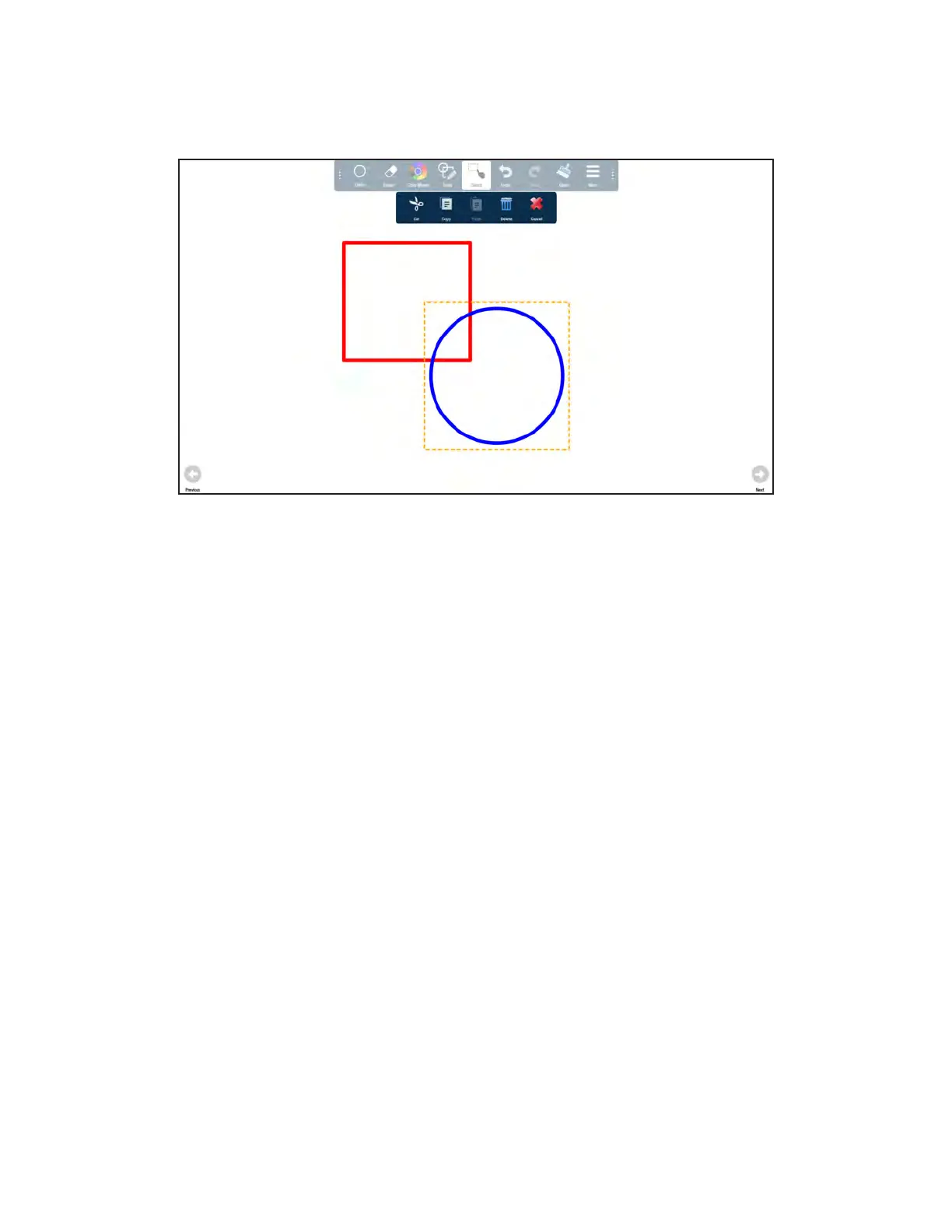
1) Tap Select.
2) Tap and drag your finger or the stylus across the objects you would like to select. The objects are outlined.
To copy the selected objects: tap Copy and tap Paste. While the objects are selected, drag them to the desired
location.
To cut the objects and place them on a different page of the whiteboard canvas: tap Cut. Then navigate to the
desired page and tap More and Paste. While the objects are selected, drag them to the desired location.
To delete the objects: tap Delete. The objects are deleted immediately.



 To Next Page