Page 33INF6502WB/INF6502LC/INF7002WB/INF7002LC User Guide
Set up Bluetooth
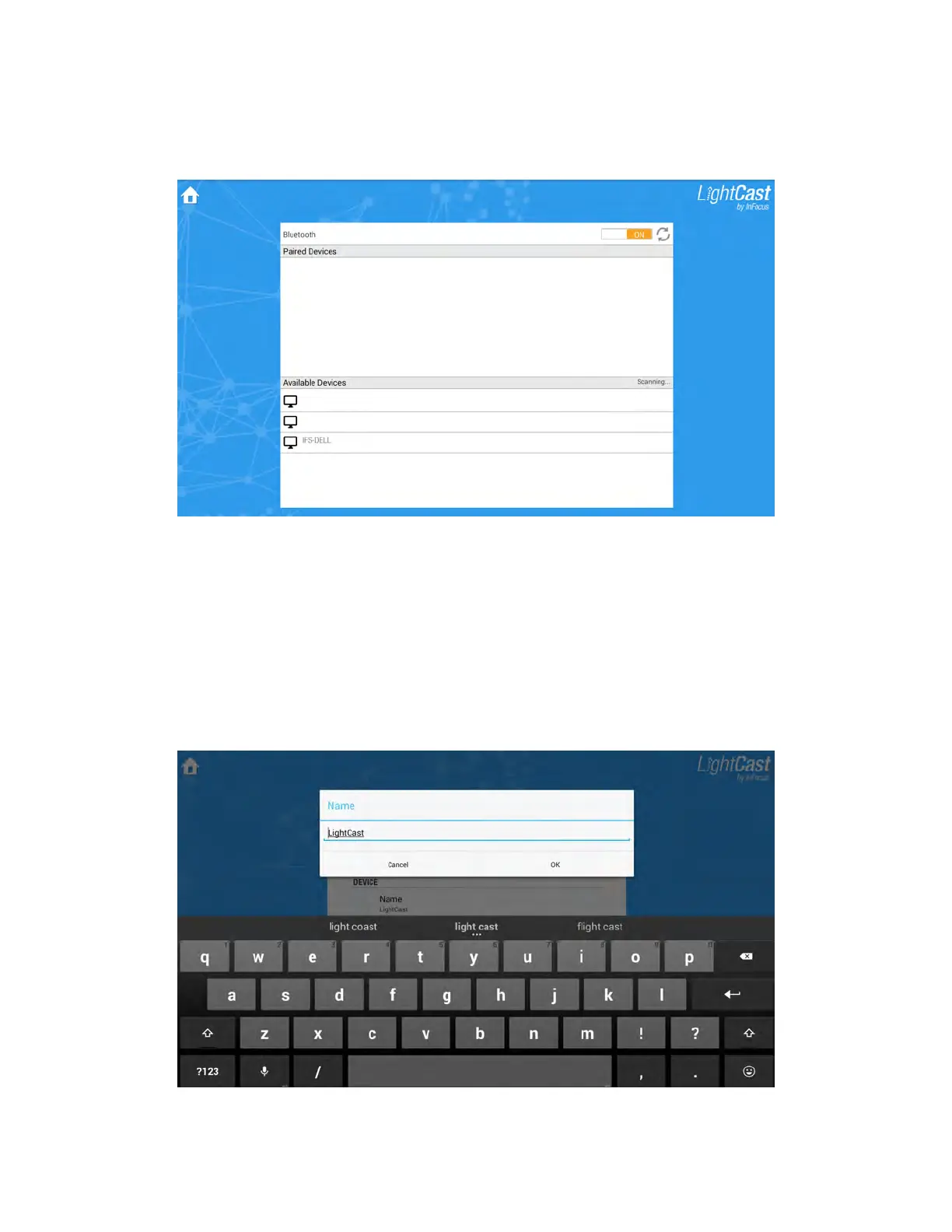
1) From the Network Settings section of the Settings menu, tap Bluetooth Settings. The Bluetooth submenu
displays.
2) Tap On to use a Bluetooth device.
3) If the list of available (or already paired) devices does not automatically display, tap the Refresh button.
4) Tap the desired device and follow the onscreen prompts to pair your device to this monitor.
Change the monitor name
1) From the Device section of the Settings menu, tap Name. The Name window displays.
2) Type or edit the name, using the onscreen keypad or an attached keyboard.



 To Next Page