Page 46
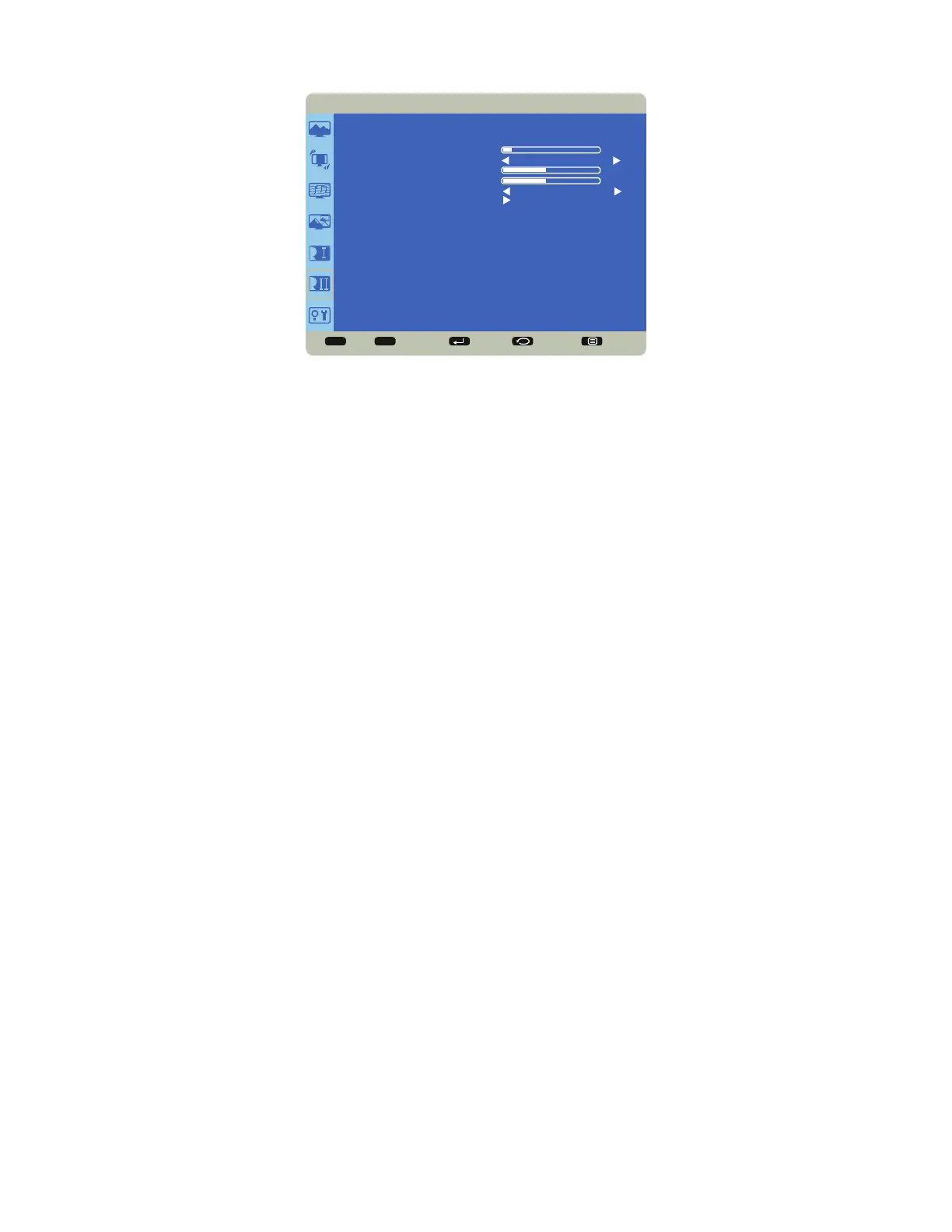
Configuration 2
Sel Adjust Enter Back Quit
< >
<
<
CONFIGURATION 2
OSD TURN OFF
FREEZE
OSD H POSITION
OSD V POSITION
OSD ROTATION
MONITOR INFORMATION
10
50
50
OFF
PORTRAIT
OSD Turn Off: controls how many seconds the OSD menu remains on the screen Range: 5-120 (seconds). (Default: 10)
Freeze: When enabled, freezes the image which is currently displayed. Options: On and Off (default).
OSD H Position: adjusts the horizontal position of the OSD menu. Range: 0-100. (Default: 50)
OSD V Position: adjusts the vertical position of the OSD menu. Range: 0-100. (Default: 50)
OSD Rotation: rotates the image to either a landscape or portrait mode. Options include: Portrait and Landscape.
Monitor Information: This read-only submenu displays the model name, serial number, operation hours, and software
version.



 To Next Page