Page 31INF6502WB/INF6502LC/INF7002WB/INF7002LC User Guide
LIGHTCAST BROWSER
If your monitor did not ship with a LightCast key and you would like to use the LightCast Browser features, you can
purchase a LightCast key (p/n INA-LCKEY1, INA-LCKEY2, or INA-LCKEY3 depending on your region) from InFocus
(www.infocusstore.com) or your local dealer.
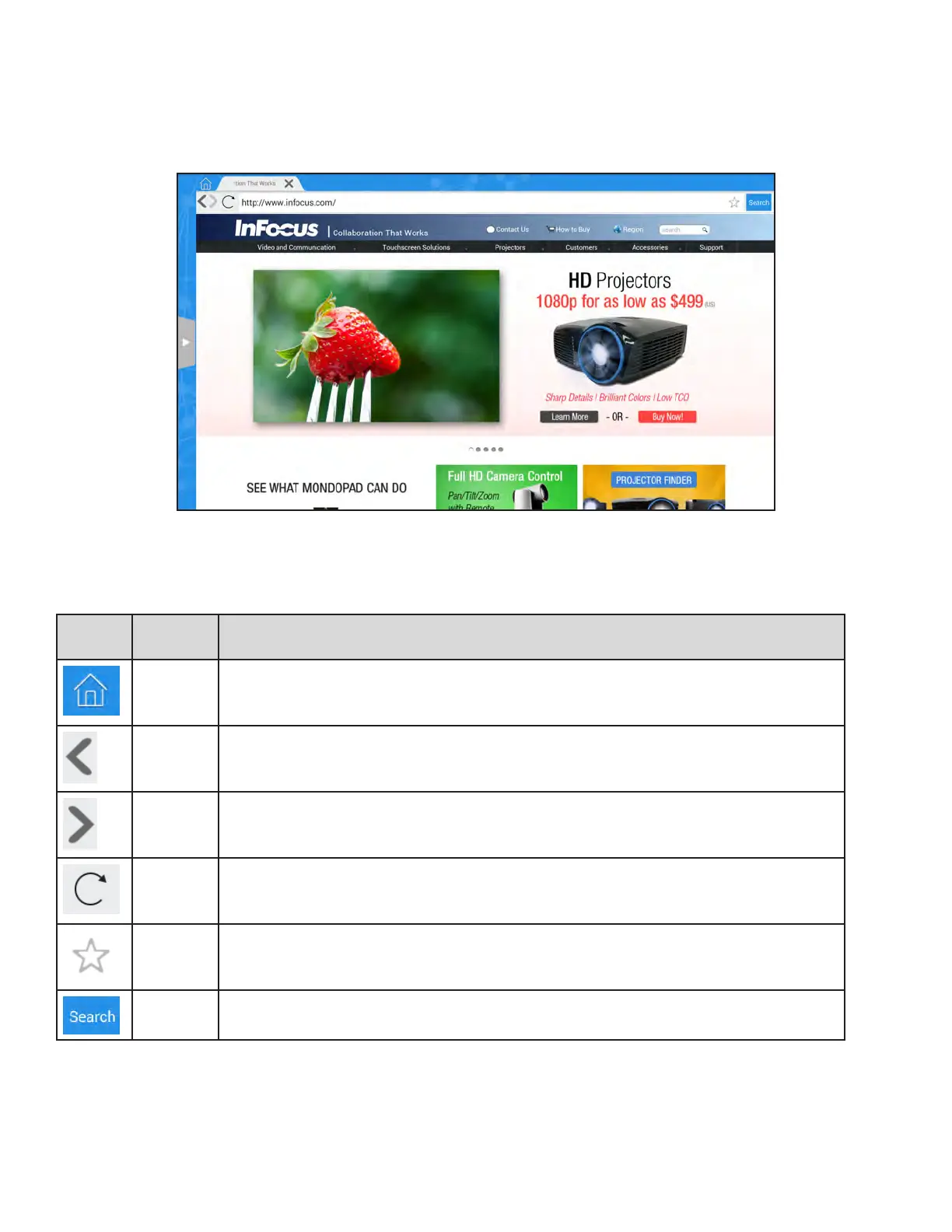
Use the Browser to access the internet.
Icon Tool
Name
Description
Home Tap to return to the Home page.
Back Tap to go back to the previous webpage.
Forward Tap to go back to the next webpage.
Refresh Tap to refresh the browser.
Favorite Tap to add the current view to your Favorite list.
Search Tap to initiate an internet search based on the key words in the browser bar.



 To Next Page