Page 26
Open a whiteboard file
1) Tap More.
2) Tap Open.
3) If the whiteboard canvas contains objects, you will be prompted to save the existing canvas. Select Save to save
the existing canvas or select Don't save to delete the existing canvas and open a new one. (Cancel returns the
user to the current canvas.)
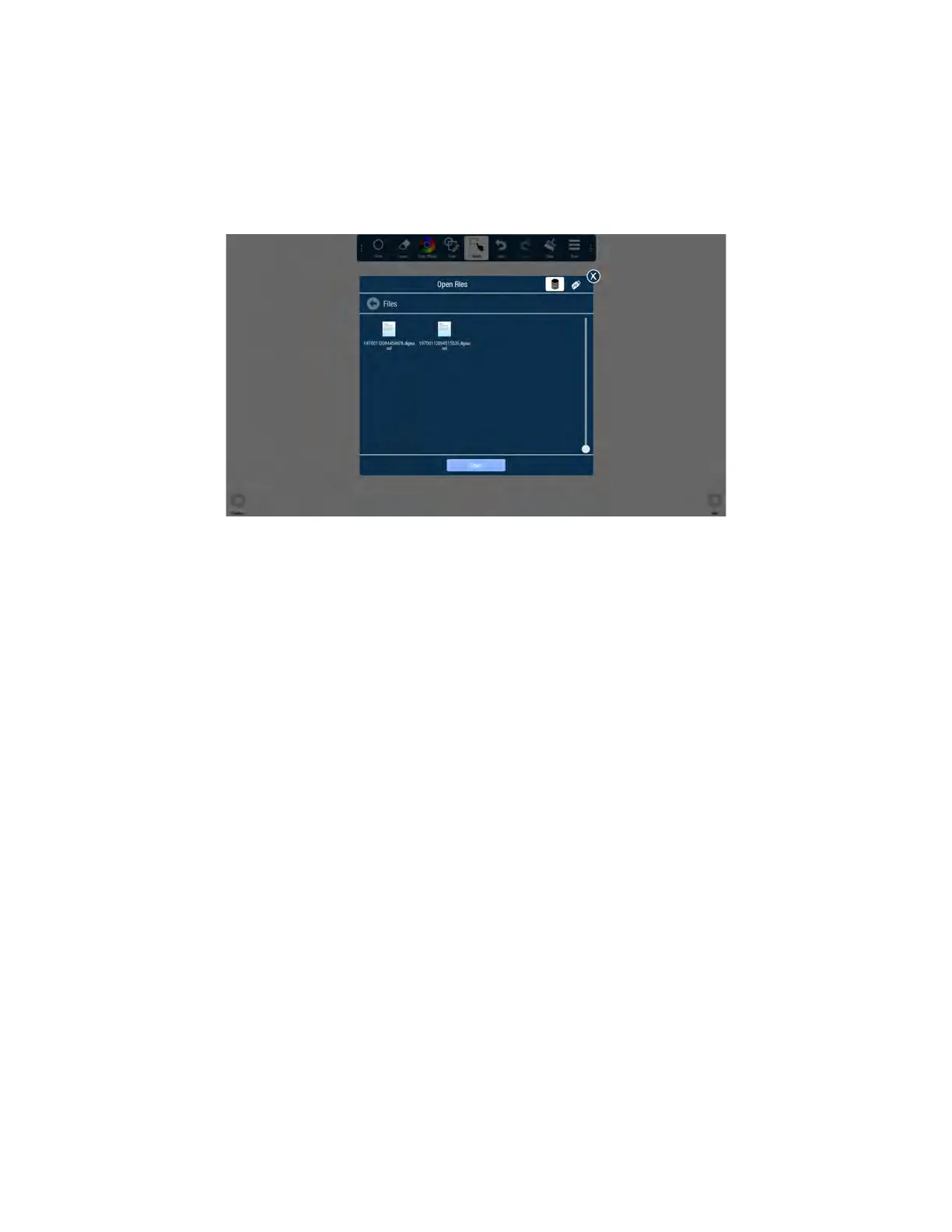
4) By default, the Open Files window displays Whiteboard files saved internally onto the Whiteboard Device. To
open a saved Whiteboard file from a USB thumb drive, tap the USB icon at the top of the Open Files window, and
navigate to the desired USB thumb drive.
5) Navigate to the desired folder and tap the file you wish to open.



 To Next Page