Page 42
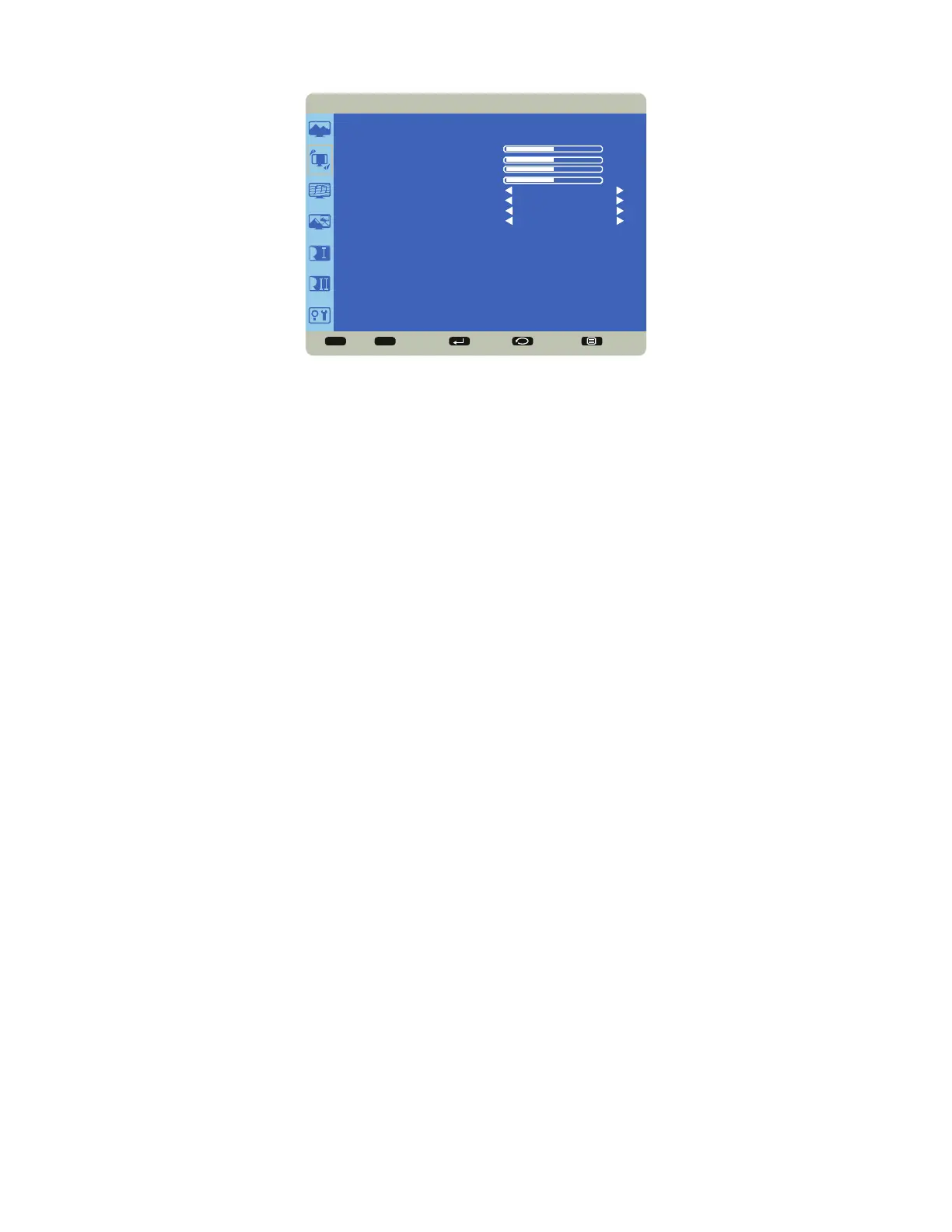
Screen Menu
Sel Adjust Enter Back Quit
< >
<
<
SCREEN
H POSITION
V POSITION
CLOCK
CLOCK PHASE
BLANK
DIMMING
ASPECT RATIO
SCREEN RESET
50
50
50
50
OFF
70
WIDE
NO
H Position: adjusts the horizontal position of the image. Range: 0-100. (Default 50.)
V Position: adjusts the vertical position of the image. Range: 0-100. (Default 50.)
Clock: adjusts the width of the image (For VGA input only). Range: 0-100. (Default 50.)
Clock Phase: adjusts the focus, clarity and stability of the image (For VGA input only). Range: 0-100.
Blank: When enabled, a blank black screen displays. Options: On and Off. (Default Off.)
Dimming: Adjusts brightness level. Options: 10, 30, 70 or 100. (Default 70.)
Aspect Ratio: adjusts the ratio of the image width to image height. Options: 4:3 and Wide. (Default Wide.)
Screen Reset: resets all Screen menu items to factory default settings. Options: Yes and No.



 To Next Page