Page 15INF6502WB/INF6502LC/INF7002WB/INF7002LC User Guide
FIRST TIME USE
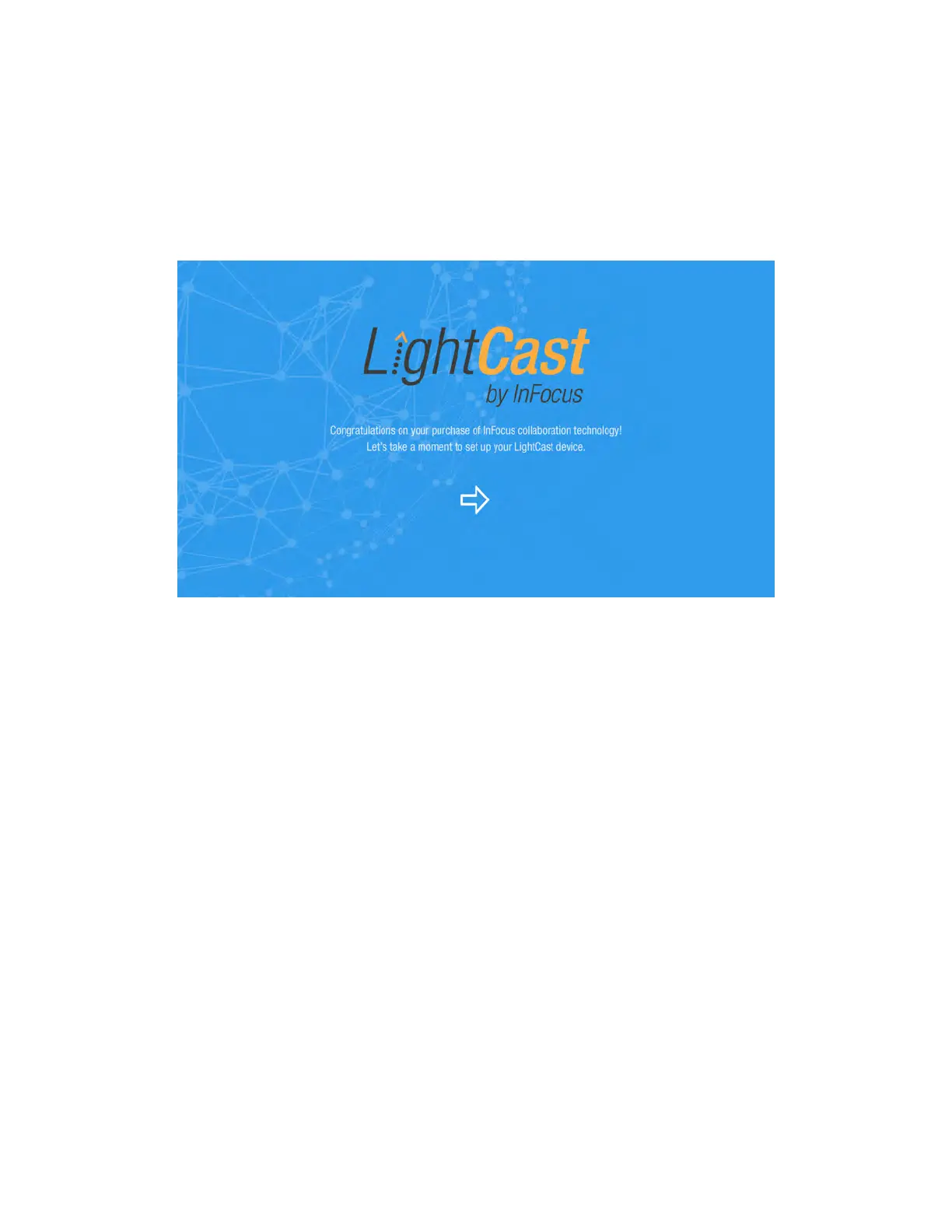
Depending on whether you have a LightCast key inserted into your monitor or not, your monitor will either display a
LightCast Welcome screen, or it will display the whiteboard interface (Go to "Whiteboard" on page 20).
If your monitor did not ship with a LightCast key and you would like to use the LightCast features, you can purchase
a LightCast key (p/n INA-LCKEY1, INA-LCKEY2, or INA-LCKEY3 depending on your region) from InFocus (www.
infocusstore.com) or your local dealer.
1) If this is the first time you have used this monitor, the Welcome screen displays.
2) Using your finger or a mouse, tap the arrow to move to the next screen.



 To Next Page