Page 21INF6502WB/INF6502LC/INF7002WB/INF7002LC User Guide
Import an image
Supported image types include JPEG, PNG, BMP, GIF, and TIFF.
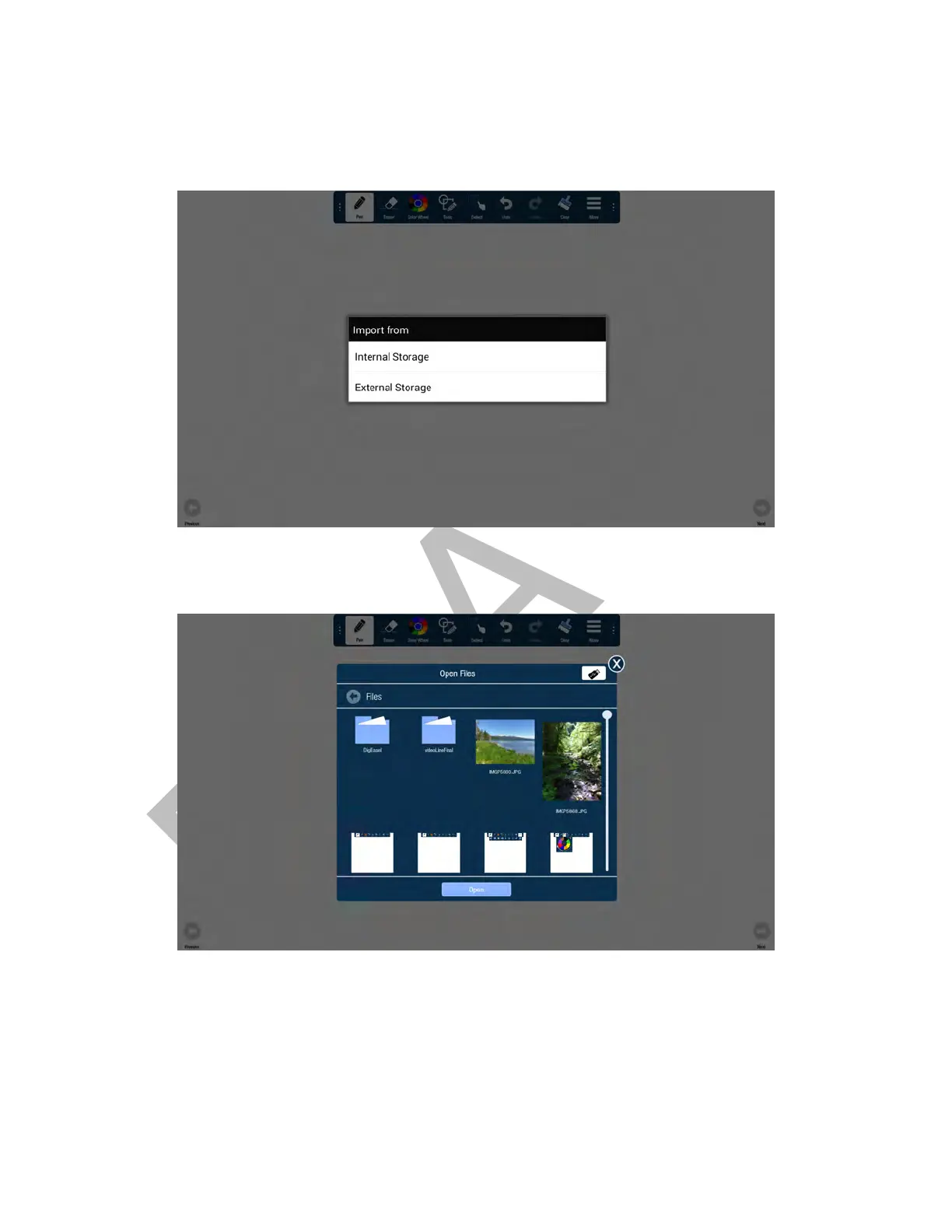
1) Tap More.
2) Tap Import.
3) Choose Internal to import an image that has been saved to the monitor or External Storage to import an image
that is located on an external device, such as a USB thumb drive.
4) Navigate to the associated folder and tap the desired image.



 To Next Page