Page 39INF6502WB/INF6502LC/INF7002WB/INF7002LC User Guide
UPDATE A MONITOR WITHOUT LIGHTCAST KEY
1) Tap More.
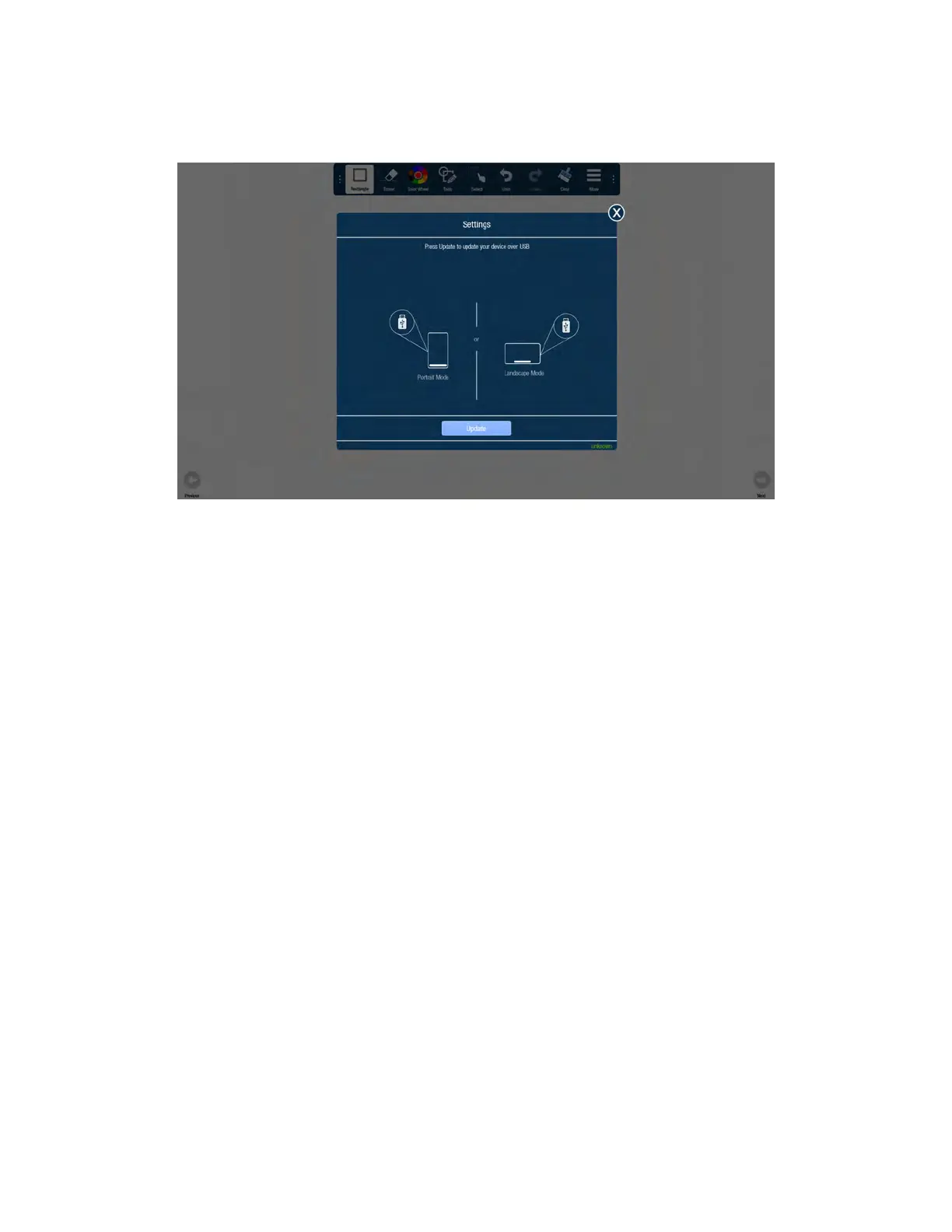
2) Tap Setting.
3) Tap Update. The Update dialog box displays.
4) Insert a USB thumb drive with the software update on it into an available USB slot or navigate to the network .
5) Follow the prompts to update the software, or tap OK, if the software is already up-to-date.
6) Tap the X in the upper-right corner to close the Settings window.



 To Next Page