Intégration Guide_iUI120 20/58 Copyright © 2013 Ingenico
900016253 R11 000 01/1416 All rights reserved
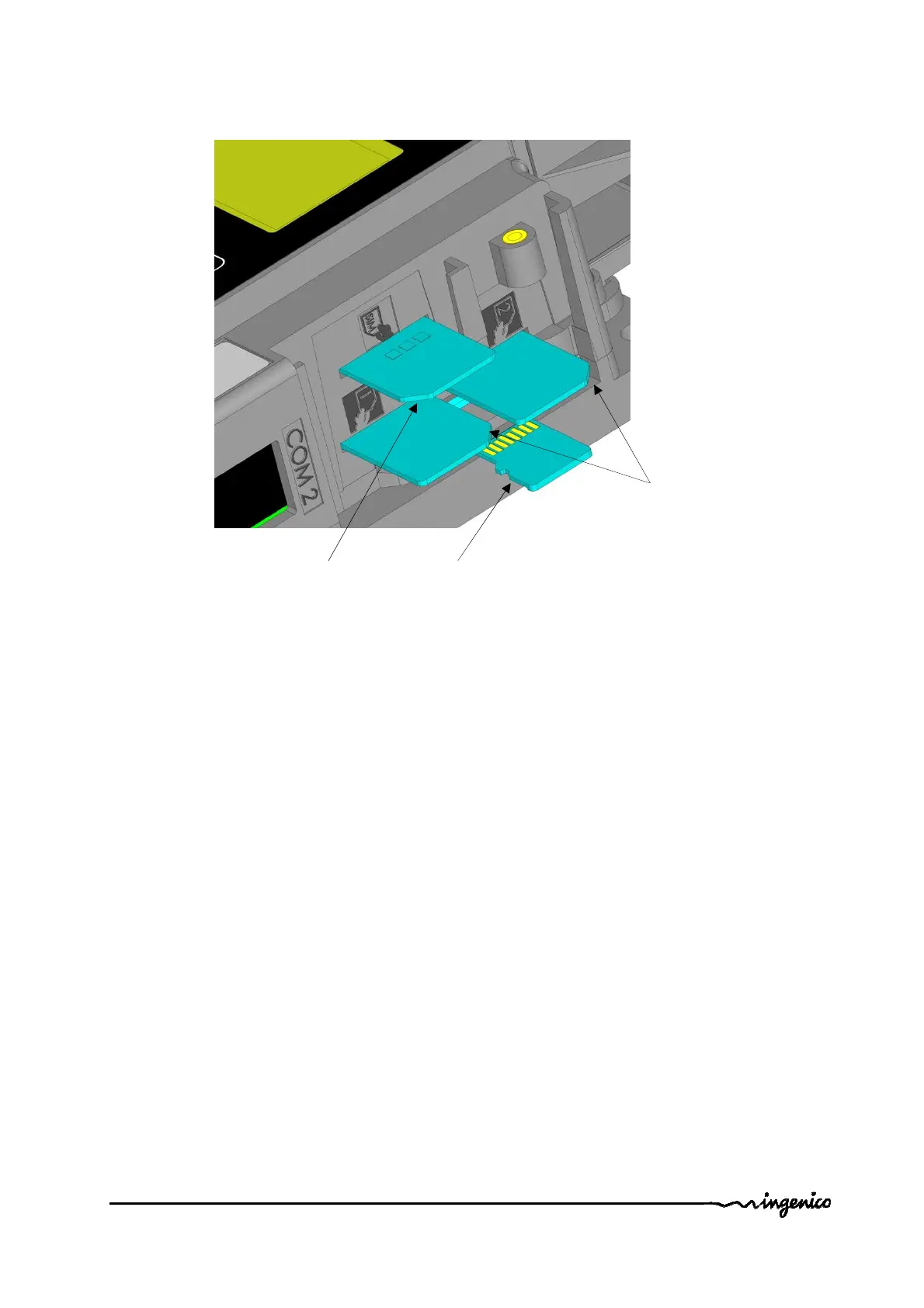
For SAM/SIM cards, take care of cards orientation and do not push in excess the
cards.
After insertion, the cards position is 4 mm out of the products as shown on picture.
1.3.3.12 Buzzer
The buzzer is controlled by application. The frequency depends of software.
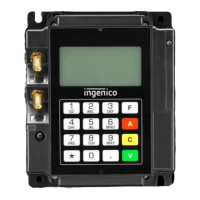
1.3.3.13 Display
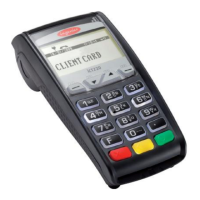
The iUI120 have a black and white display.
1.3.3.14 Maintenance Button and LED
The iUI120 unit has a maintenance button at the back.
- To enter LLT mode, press the button at power up or at restart, until the red LED
lights on.
- To enter Maintenance mode, press the button at power up or at restart, until the
red LED starts blinking.
- To restart the product, press the button until the blue LED lights on.
Cut angle for
SAM
Cut shape for
µSD card
Cut angle for
GPRS SIM






 To Next Page