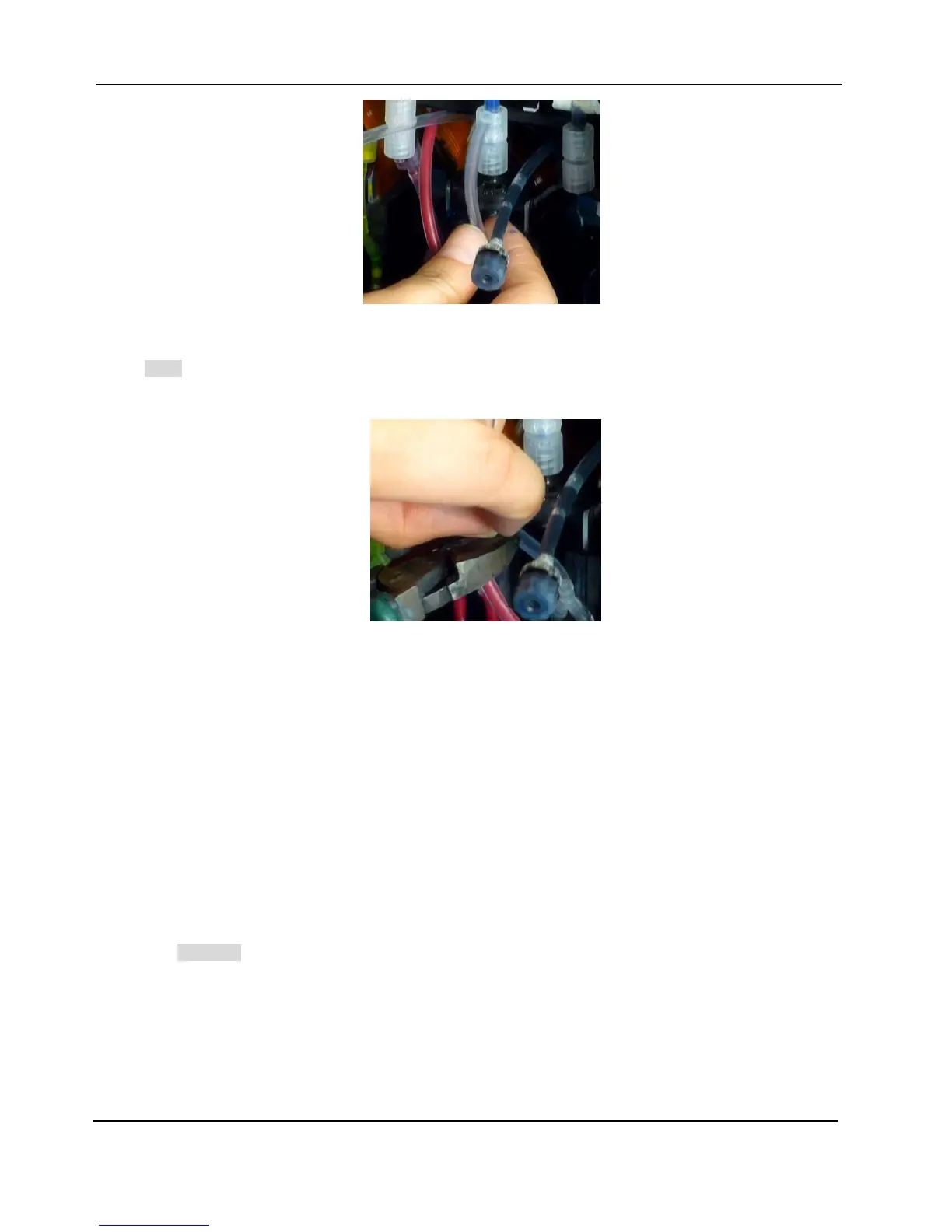
4. Cut the ink tube on print head’s ink inlets accordingly.
Note: The ink tube on print head’s front ink inlets shouldn’t be either too long or too short, since the space
between disc filter and print head is limited.
5. Connect the ink tube to the luer adapter at disc filter’s outlet.
6. Follow the above procedures to connect the rest print heads.
7. Fill print head with ink:
1) Turn on the printer by pressing the button Power On at the front.
For brand new print heads, they are filled with Dowanal, which needs to be purged out with flushing fluid
before filling ink.
2) Please adjust the handle position of manual three-way valve of one ink channel so that the print
head is connected with flushing fluid. (Please check the section 3-2 for detailed information of using
manual 3-way valves)
Warning: The four ink channels should be supplied one by one.
3) Purge flushing fluid together with air out from the ink outlets at the back of print head.
Remove the cap that is plugged on the ink tube at the ink outlet of the print head. Press Purge
Flush button to the right of carriage’s home station, flushing fluid will be purged out from the ink
tube instead of the nozzles. Stop purging until there’s no air bubbles coming out from the ink tube.


 To Next Page