Controller CO3000
1.6 Initialization
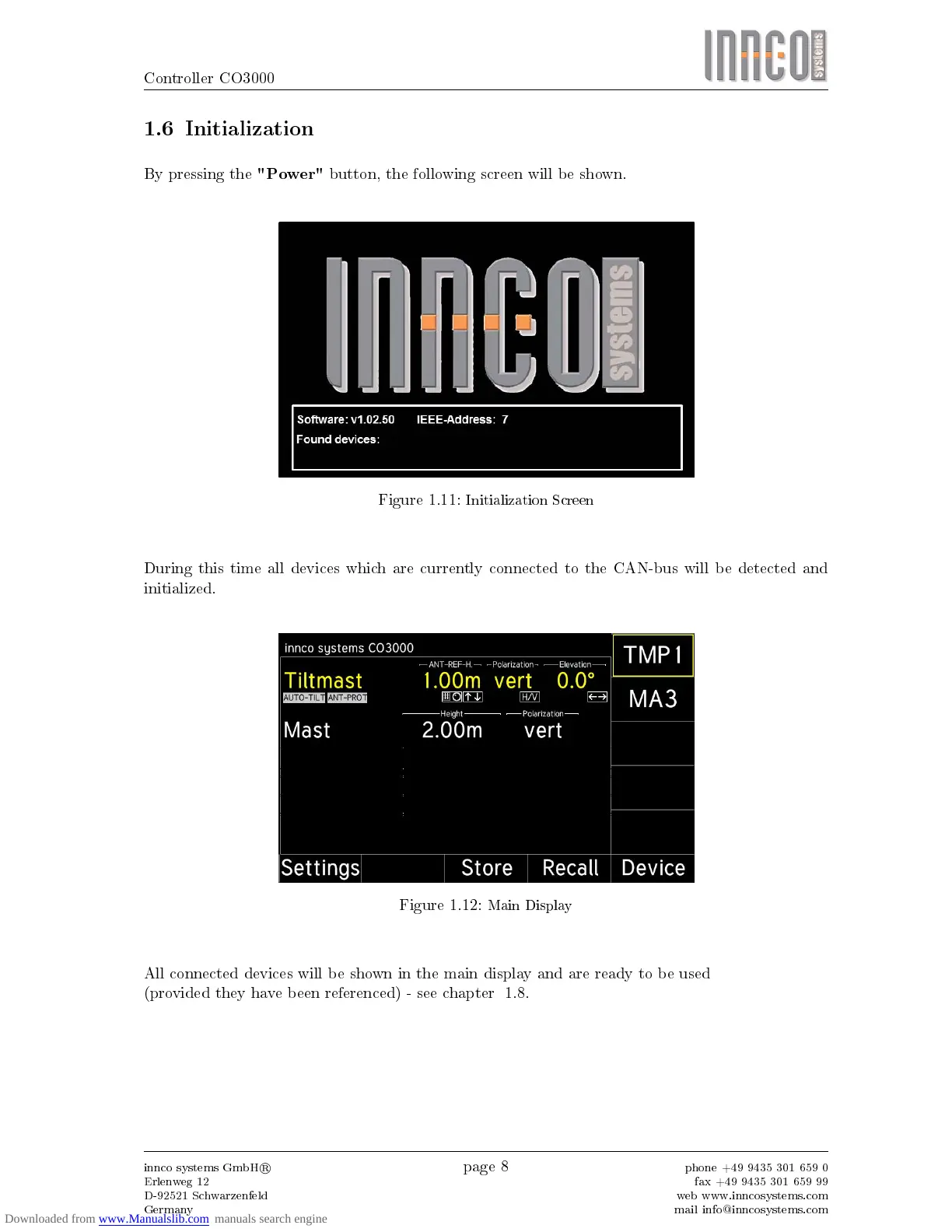
By pressing the
"Power"
button, the following screen will be shown.
Figure 1.11:
Initialization Screen
During this time all devices which are currently connected to the CAN-bus will be detected and
initialized.
Figure 1.12:
Main Display
All connected devices will be shown in the main display and are ready to be used
(provided they have been referenced) - see chapter 1.8.
innco systems GmbH
R
Erlenweg 12
D-92521 Schwarzenfeld
Germany
page 8
phone +49 9435 301 659 0
fax +49 9435 301 659 99
web www.inncosystems.com
mail info@inncosystems.com



 To Next Page