Additional Tests
SPECIAL TEST MENU
3140d 115
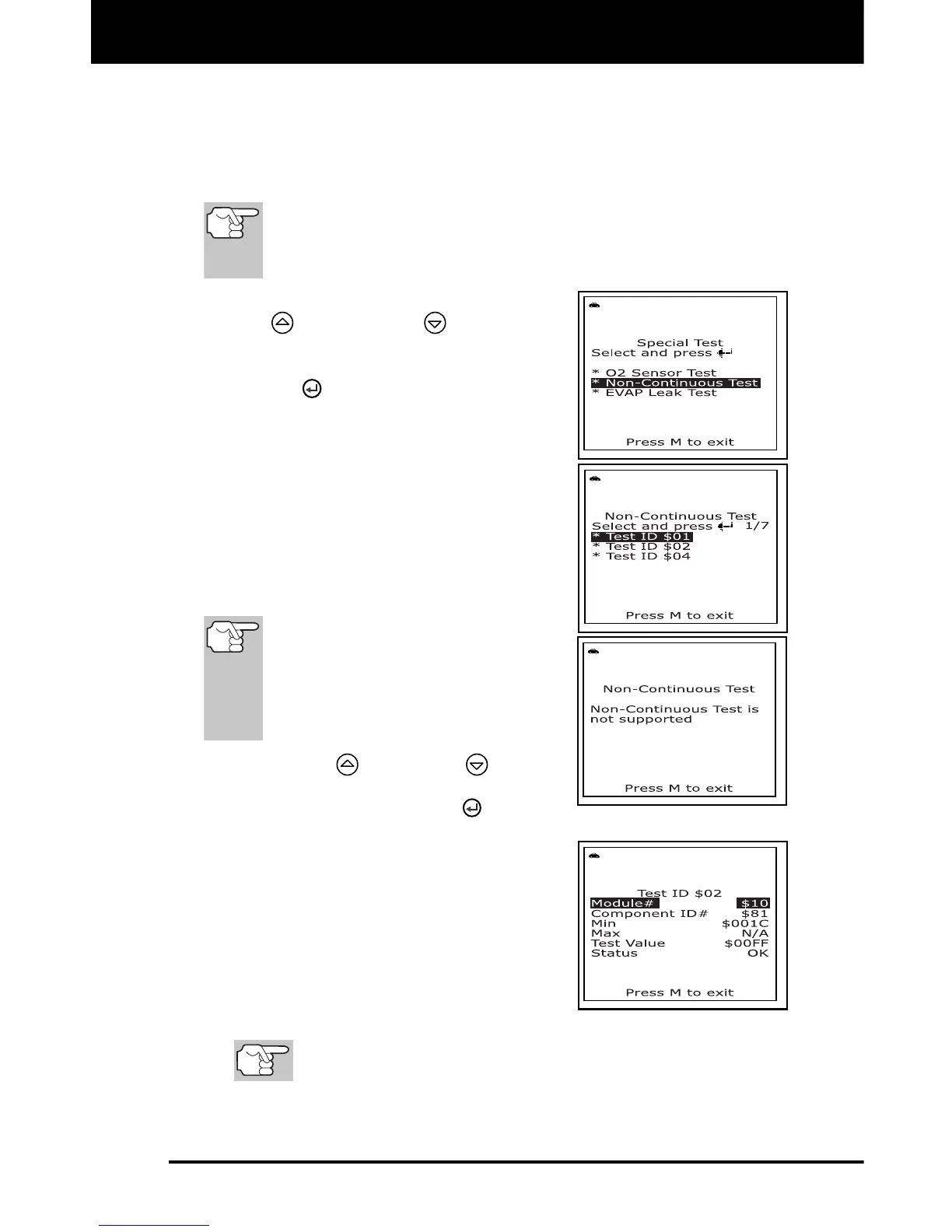
Non-Continuous Test
The Non-Continuous Test function retrieves and displays test results
for emission-related powertrain components and systems that are not
continuously monitored. The tests available are determined by the
vehicle manufacturer.
The scan tool does not perform non-continuous test, but
retrieves results from the most recently performed tests from
the on-board computer’s memory. You may retrieve non-
continuous test results for only one test at any given time.
1. From the "Special Test Menu", use the
UP
and DOWN buttons, as
necessary, to highlight Non-
Continuous Test, then press the
ENTER
button.
2. A “One moment please. . .” message
displays while the request is sent to the
vehicle’s on-board computer.
The “Select Test” screen displays.
The screen shows all tests
applicable to the vehicle under test.
Refer to the vehicle’s service repair
manual for information related to
non-continuous tests.
If non-continuous tests are not
supported by the vehicle under test,
an advisory message shows on the
scan tool's display. Press the M
button to return to the Mode
Selection menu.
3. Use the UP
and DOWN buttons,
as necessary, to highlight the desired
test, then press the ENTER
button.
4. When test results have been retrieved,
data for the selected test will show on
the scan tool’s display. The display
shows the following information:
Test ID number
Module ID number
Component ID number
Min or Max test limit
Only one test limit, either Min or Max, is shown for any
given test.
Test Value and status



 To Next Page