Using the Scan Tool
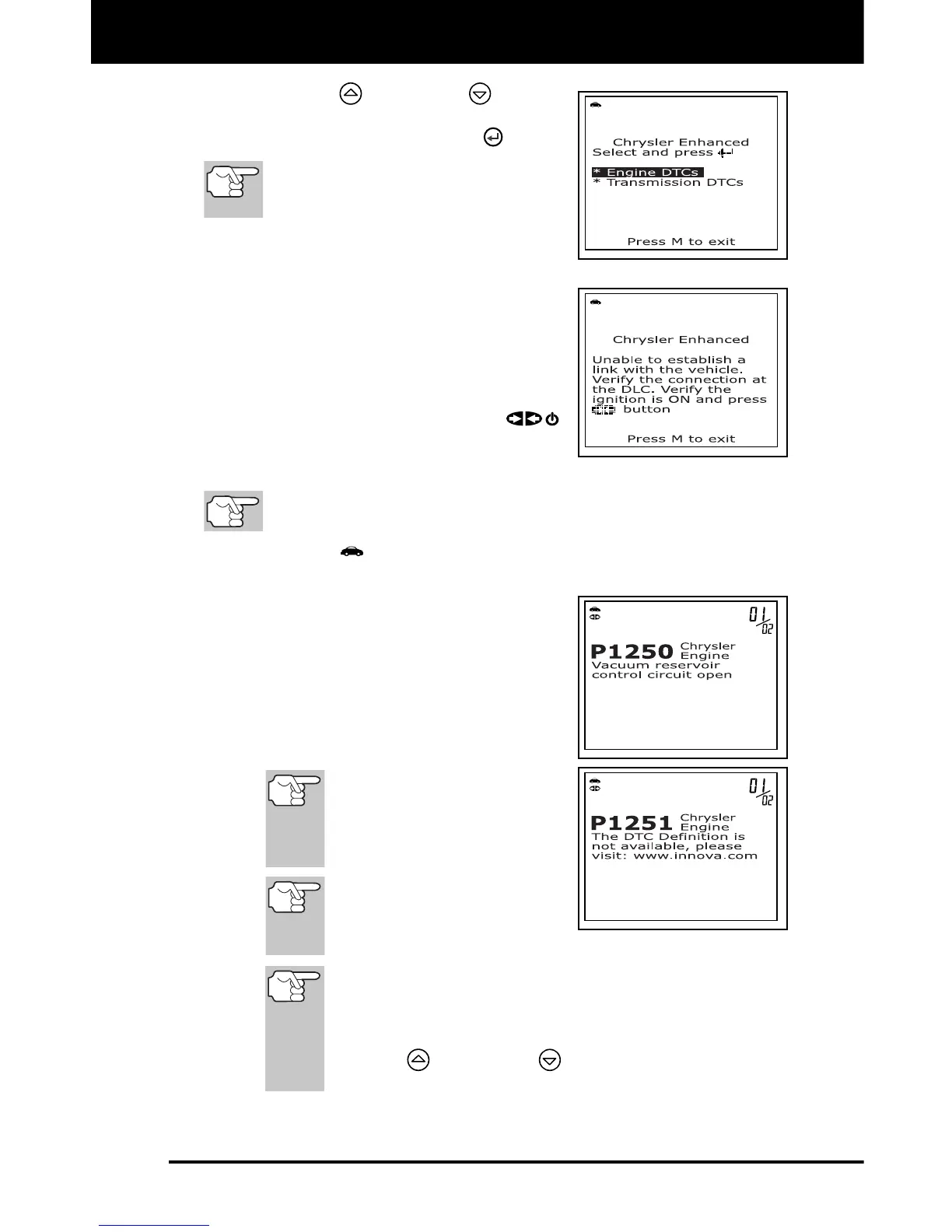
VIEWING OEM ENHANCED DTCs
40 3140d
1. Use the UP and DOWN buttons,
as necessary, to highlight the desired
option, then press the ENTER
button.
Transmission DTCs are not sup-
ported on most Chrysler/Jeep ve-
hicles manufactured prior to 2002.
A “One moment please” message
displays while the scan tool
retrieves the selected DTCs.
If the scan tool fails to link to the
vehicle’s computer, a “Linking
Failed” message shows on the scan
tool’s display.
- Verify the ignition is ON, then
press the POWER/LINK
button to continue.
2. To read the display:
Refer to DISPLAY FUNCTIONS on page 9 for a description of
LCD display elements.
A visible icon indicates that the scan tool is being powered
through the vehicle’s DLC connector.
The upper right hand corner of the
display shows the number of the
code currently being displayed, the
total number of codes retrieved.
The Diagnostic Trouble Code (DTC)
and related code definition are
shown in the lower section of the
LCD display.
If the definition for the
currently displayed code is
not available, an advisory
message shows on the
scan tool’s LCD display.
I/M MONITOR STATUS
icons are not displayed
when viewing OEM
enhanced DTCs.
In the case of long code definitions, or when viewing
Freeze Frame data, a small arrow is shown in the
upper/lower right-hand corner of the code display area
to indicate the presence of additional information. Use
the UP
and DOWN buttons, as necessary, to
view the additional information.



 To Next Page