Using the Scan Tool
I/M READINESS TESTING
54 3140d
2. In addition to the requirement that no Diagnostic Trouble Codes be
present, some areas also require that all the Monitors that a
particular vehicle supports indicate a "Has Run" status condition
before an Emissions Check may be performed.
3. Other areas may only require that some (but not all) Monitors
indicate a "Has Run" status before an Emissions Test (Smog Check)
may be performed.
Monitors with a "Has Run" status indicate that all the
required conditions they needed to perform diagnosis and
testing of their assigned engine area (system) have been
met, and all diagnostic testing has completed successfully.
Monitors with a "Has Not Run" status have not yet met the
conditions they need to perform diagnosis and testing of
their assigned engine area (system), and have not been
able to perform diagnostic testing on that system.
The green, yellow and red LEDs provide a quick way to help you
determine if a vehicle is ready for an Emissions Test (Smog Check).
Follow the instructions below to perform the Quick Check.
Perform the CODE RETRIEVAL PROCEDURE as described on page
33, then interpret the LED indications as follows:
Interpreting I/M Readiness Test Results
1. GREEN LED - Indicates that all e
ngine
systems are "OK" and operating
normally (all Monitors supported by the
vehicle hav
e run and performed their
self-diagnostic testing). The vehicle is
ready for an Emissions Test (Smog
Check), and there is a good possibility
that it can be certified.
2. YELLOW LED - Determine from the CODE RETRIEVAL
PROCEDURE (page 33) which of the two possible conditions is
causing the yellow LED to light.
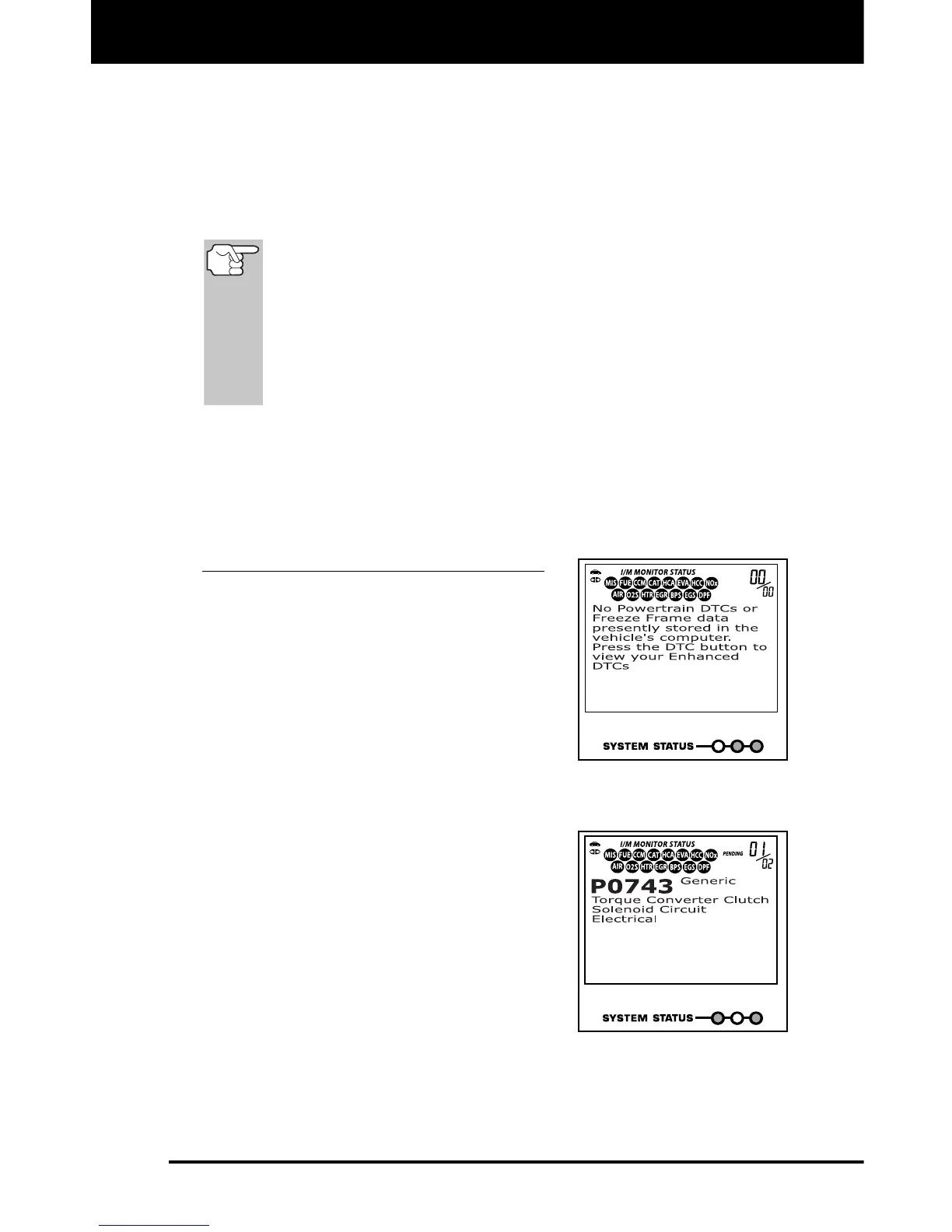
If a "PENDING" Diagnostic Trouble
Code is causing the yellow LED to
light, it is possible that the vehicle
will be allowed to be tested for
emissions and certified. Currently,
most areas (states / countries) will
allow an Emissions Test (Smog
Check) to be performed if the only
code in the vehicle's computer is a
"PENDING" Diagnostic Trouble
Code.



 To Next Page