Using the Scan Tool
I/M READINESS TESTING
3140d 55
If the illumination of the Yellow LED
is being caused by monitors that
“have not run” their diagnostic
testing, then the issue of the vehicle
being ready for an Emissions Test
(Smog Check) depends on the
emissions regulations and laws of
your local area.
- Some areas require that all
Monitors indicate a "Has Run"
status before they allow an Emissions Test (Smog Check) to
be performed. Other areas only require that some, but not all,
Monitors have run their self-diagnostic testing before an
Emissions Test (Smog Check) may be performed.
- From the code retrieval procedure, determine the status of
each Monitor (a solid Monitor icon shows Monitor "Has Run"
status, a flashing Monitor icon indicates "Has Not Run" status).
Take this information to an emissions professional to
determine (based on your test results) if your vehicle is ready
for an Emissions Test (Smog Check).
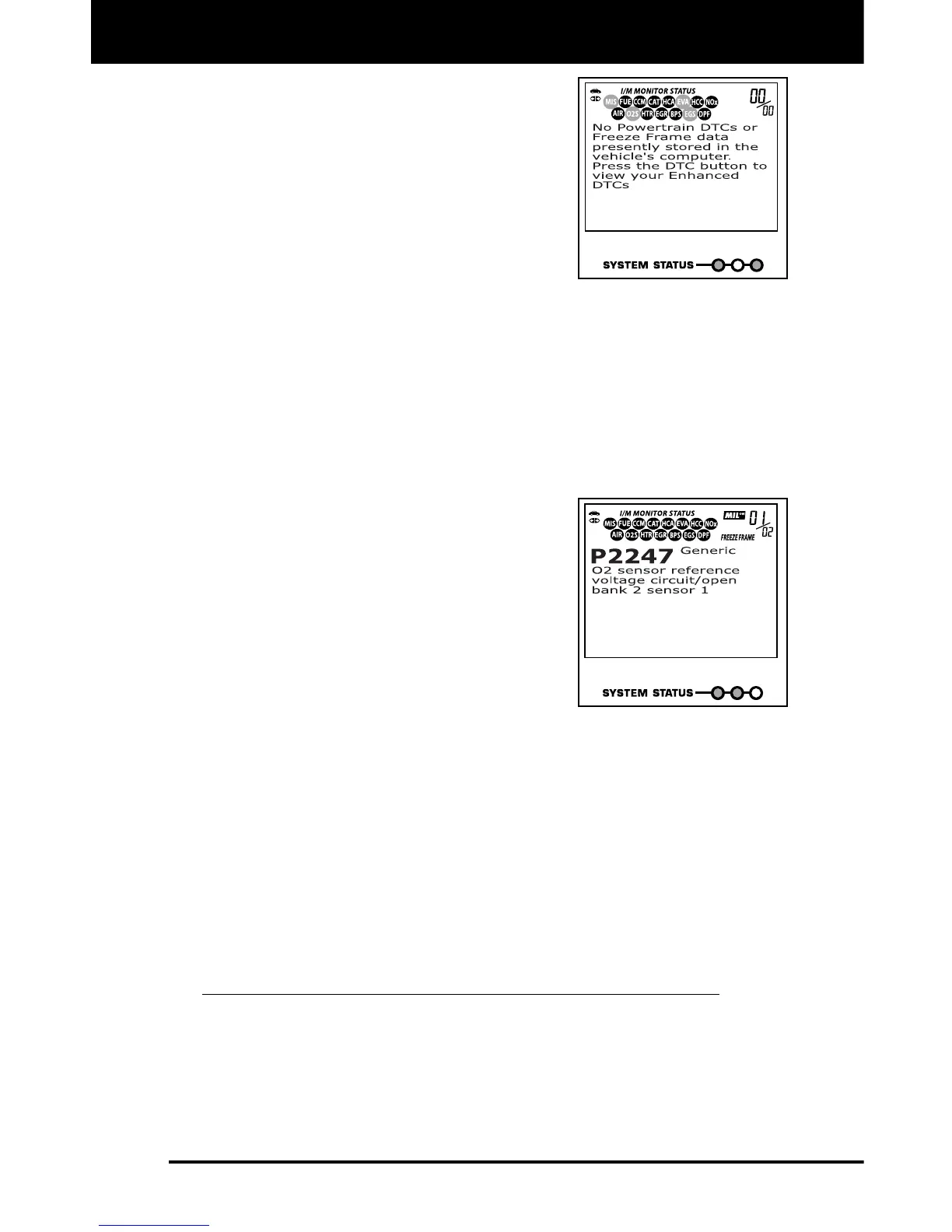
3. RED LED - Indicates there is a problem
with one or more of the vehicle's systems.
A vehicle displaying a red LED is
definitely not ready for an Emissions Test
(Smog Check). The red LED is also an
indication that there are Diagnostic
Trouble Code(s) present (displayed on
the scan tool's screen). The Malfunction
Indicator (Check Engine) Lamp on the
vehicle's instrument panel will light
steady. The problem that is causing the
red LED to light must be repaired before an Emissions Test (Smog
Check) can be performed. It is also suggested that the vehicle be
inspected/repaired before driving the vehicle further.
If the Red LED was obtained, there is a definite problem present in
the system(s). In these cases, you have the following options.
Repair the vehicle yourself. If you are going to perform the
repairs yourself, proceed by reading the vehicle service manual
and following all its procedures and recommendations.
Take the vehicle to a professional to have it serviced. The
problem(s) causing the red LED to light must be repaired before
the vehicle is ready for an Emissions Test (Smog Check).
Using the I/M Readiness Monitor Status to Confirm a Repair
The I/M Readiness Monitor Status function can be used (after repair of a
fault has been performed) to confirm that the repair has been performed
correctly, and/or to check for Monitor Run Status. Use the following
procedure to determine I/M Readiness Monitor Status:



 To Next Page