Ford OBD1 Systems
CODE RETRIEVAL PROCEDURES – KOEO TEST
3140d 71
3. From the Ford OBD1 Menu, highlight KOEO Test, then press the
ENTER
button.
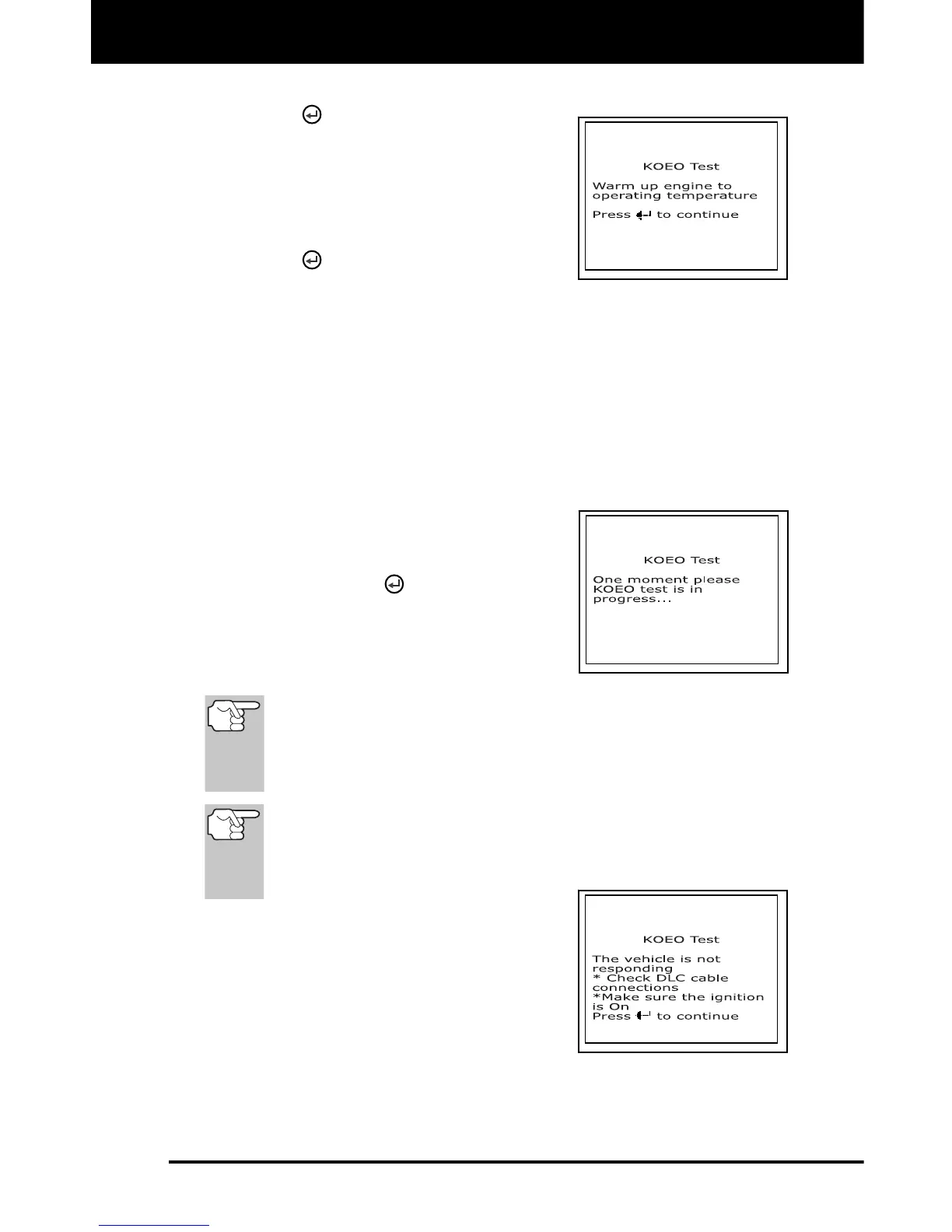
The LCD display shows instructions
to prepare the vehicle for the KOEO
Test.
4. Start and warm-up engine to normal
operating temperature. Press the
ENTER
button to continue.
5. Turn ignition key OFF and wait for the on screen prompt. If you wish
to exit the KOEO test at this time, press the M button.
6. Turn the ignition ON. DO NOT start the engine. If your vehicle is
equipped with one of the following engine types, perform the added
procedures described below:
For 4.9L engines with standard transmission: Press and hold
the clutch until all codes are sent (steps 7 through 9).
For 7.3L diesel engines: Press and hold accelerator until all
codes are sent (steps 7 through 9).
For 2.3L turbo engines with
octane switch: Put switch in
premium position.
7. Press the ENTER
button to continue.
8. While codes are being retrieved, a "One
moment please KOEO test is in
progress..." message shows on the
scan tool's LCD display.
As soon as the ignition is turned "on", the vehicle's computer
enters the Self-Test mode. Clicking sounds will be heard
coming from the engine. This is normal. It indicates that the
vehicle's computer is activating relays, solenoids, and other
components to check their operation.
WARNING: On some vehicles equipped with an Electric
Cooling Fan, the computer activates the cooling fan to
check its operation. To avoid injury, keep hands or any
part of your body a safe distance from the engine during
this test.
If the scan tool fails to link to the
vehicle's computer after three
attempts, a "Vehicle is not
responding" message shows on the
scan tool's LCD display. Do the
following:
- Verify the ignition is ON.
- Check the cable connections at the scan tool and at the
vehicle's DLC.
- Turn the ignition OFF, wait 10 seconds, then turn back ON to
reset the computer.



 To Next Page