25
DividingTracks
1.Press(
)buttontoreturntothebeginningofthefirstsong.
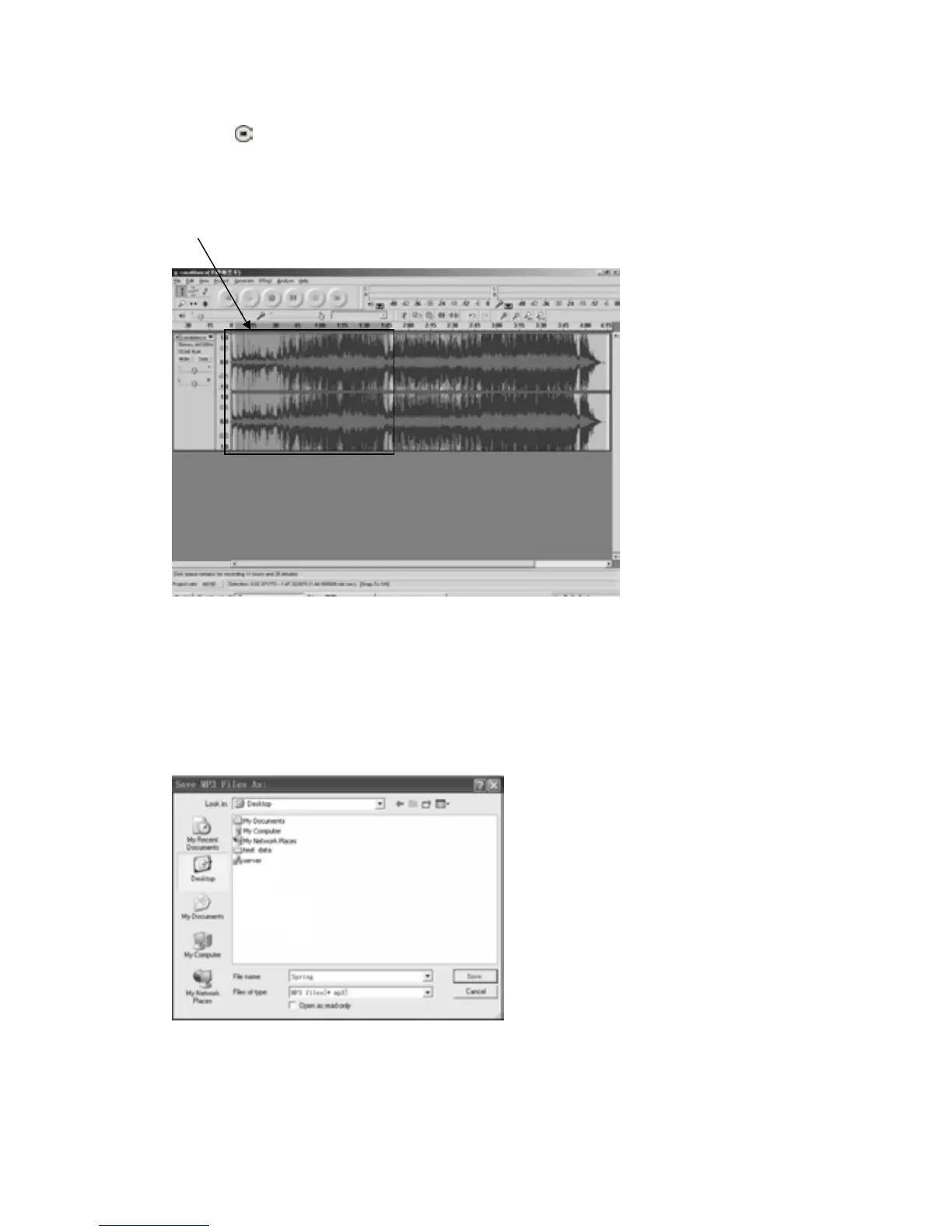
2.Movecursortothe wavegraphicarea,leftclick mouse and hold thendragfromleft toright.
Releasethemousewhenthehighlightedareareachestheendofthefirstsong.
Highlighted
3.Click"file"tabthenselect"EXPORTSELECTIONASMP3".
4. The window will pop up a dialog box for you to put the song title (“File name”), where you
wanttosaveit(“Savein”),andfileformat(“Saveastype”).
5.Click“Save”andthefirstsongis
sa
vedonthecomputer.
Seeinterfaceexamplebelow,savedasMP3format:



 To Next Page