33
ConfiguringAudacityforMac
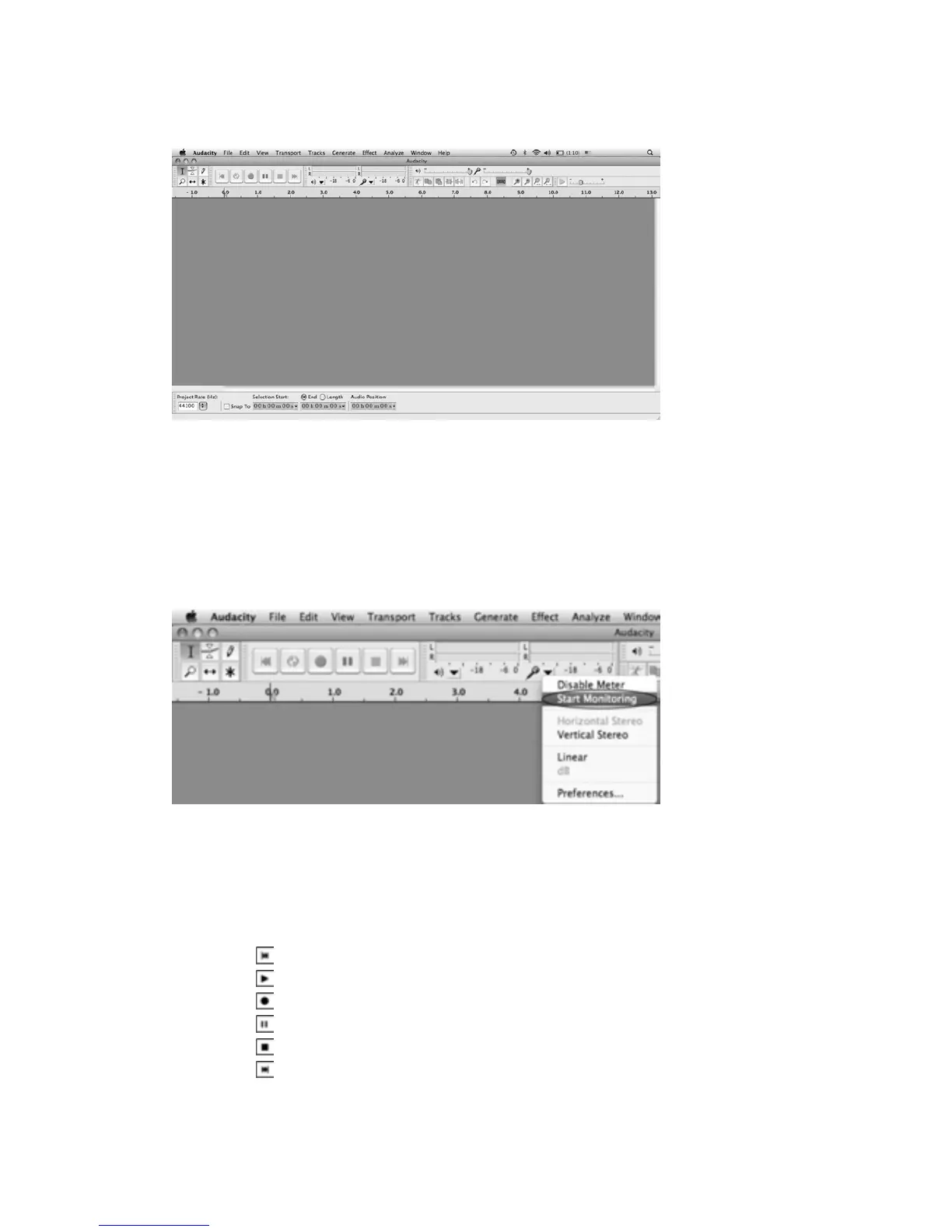
AudacityInterfaceforMac
AudacityInterface‐‐‐Settingsandcontrols.
AtthetopofthemainAudacitywindow,totherightoftheplaycontrolbuttons,youwillseethe
input and output level meters (labeled L and R). Under the output level meter, is an icon that
looks like a microphone. Next to the
micr
ophone is a black arrow that points down. Click this
arrow and select Start Monitor. (If you don'tsee the input and output level meters, open your
Preferencesagainasdescribedabove.)
AudacityControlButtons
Usetheattributecon trolsbuttonatthetopofthescreentogotobeginning,Play,Record,Pause,
Stop and End. Use the File, Edit, View, Project, Generate, Effect and Analyze menus to Save,
Export,andeditthemusic.
1.Clickthe(
)buttontoskiptostart;
2.Clickthe(
)buttontoplay;
3.Clickthe(
)buttontorecord;
4.Clickthe(
)buttontopausetherecording;
5.Clickthe(
)buttontostoptherecording;
6.Clickthe(
)buttontoskiptoend;
7.Adjusttheoutputvolume.
8.Adjusttheinputvolume.



 To Next Page