51
RecordingOperations
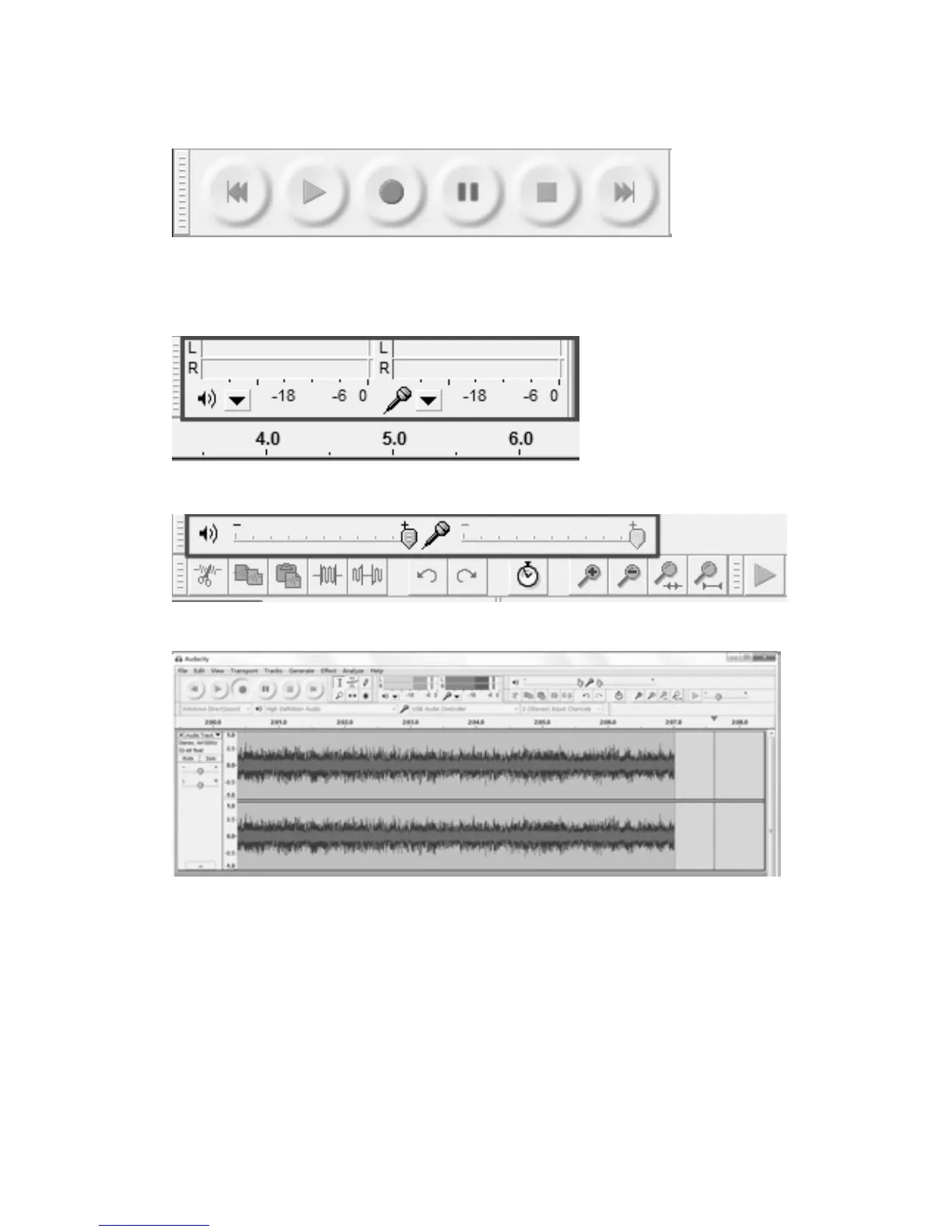
ButtonControls
Fromlefttorightthesebuttoncontrolsare:
SkiptoStart Play
•Record
Pause Stop SkiptoEnd
Outputandinputmonitors
•Outputlevelmeter •Inputlevelmeter
•Outputvolumeandoutputlevelslider •Inputvolumeandinputlevelslider
1.Pressthe“R ecord”buttonontheAudacityandsettheauxsource(PHONO)toplay.
NOTE:During recording makesure the input levelindicatordoesnot exceed“0”. If youfind the
recording distorted (for example, the input level indicator exceeds “0” during recording, or the
waveform is clipped,
or th
e playback quality of the recording is distorted) you can adjust the
sound level of the original music by setting the recording level to 2‐6 (see the section of
ADJUSTMENTFORWINDOWS7ANDSOMEVISTASYSTEMSONLY).



 To Next Page