29
Seng the language
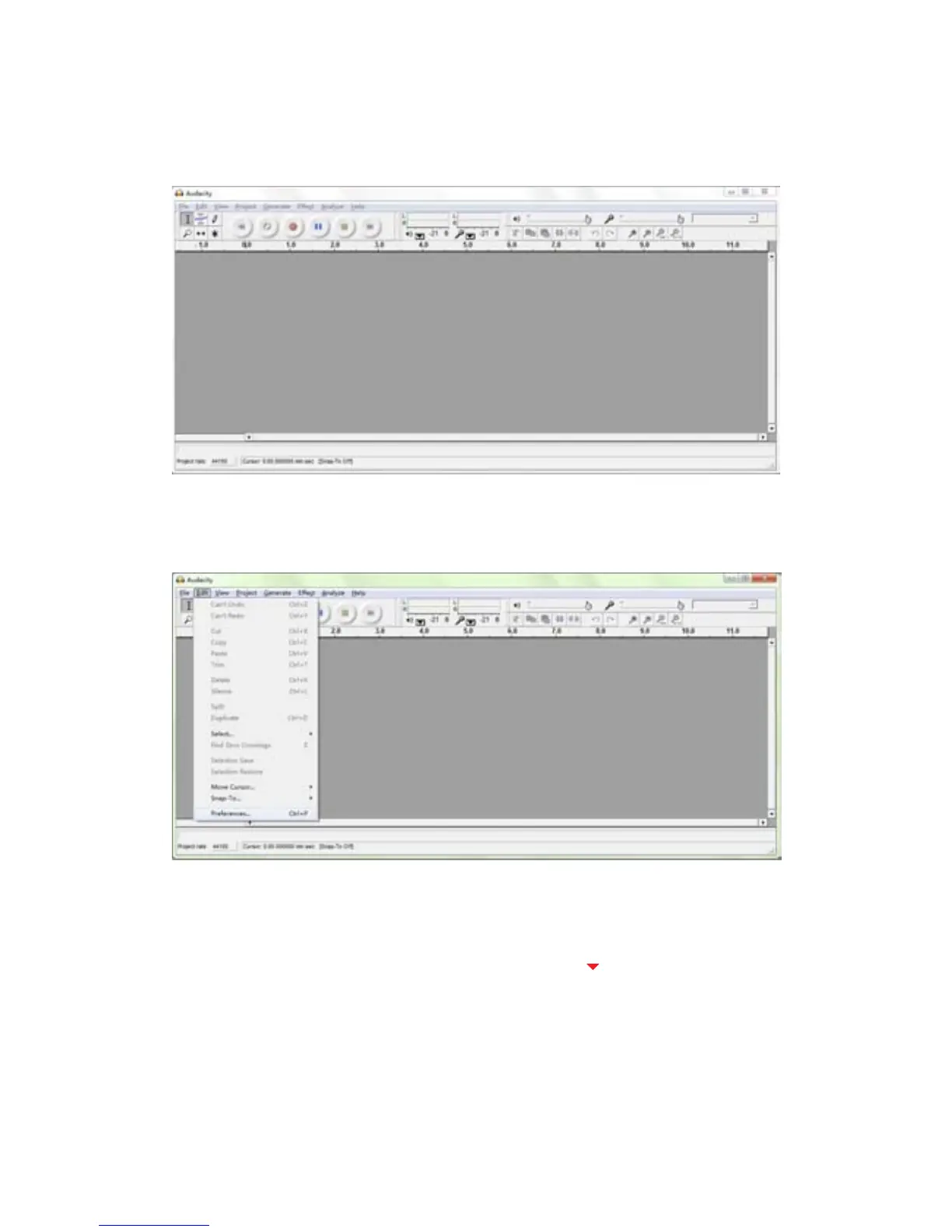
1. Double click the Audacity icon to open the soware. Then a window
will open as per illustraon A below.
(Illustraon A)
2. Click Edit and select Preferences.
(Illustraon B)
3. Another window tled with Audacity Preferences will appear. Click the
Interface tab and click the pull down arrow (
) to select Francais.
(Please refer to the illustraon C & D on the next page.)



 To Next Page