37
RecordingOperation
Todownloadmusicintocomputer:
1.Placetherecordontheturntable.
2.Movethetonearmovertotherecordtostartplaying.
3.ClicktheRecord(
)buttontostartrecording.
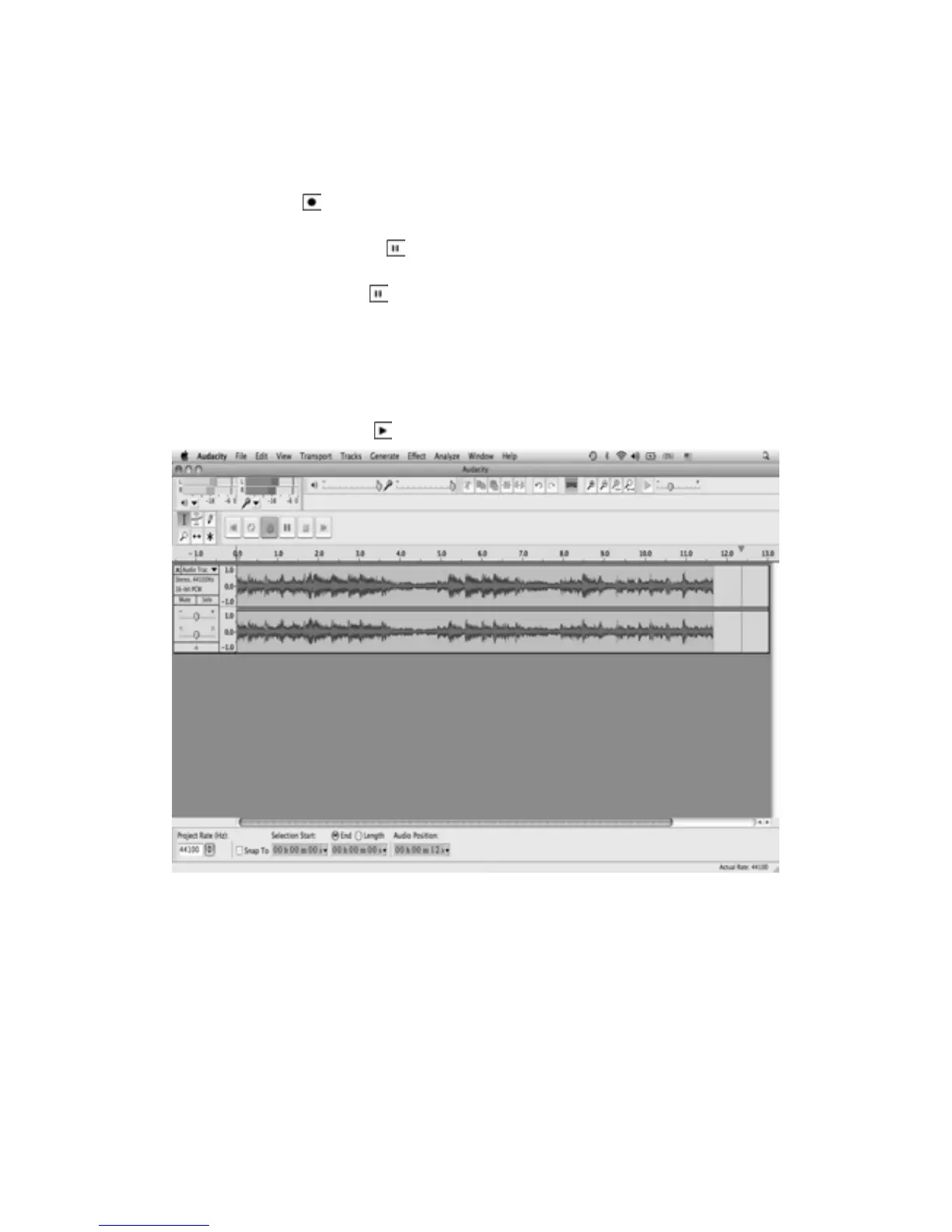
Thewaves(topandbottom)willshowontheinterface.
4.Atendof song, click“Pause”(
)onaudacity,liftandmovethetonearmtothetonearm
rest. For the next song, replace the album or move tone arm to another desired song.
Immediatelypress“Pause”(
)onaudacityanddownloadingwillcontinue.
PLEASE NOTE: Do not click “Stop” on audacity while continuously downloading songs.
Remembertoclick“Pause”betweenyourdesiredsongs.Press“Stop”onaudacityonlywhen
allyourdesiredsongshavebeendownloaded.
5.Repeatsteps3and4untilyouhavefinished
downloading.
6.Afteryouhavefinisheddownloading,youmayplaybackthesongsthroughyourcomputer.In
StopMode,simplyclickthe(
)button.



 To Next Page