26
Completeboxbelow:
Secondsongtobedividedandsaved:
1.Movecursortothewavegraphicbeginningof2ndsong.Leftclickmouse,holdanddragfrom
lefttorightuntilyoureachendof2ndsong.
2.Click"file"tabthenselect"EXPORTSELECTIONasMP3".
3.Followstepsabovetodividesongs,one‐by ‐one.
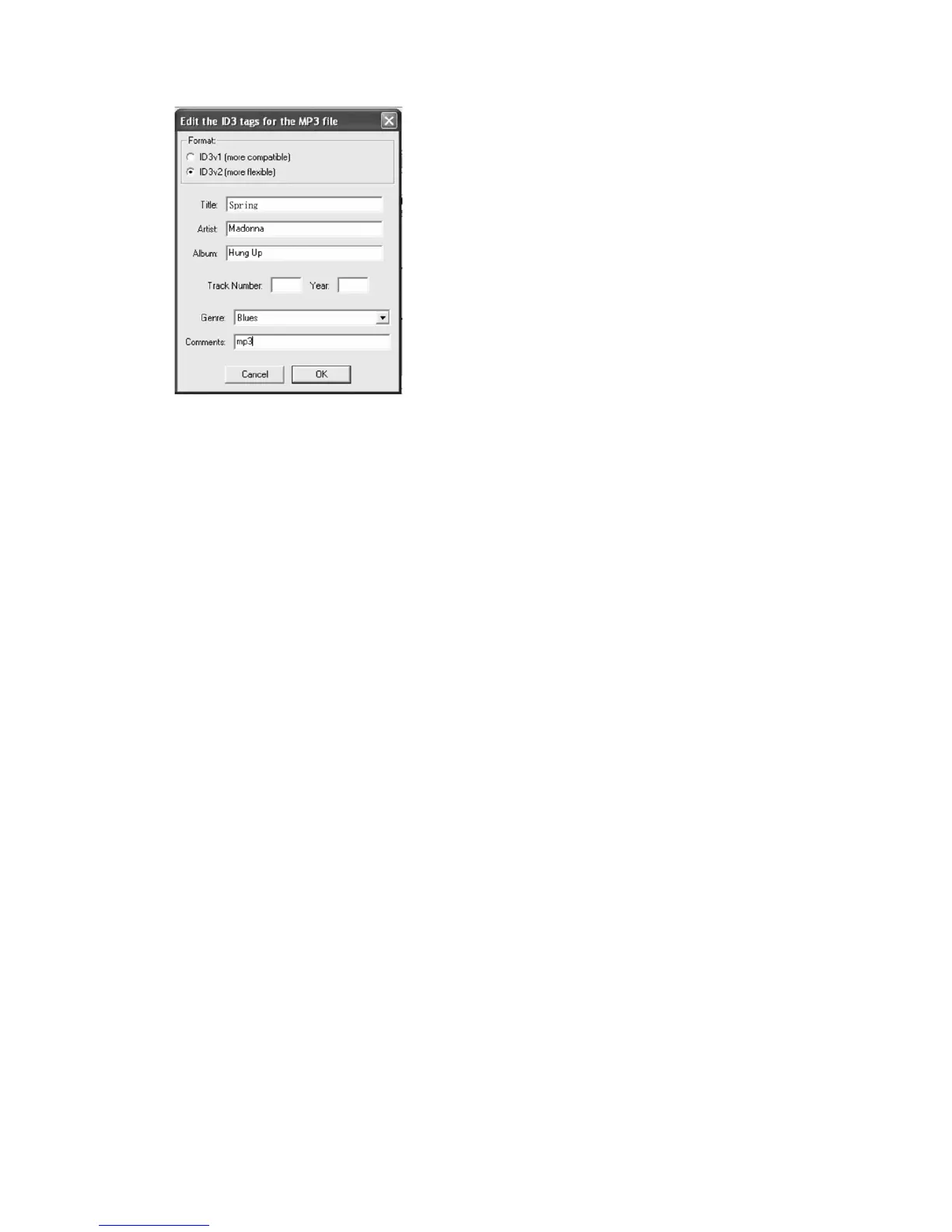
ToTitleAdditionalSongs(forMP3FormatOnly)
During“ExportSelectionasMP3”,thesoftwareonlyprovidesonetimetotitlesongbeingsaved.
Allsubsequentsongsbeingdividedfromthesametrackarewiththesametitle.
Tochangethetitles,followstepsbelow:
1.RightclickontheMusicfilewhichwillshowallitscontents.
2.SelectProperties,thencli
ckonSummary.
3.ClickonTitle,andthenchangeittoyourdesiredtitle.
4.SelectOK.
5.Doallthesestepsuntilyoutitleeachsong.



 To Next Page