32
Audacity for MAC
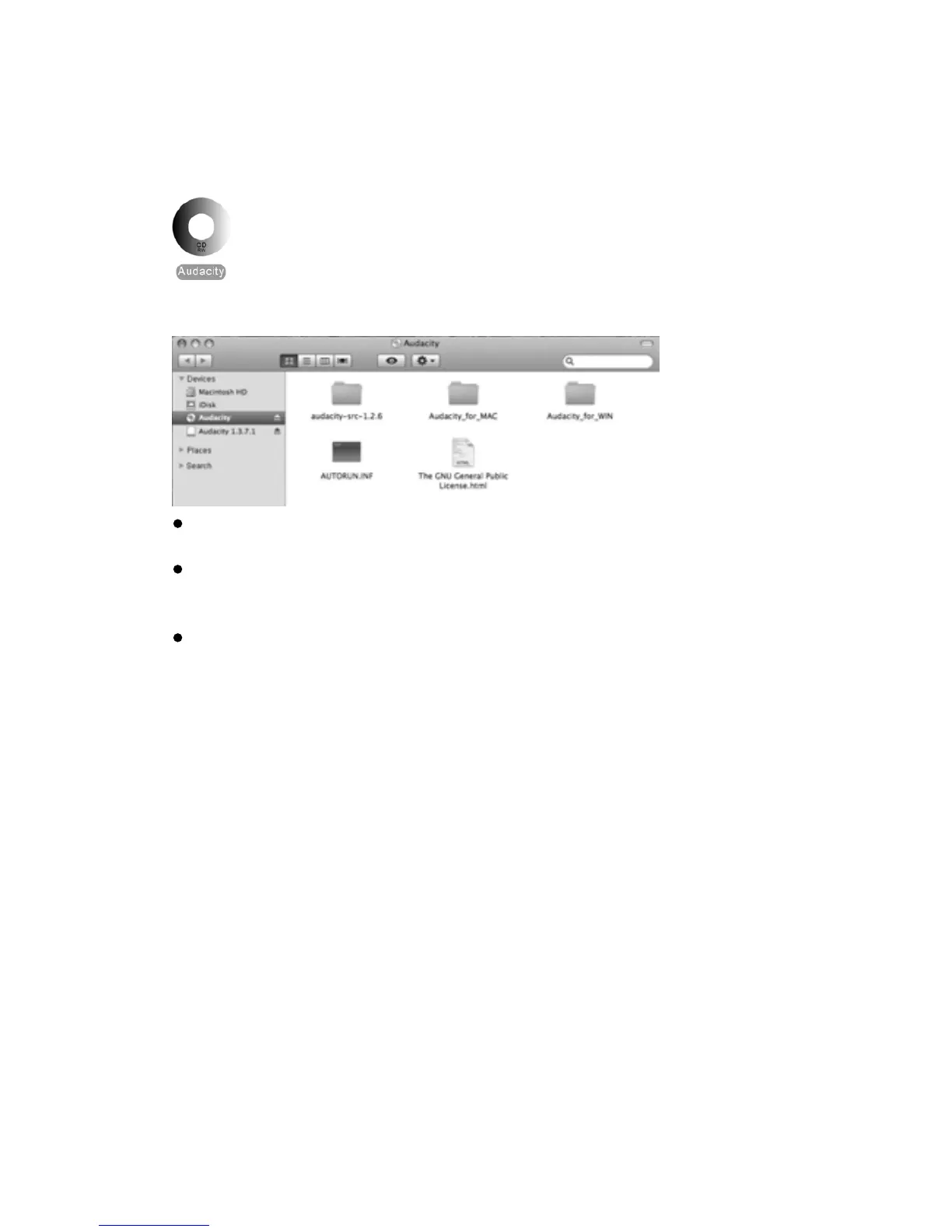
1. Please insert the Audacity soware disk that comes with your unit. Click the Audacity disk on
the desktop.
2. There are five folders in the Audacity disk. Select Audacity_for_MAC for Macintosh system, and
select Audacity_for_WIN for Windows system.
If your computer is Mac OS X system (Intel CPU), please enter the Intel folder to install the
audacity soware;
If your computer is Mac OS 9 system, please enter the Mac OS 9 folder to install the audacity
soware;
NOTE: The Audacity does not support the latest upgraded MAC OS9.
If your computer is Mac OS X system (Power PC CPU), please enter the PPC folder to install
the audacity soware.
3. Double click on the setup file according to your system supported, for instance, “audacity.dmg”
icon the soware files will now open in a folder. Select all the files in the folder and drag them
into a suitable locaon on the hard drive (Applicaons, etc.).
4. Double click on the Audacity icon to start the soware running, alternavely, drag the “orange
ball wearing headphones” icon down onto the desktop toolbar. Click on this icon to run
Audacity
.



 To Next Page