55
ForMacOSX
GototheAudacityofficialwebsitehttp://audacity.sourceforge.net/download/beta_mac
anddownloadtheprogram.
1. Double click on the Audacity 1.3.13 hardware you just downloaded then a window will be
opened. Select all the files in the folder and drag them into a suitable location on the hard
drive (Applications, etc.). Double click
on the Audacity icon to sta
rt the software running,
alternatively,dragthe“orangeballwearingheadphones”icondownontothedesktoptoolbar.
ClickonthisicontorunAudacity.
(Audacityicon)
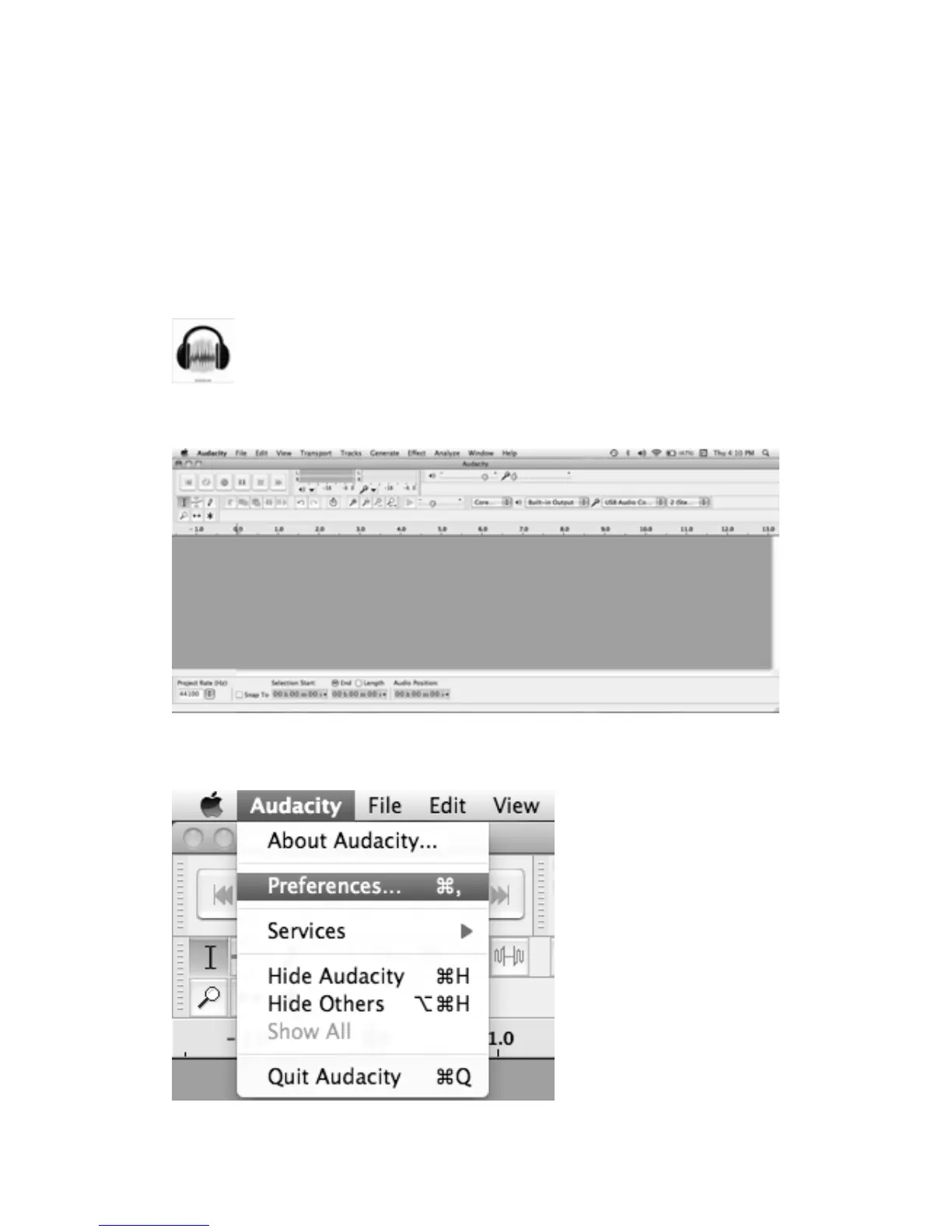
HereistheAudacityinterface.
2.Afewsettingswillberequiredbeforeyoudownloadthemusic.
a)MovethecursortotheAudacitymenubar.Click“Audacity”andselect“Preferences”.
Thenanotherwindowwillappearonthescreen.



 To Next Page