15
RecordingOperation
Todownloadmusicandsaveintocomputer:
1.Placetherecordontheturntable.
2.Movethetonearmovertotherecordtostartplaying.
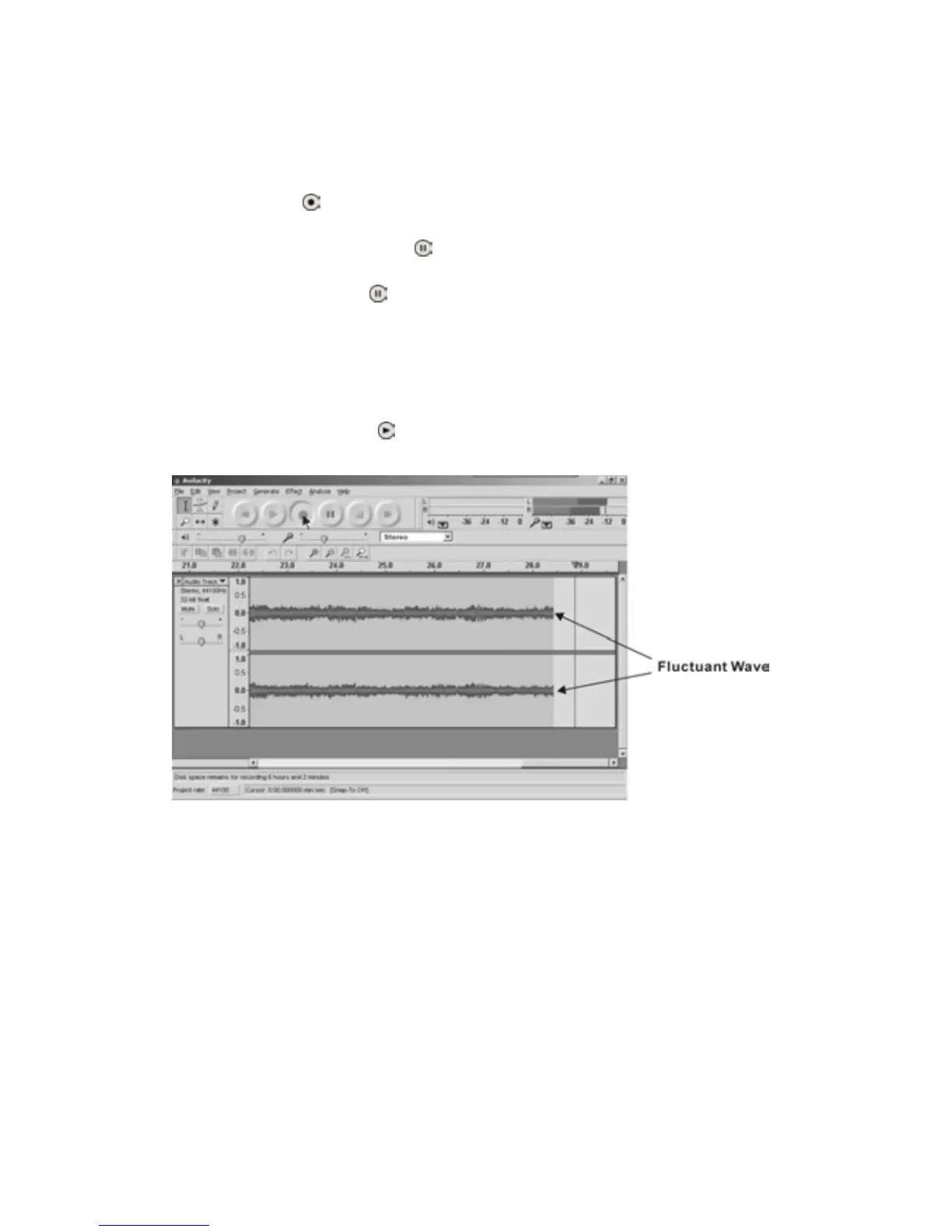
3.ClicktheRecord(
)buttontostartrecording.
Thewaves(leftandrighttracks)willshowontheinterface.
4.Atthe endof song , click “Pause”(
) on audacity, thenlift and movethe tonearmto the
tonearmrest.Forthenextsong,replacethealbumormovetonearmtoanotherdesiredsong.
Immediatelypress“Pause”(
)onaudacityanddownloadingwillcontinue.
PLEASE NOTE: Do not click “Stop” on audacity while continuously downloading songs.
Remember to click “Pause” in between your desired songs. Press “Stop” on audacity only
whenallyourdesiredsongshavebeendownloaded.
5.Repeatsteps3and4untilyouhavefinisheddo
wnloading.
6.After youhavefinisheddownloading, youmayplaybackthesongs throughyourcomputer.In
Stopmode,simplyclickPlay(
)button.
PLEASENOTE:Youcannothearmusicduringrecordingprocess.



 To Next Page