8
PARTII:AudacitySoftware
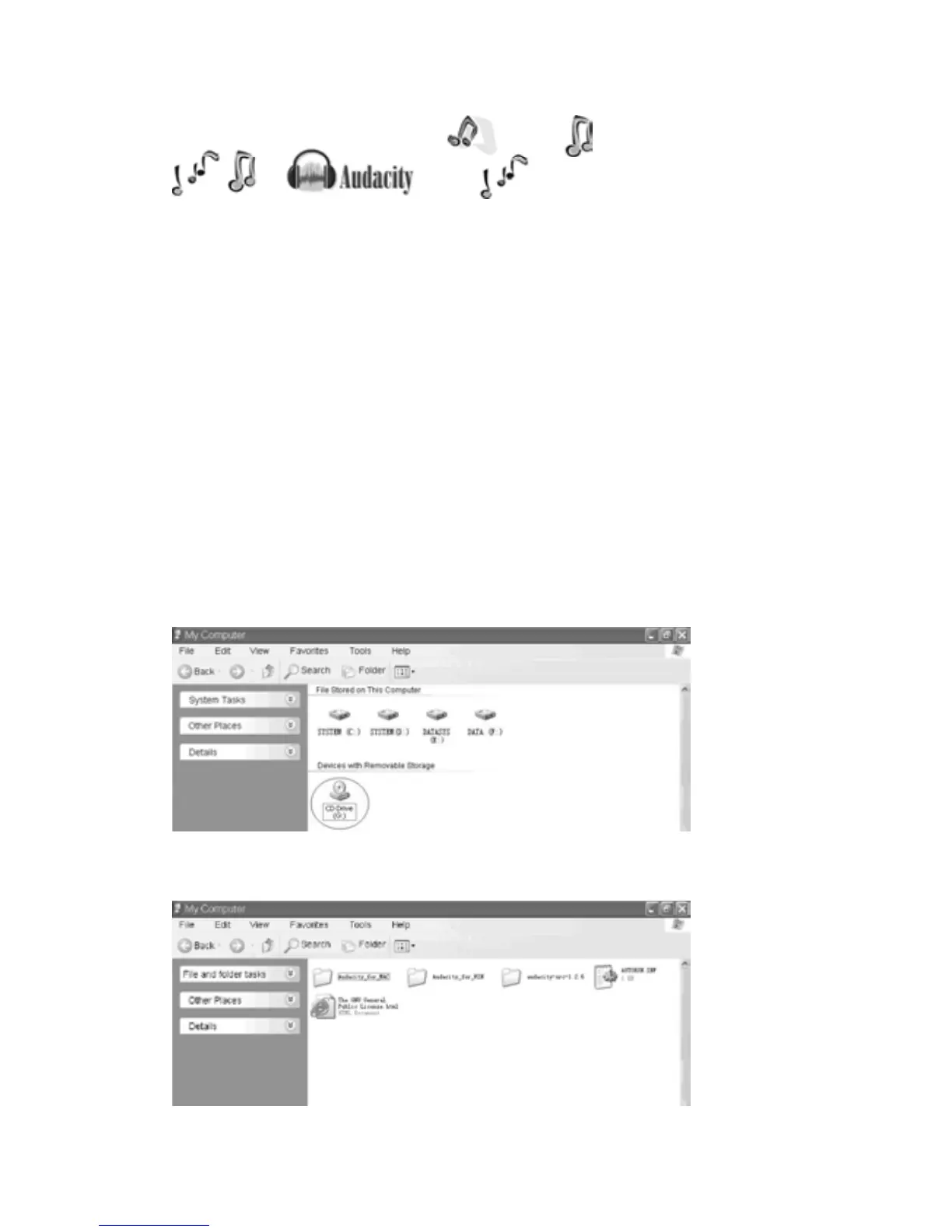
TheprovidedCDdisccontainsthefollowingsoftware:
(1)audacity‐src‐1.2.6‐‐‐‐‐‐‐‐‐Forsourcecodes
(2)Audacity_for_MAC‐‐‐‐‐‐‐‐‐ForMacintosh
(3)Audacity_for_WIN‐‐‐‐‐‐‐‐‐ForWindows
(4)AUTORUN.INF
(5)TheGNUGeneralPublicLicense.html
ThesoftwareiscompatiblewithWindow98,2000,ME,XP,VISTA,7andMacintosh.
NOTE:TheAudacitydoesnotsupportthelatestupgradedMACOS9.
AudacityInstallationandUSBConnection
Connect one end of USB cable to the turntable and the other end into your computer. Then
connecttheACpowercordofturntable.
AudacityforWindows
1. Please insert the Audacity softwaredisk thatcomeswith your unit. Go toMy Computer and
doubleclicktheCDROMDrive.
2.TherearefivefoldersintheAudacitydisk.SelectAudacity_for_WINforWindowssystem,and
selectAudacity_for_MACforMacintoshsystem.



 To Next Page