28
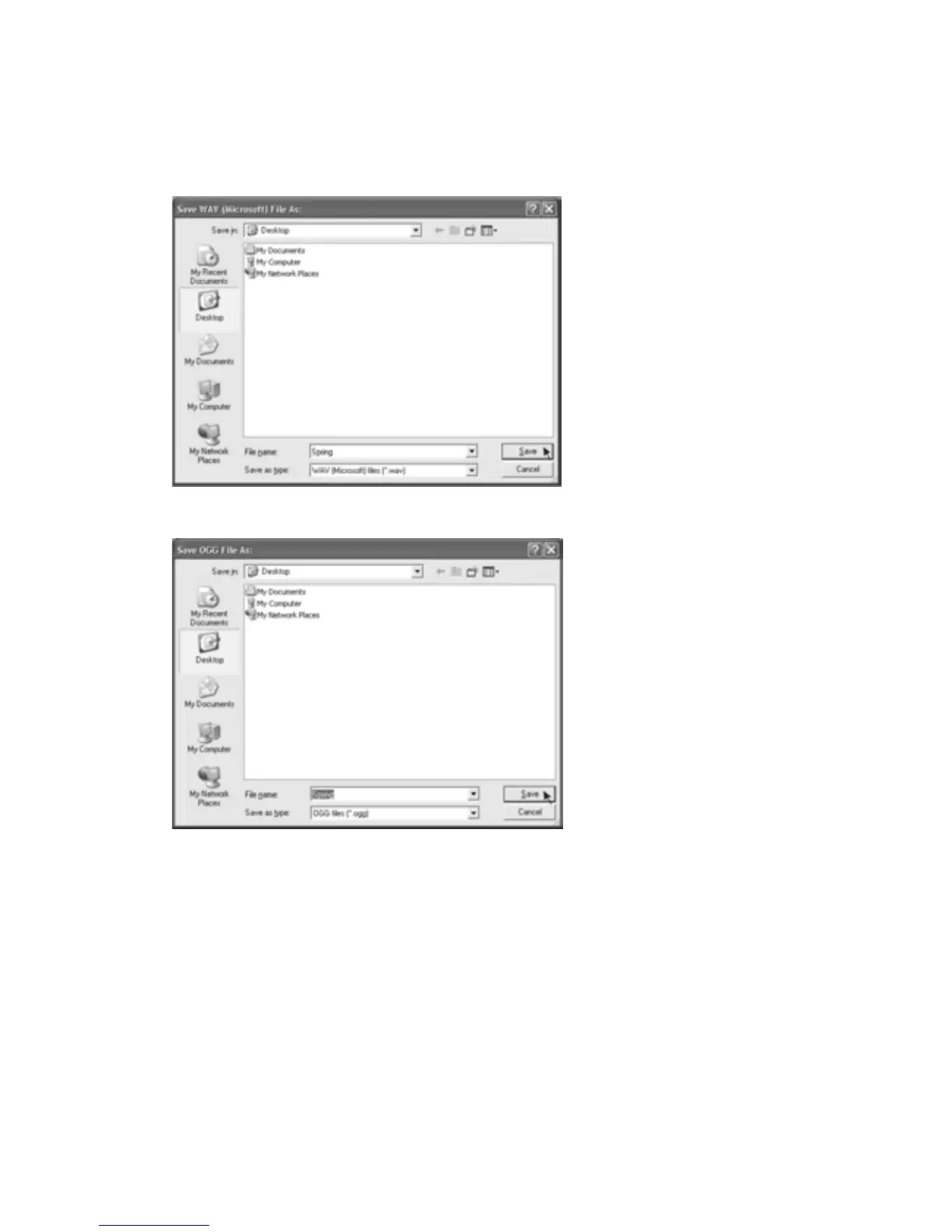
3.Onceyouhavechosentowhichfileformatrecordingshouldbeexported,theinterfacebelow
appears.Hereyou mayprovidethe filename and the locationwhereit wi llbe saved,e.g.on
thedesktop.Thenclick“Save”.
SaveasWAV
SaveasOgg
Note: You have an option to save one time for all the songs into one file, after complete the
download,clickthefiletab,andselecttheExportasMP3,ExportasWAVorExportasOGG.



 To Next Page