12
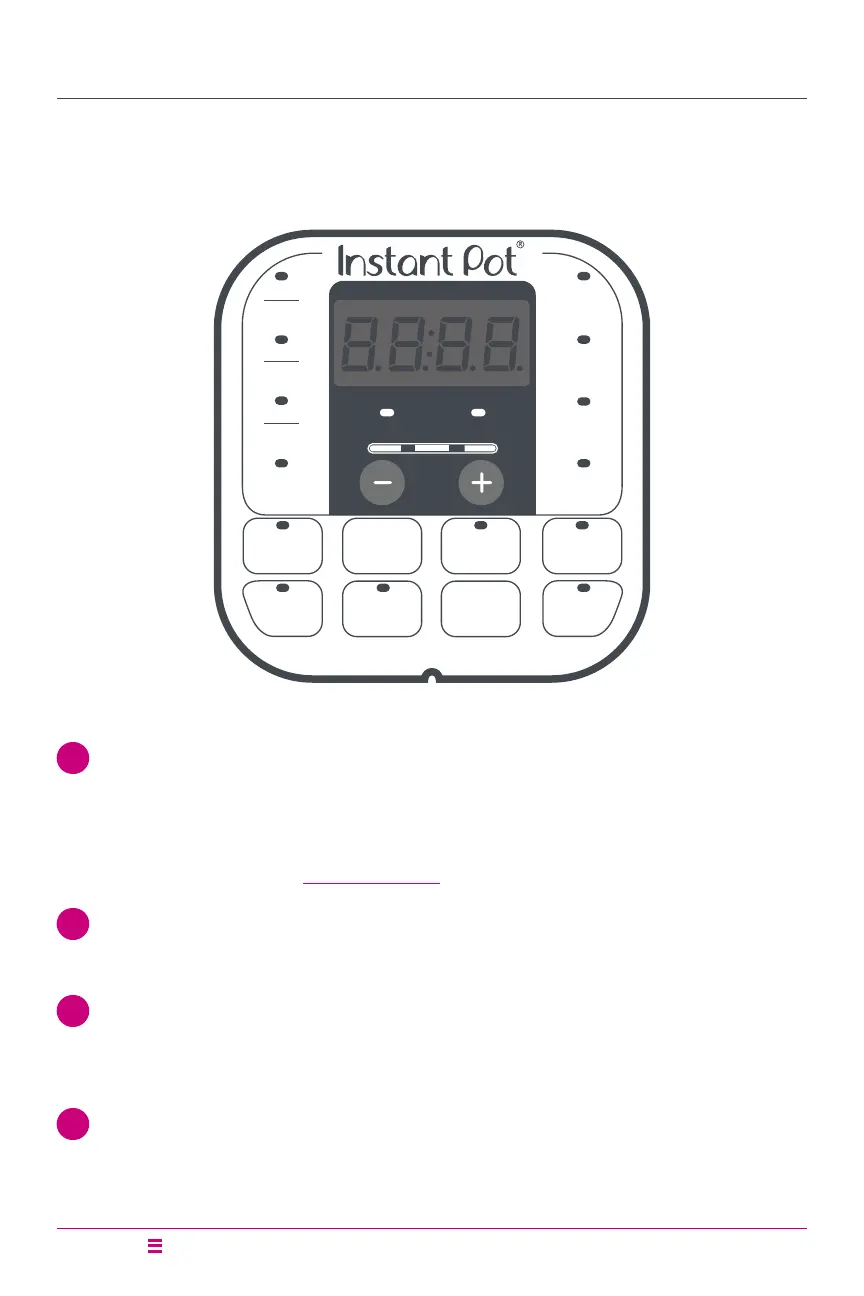
Control Panel
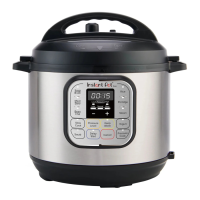
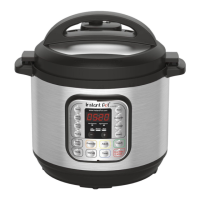
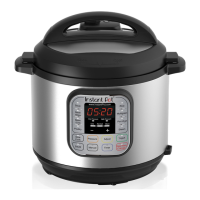
The Instant Pot Duo multi-use pressure cooker features an intuitive control panel
to help make cooking fast and easy.
Duo
Meat
Stew
Poultry
Pressure
Level
Soup
Broth
Rice
Multigrain
Porridge
Steam
Bean
Chili
Less
Low Pressure High Pressure
Normal More
Delay
Start
Keep
Warm
Slow
Cook
Sauté
Pressure
Cook
Yogurt
Cancel
1 Time Display
• Countdown timer indicates cooking and Delay Start time
in hour format: 05:20 is 5 hours, 20 minutes.
• Keep Warm timer counts up.
• Display also shows Status Messages as described below.
2 Pressure Field
• LED indicators light up to indicate Low or High pressure level.
3 Less – Normal – More
• Pressure cooking: 3 pre-set time options.
• Non-Pressure cooking: 3 temperature levels.
4 LED Indicators
• Illuminate to indicate the active Smart Programme and settings selected.






 To Next Page