45
Using Non-Pressure Cooking Smart Programmes
Yogurt
Yogurt is a non-pressure cooking Smart Programme made for easy fermented
dairy and non-dairy recipes.
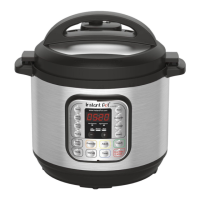
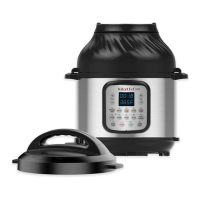
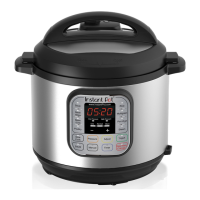
Instant Pot Size Minimum Milk Volume Maximum Milk Volume
3 Litres 500 mL 1.9 L
5.7 Litres 1000 mL 3.8 L
8 Litres 1500 mL 5.7 L
Pasteurise Milk
1. Add unpasteurised milk to the inner pot then insert the inner pot into the
cooker base.
2. Secure the power lead to the base power socket at the back of the cooker
base. Ensure the connection is tight.
Connect the power lead to a 220-240 V power source. The cooker goes to
Standby mode and the display indicates OFF.
3. Place and close the lid as described in Pressure Control Features—
Pressure Cooking Lid.
4. Press Yogur t to select the Yogurt Smart Programme.
5. Press Yogur t again to cycle to the More option. The display indicates boil.
6. After 10 seconds the cooker begins heating.
7. When pasteurisation completes, the display indicates End.
8. Remove the lid and use a thermometer to check the temperature.
Note: Milk must reach a minimum of 72°C for pasteurisation to occur.
Add Starter Culture
1. Allow pasteurised milk to cool to just below 43°C.
2. Add a starter culture to the milk according to package instructions.
Note: If using plain yogurt as a starter, ensure that it contains an active culture.
Mix in 30 mL of yogurt per 3.8 Litres of milk, or follow a trusted recipe.
3. Place and close the lid as described in Pressure Control Features—
Pressure Cooking Lid.





 To Next Page