63
Using the Listening Modes—Continued
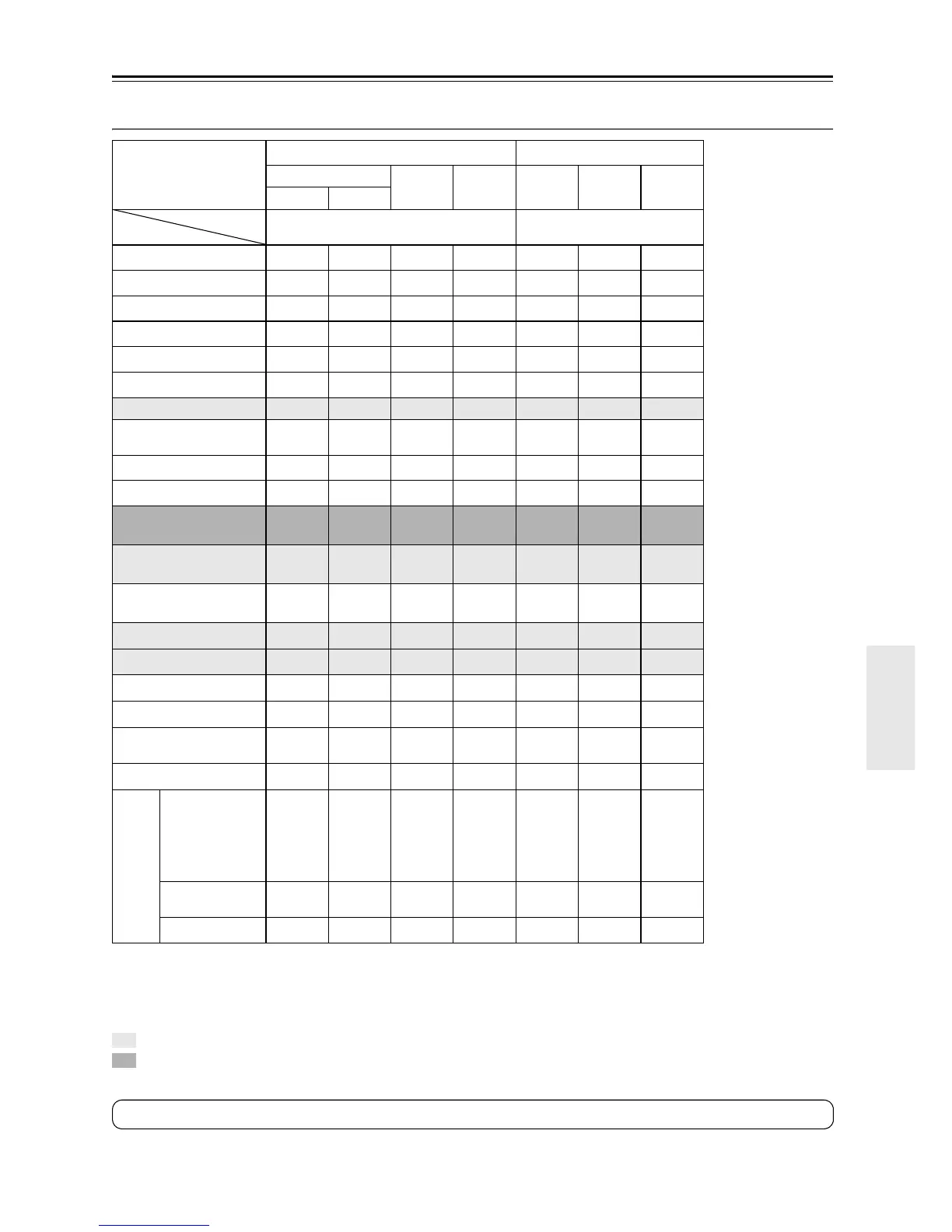
DTS-HD High Resolution Audio and DTS-HD Master Audio Sources
*1. During input of a 96 kHz DTS-HD Master Audio signal, the only sound balance or sound quality adjustment that can be made is Tone control. When
input is a 192 kHz DTS-HD Master Audio signal, it should be played at 96 kHz.
*2. If there are no surround back speakers, or Powered Zone 2 is being used, Dolby Pro Logic II is used.
*3. Depending on the input source (when the input is a 96 kHz signal, for example), it may be processed after DTS playback.
*4. Available only when using surround speakers.
: Requires 6.1/7.1 speakers. Not available while Powered Zone 2 is being used.
: Requires 7.1 speakers. Not available while Powered Zone 2 is being used.
Source format
DTS-HD High Resolution Audio
DTS-HD Master Audio
*1
Multichannel
2ch 1/0
Multi-
channel
2ch 1/0
*/2 except *2
Media
Listening mode
Blu-ray, HD DVD Blu-ray, HD DVD
Direct
✔✔✔✔✔✔✔
Stereo
✔✔✔✔✔✔✔
Multichannel
Dolby D
Dolby Digital Plus
DTS, DTS 96/24
DTS Discrete/Matrix
DTS-HD High Resolution
Audio
✔✔
DTS-HD Master Audio
✔
TrueHD
Dolby PLII Movie/
Dolby PLIIx Movie
*2
✔
*3
✔
*3
Dolby PLII Music/
Dolby PLIIx Music
*2
✔
*3
✔
*3
Dolby PLII Game/
Dolby PLIIx Game
*2
✔
*3
Dolby Digital EX/Dolby EX
✔
*3
Neo:6
✔
*3
Neo:6 Cinema
✔
*3
Neo:6 Music
✔
*3
Neural Surround (North
American model only)
Mono
✔
*3
✔
*3
✔
*3
✔
*3
Onkyo Original DSP
Mono Movie
*4
Orchestra
*4
Unplugged
*4
Studio-Mix
*4
TV Logic
*4
All Ch Stereo
Full Mono
✔
*3
✔
*3
✔
*3
✔
*3
T-D
Tip: To check the format of the digital input signal, see “Displaying Source Information” on page 55.



 To Next Page