102
Advanced Setup—Continued
Notes:
• To store a name, you must select “OK” and press
[Enter] in step 8, otherwise it will not be saved.
• You cannot enter a custom name for XM or SIRIUS
radio presets.
• This procedure can also be performed on the AV
receiver by using its [Setup], [Enter], and arrow but-
tons.
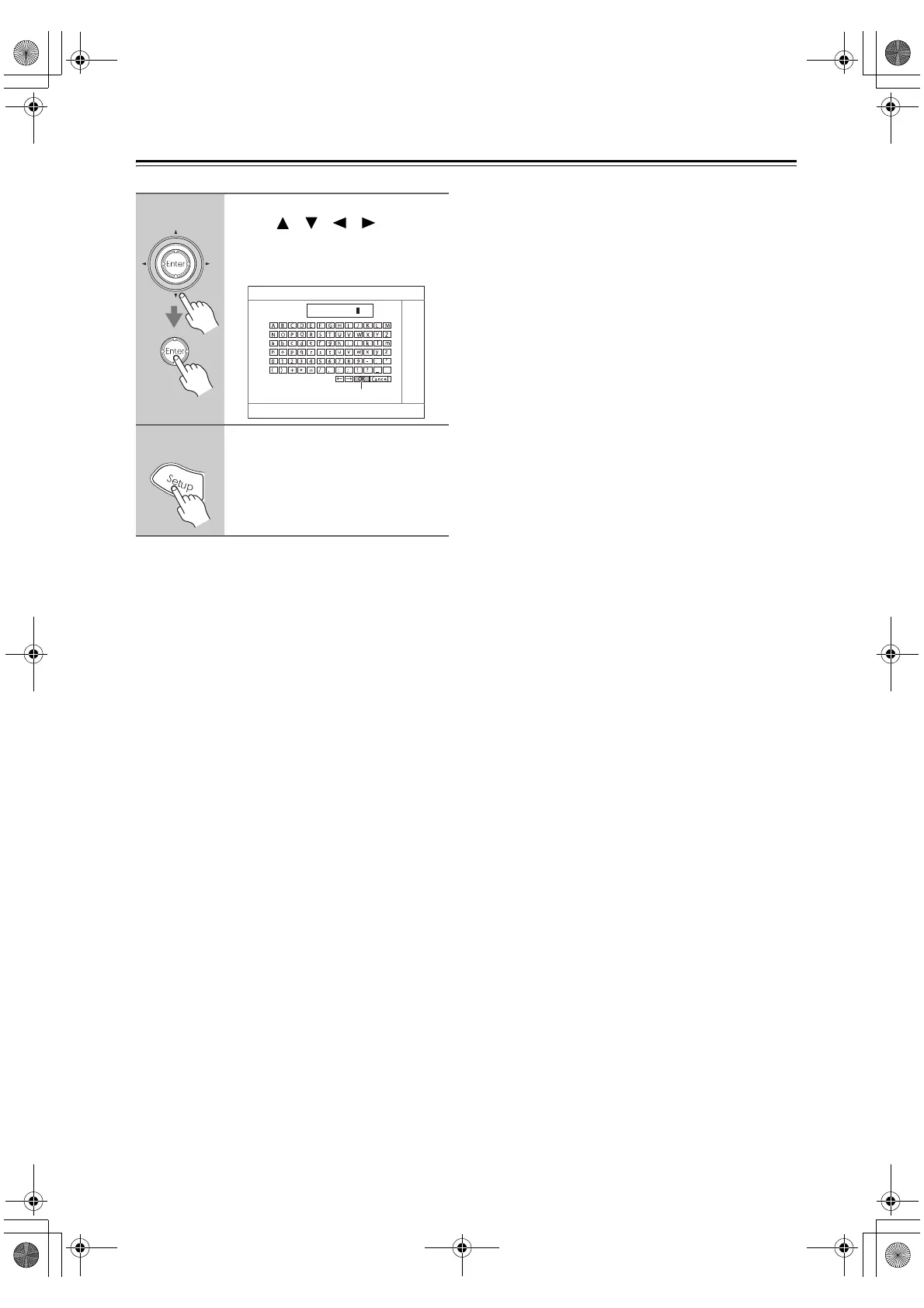
8
When you’ve finished, use the
arrow [ ]/[ ]/[ ]/[ ] buttons
to display the following screen,
select “OK,” and then press
[Enter].
9
Press the [Setup] button.
Setup closes.
“OK”
4-3. Name Edit
Name
123456789
DTR-6.8_En.book Page 102 Wednesday, June 20, 2007 4:16 PM



 To Next Page