111
Zone 2—Continued
.
If you’ve connected your Zone 2 speakers to a power
amp with no volume control in Zone 2, as explained in
“Using Another Amp in Zone 2” on page 109, you must
set the Zone 2 Out setting to Variable.
When set to Variable, the ZONE 2 OUT L/R jacks work
like pre outs.
Note:
This procedure can also be performed on the AV receiver
by using its [Setup] button, arrow buttons, and [Enter]
button.
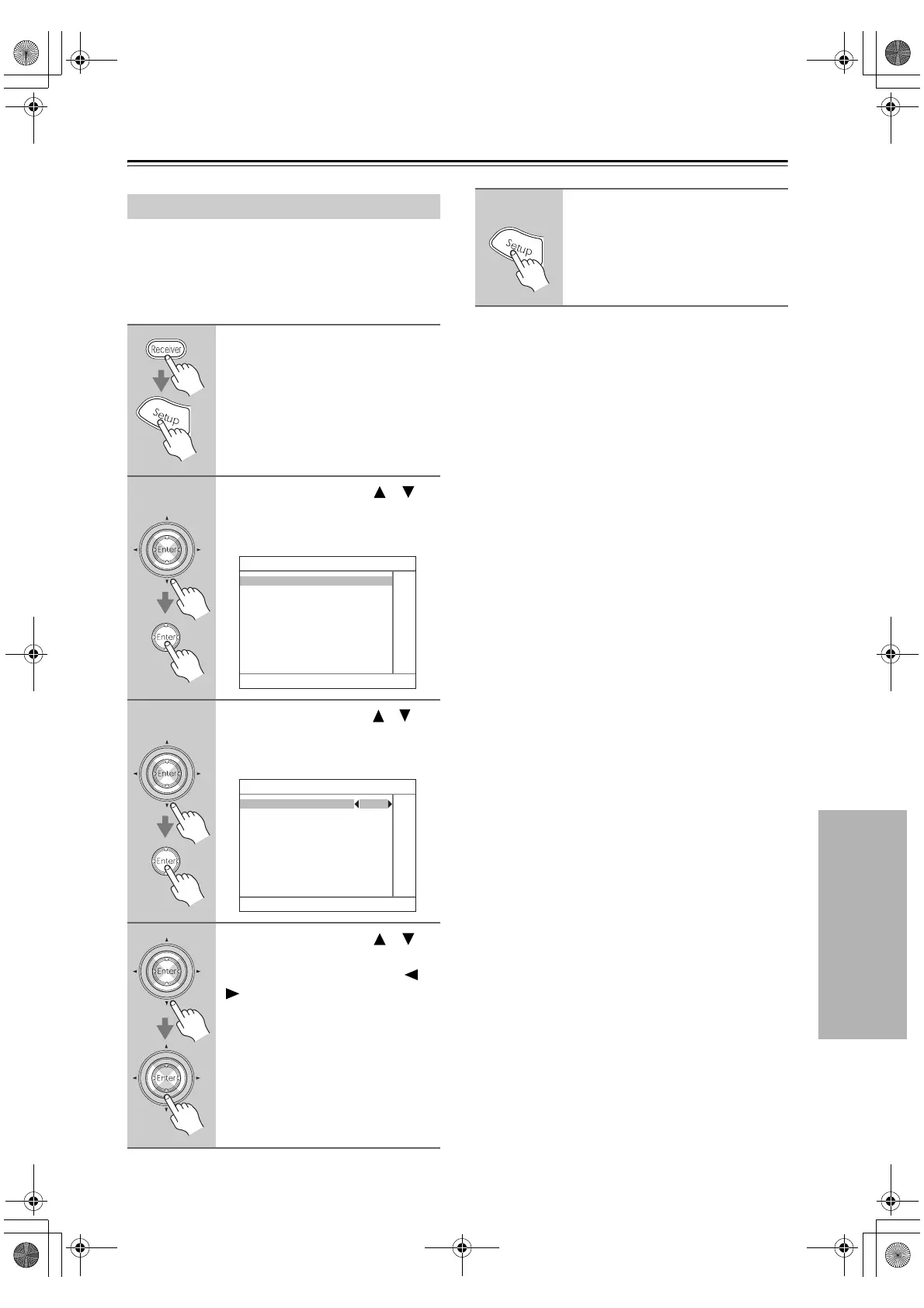
Setting the Zone 2 Out
1
Press the [Receiver] button fol-
lowed by the [Setup] button.
The main menu appears onscreen.
2
Use the Up and Down [ ]/[ ]
buttons to select “7. Hardware
Setup,” and then press [Enter].
The Hardware Setup menu appears.
3
Use the Up and Down [ ]/[ ]
buttons to select “2. Zone2,” and
then press [Enter].
The Zone2 menu appears.
4
Use the Up and Down [ ]/[ ]
buttons to select “Zone2 Out,”
and use the Left and Right [ ]/
[ ] buttons to select:
Fixed: The Zone 2 volume must be
set on the amp in that zone.
Variable: The Zone 2 volume can be
set on the AV receiver.
7. Hardware Setup
1. Remote Control
2. Zone2
3. Tuner
4. Analog Multich
5. HDMI
6. Network
7–2. Zone2
Powered Zone2 Not Act
Zone2 Out Fixed
5
Press the [Setup] button.
The setup menu closes.
DTR-6.8_En.book Page 111 Wednesday, June 20, 2007 4:16 PM



 To Next Page