107
Advanced Setup—Continued
These settings are for use with home automation equip-
ment and external controllers.
Network Setup
Lock Setup
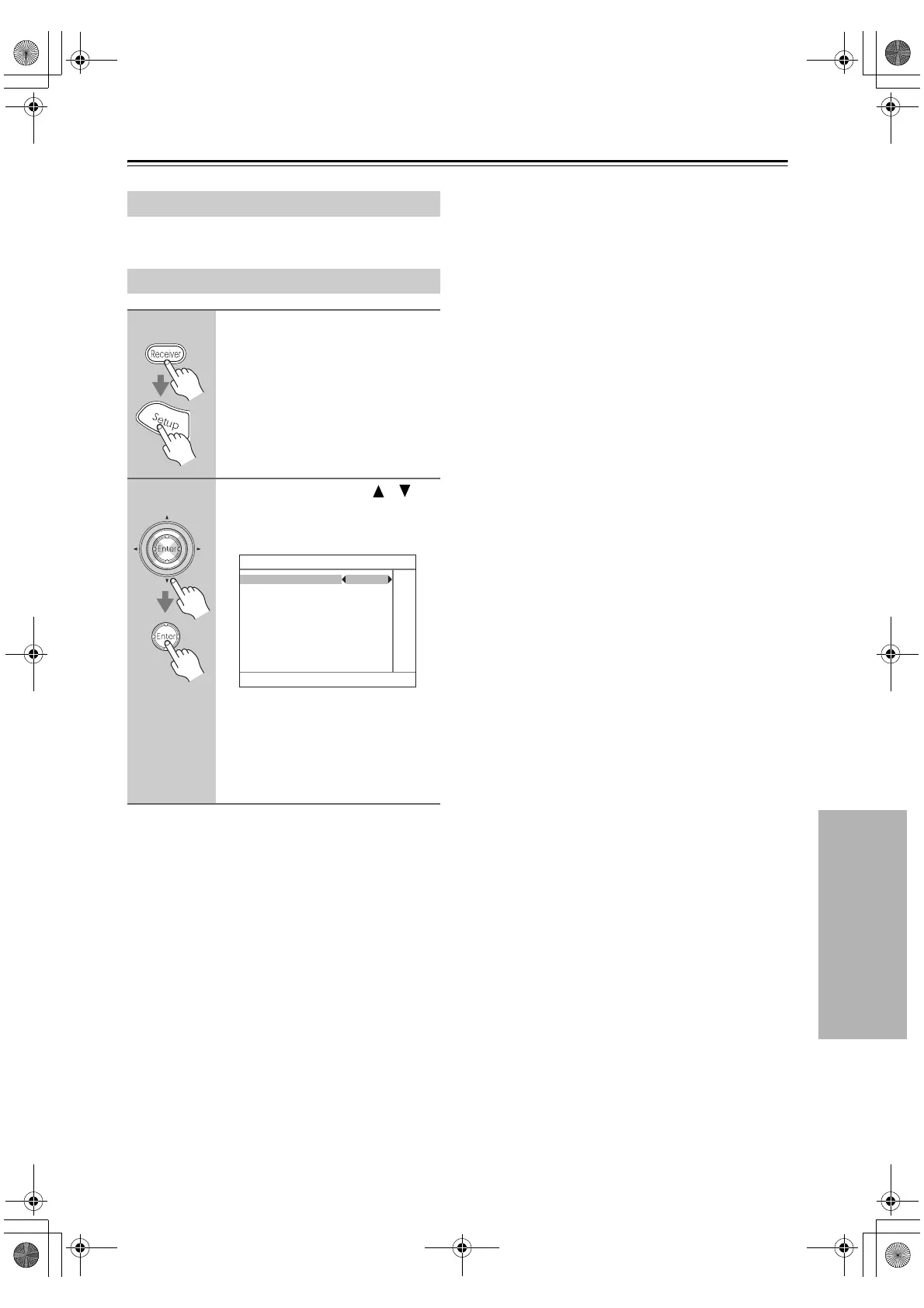
1
Press the [Receiver] button fol-
lowed by the [Setup] button.
The main menu appears onscreen.
2
Use the Up and Down [ ]/[ ]
buttons to select “8. Lock Setup,”
and then press [Enter].
The Lock Setup menu appears.
With this preference, you can protect
your settings by locking the setup menus.
When the setup menus are locked, you
cannot change any setting.
Locked: Setup menus locked.
Unlocked: Setup menus not locked.
8. Lock Setup
Lock Unlocked
6_Advnced_En.fm Page 107 Wednesday, June 20, 2007 8:53 PM



 To Next Page