64
Listening to the Radio—Continued
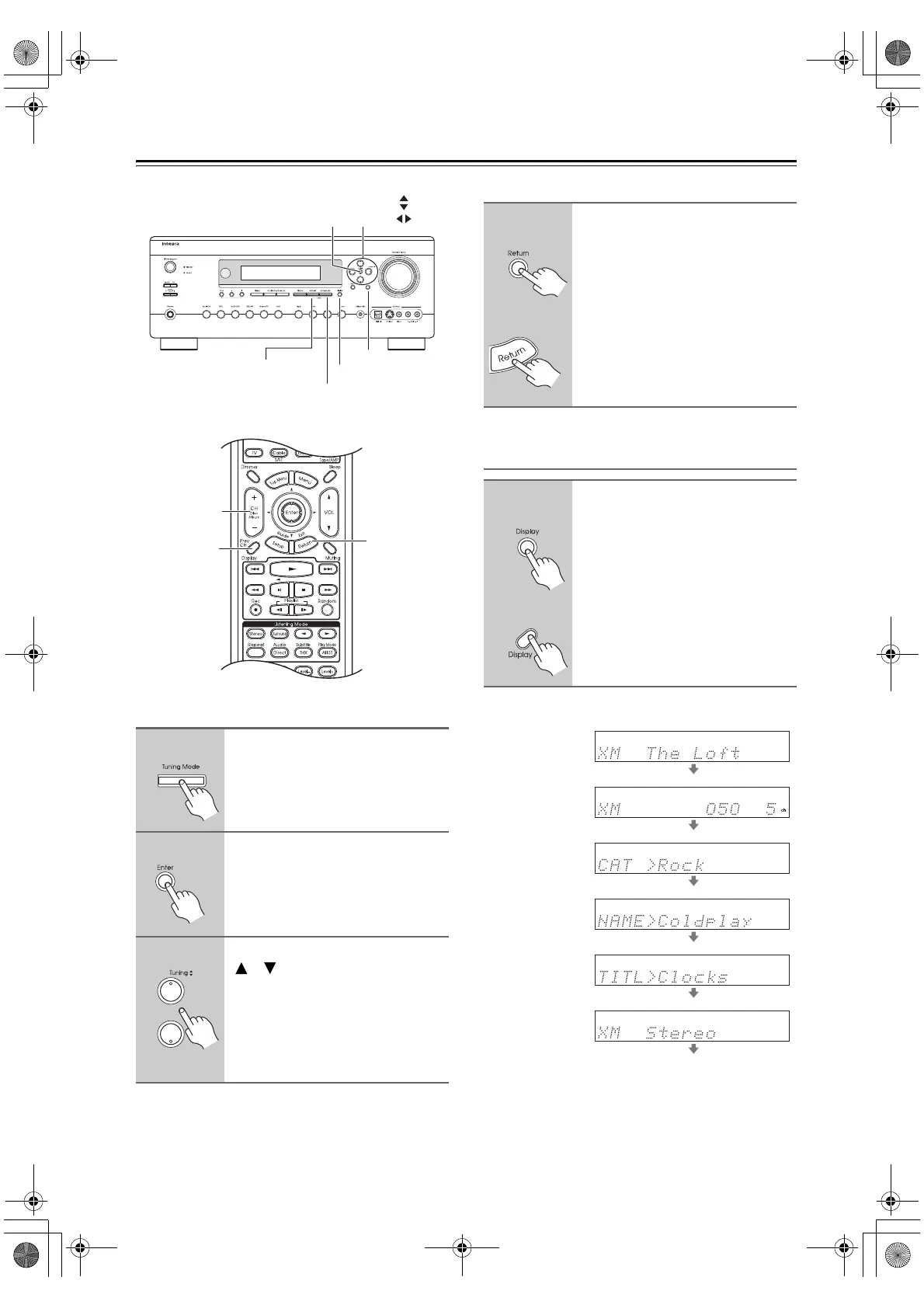
Selecting XM Channels from the Front Panel:
Selecting the Previous Channel:
Displaying XM Radio Information
The following information can be displayed:
Note:
If the category, artist, or song title is not available, “- - -”
will be displayed instead.
1
Press the [Tuning Mode] button
to select “Channel Search” or
“Category Search” mode.
2
Press [Enter] repeatedly to select
a category.
3
Use the Tuning Up and Down
[ ]/[ ] buttons to select a chan-
nel.
In Channel Search mode, you can
select any channel.
In Category Search mode, you can only
select channels from the currently
selected category.
Return
Tunin
Mode
Memory
Tuning /
Preset
Enter
Display
Return
CH +
/
–
Display
1
AV receiver
Remote
controller
To listen to the previously
selected XM channel, press the
[Return] button.
1
AV receiver
Remote
controller
Press the [Display] button
repeatedly to cycle through the
available information.
Channel name
Channel number
& preset number
Category
Artist
Song title
Listening mode
DTR-6.8_En.book Page 64 Wednesday, June 20, 2007 4:16 PM



 To Next Page