(2)
Calling
up
a frequency uslng the rotary channel
selector
n You
tan
select a memory address number by turning the
rotary channel selector after activating the memory mode
f’j
You
tan
Change
the
10’s
column
of the memory address
number display by turning the rotary channel selector
w!th
the FUNC key
held
down
w
-
Rotary
channel selector
1bs
‘OIUrn”
(3)
Calling
up a frequency using the
A/V
keys
n You
tan
select a memory address number usiny
the
A
/y
keys after actlvatlng the memory tnode
(1)
If
the
A
‘v
keys are
held
down for 0 5 seconds or more.
the memory address
sett$ng
changes slowly and continu-
ously
an
the direction Indlcated
until
the key
is
released
Hold down
for
OSseconds
or
more
El
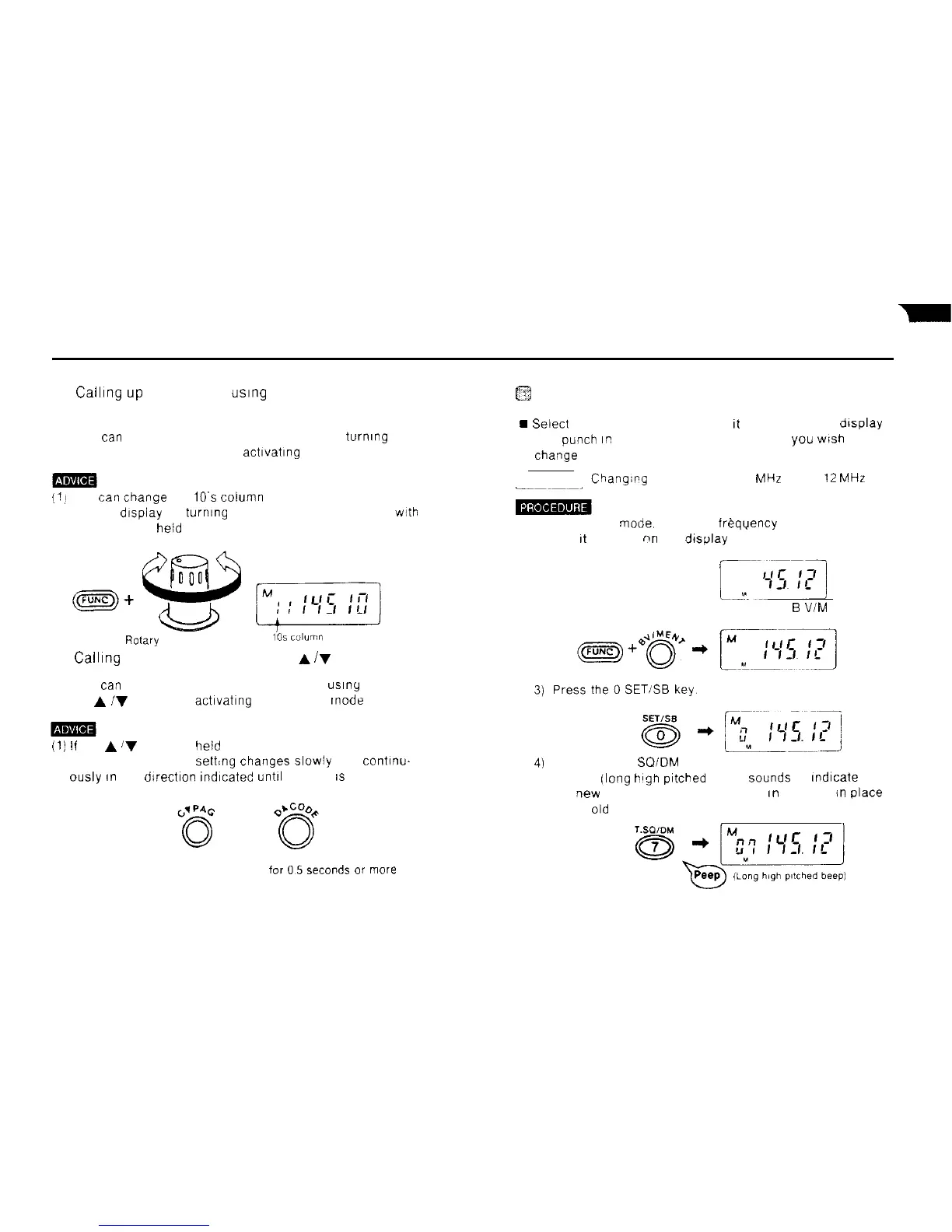
Changing a memory frequency
9
Seiect
the new frequency so that
It
appears on the display
and
Punch
Er!
the memory address number you
wish
to
Change
Example
Chang;pg MO7 from 145 50
MHz
to 145
12
MHz
__~~~~_
1) In the VFO
mode.
select the freqyency 145 12 MHz so
that
It
appears
nn
the display
[^-yi
~q
2) Hold down the FUNC key and press the
B
V/M
ENT key
4)
Press the 7 T
SOIDM
key
A peep ilong
blgh
pitched
beep)
Sounds
to Indlcate that
the
qew
frequency has been stored
an
memory
in
place
of the
old
one
32



 To Next Page