A dditional
Func
tions
(Functions Accessed by
Pressung
Numeric Keys
an
the Set Mode)
n The following functions are added by switching
to
the set
mode and pressing the numeric keys lndlcated (Refer
to
the
baslc
operation Instructions
on
page 9
)
Beeper
ONIOFF
83
Inputting the 1 kHz column from the
keyboard
m
1)
Swatch
to the set mode
n
This
function
IS
used
to
turn off the beeps
which
normally
Sound
when keys are pressed
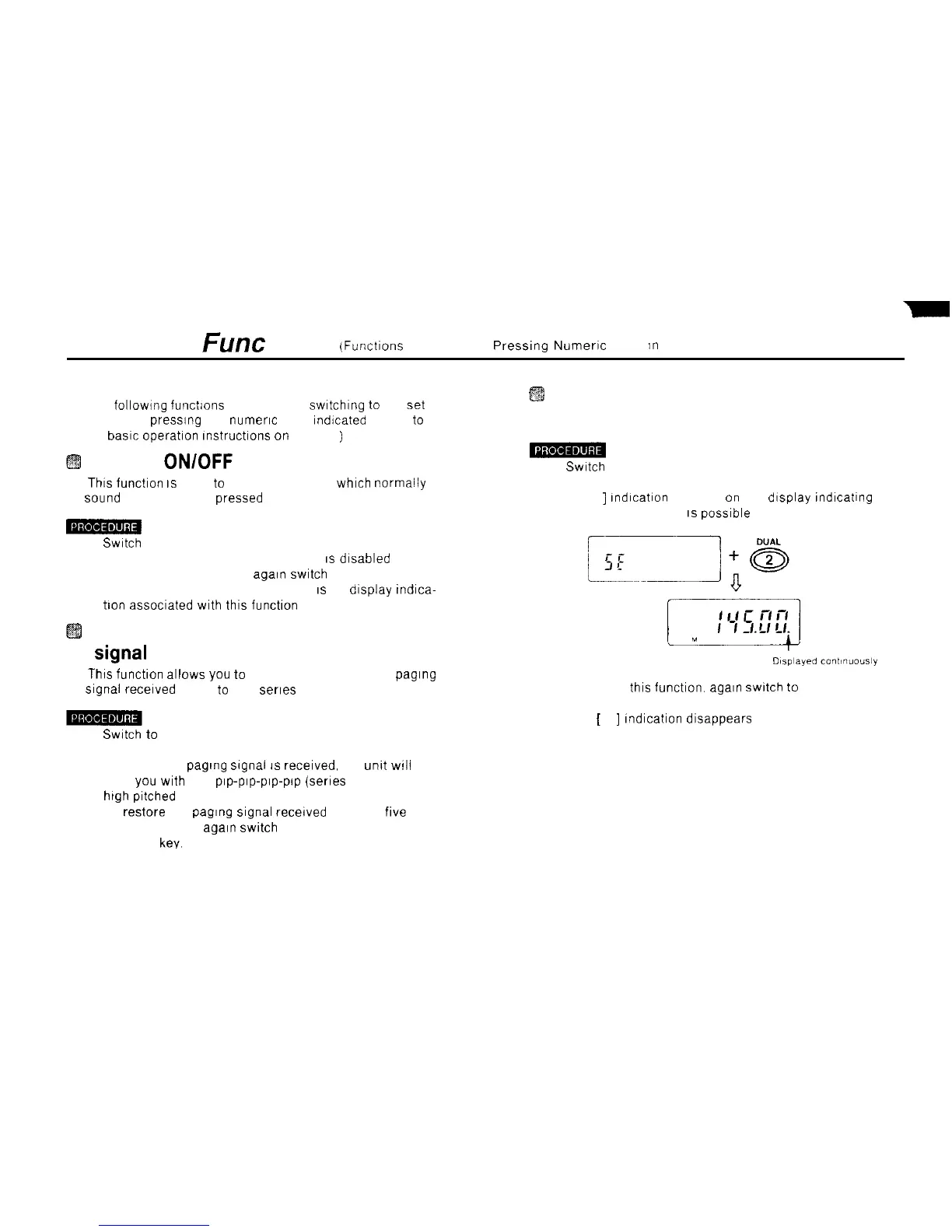
2) Press the 2 DUAL key
A [ .
]
Indication appears
on
the display Indicating that
1 kHz column Input
IS
posslble
1)
Swatch
to the set mode
2) Press the 0 SETISB key The beeper
IS
dlsabled
3) To re-enable the beeper, again
swltch
to the set mode
and press the 0 SETISB key There
IS
no display tndica-
tion assoclated with thls function
Changing the length of the paging
Signal
received alarm to one beep
n
This
functlon allows you
to
reduce the length of the paging
Signal
recelved alarm
to
one serles of beeps
3) To cancel this function.
again
swltch
to
the set mode
and press the 2 DUAL key
1)
Swatch
to
the set mode
2) Press the 1 PO key
Now, when a paglng
Signal
IS
recelved, the
unkt
WIII
alert you with one
Pep-Pep-Pep-Pep
(series of repeated
high
pitched beeps).
The
[
.
]
Indication disappears
3) To restore the paging
Signal
recelved alarm to
five
series of beeps. again
swltch
to the set mode and press
the 1 PO key.
48



 To Next Page