CS750 User Manual
Rev E, April 2018
Page 20 of 31
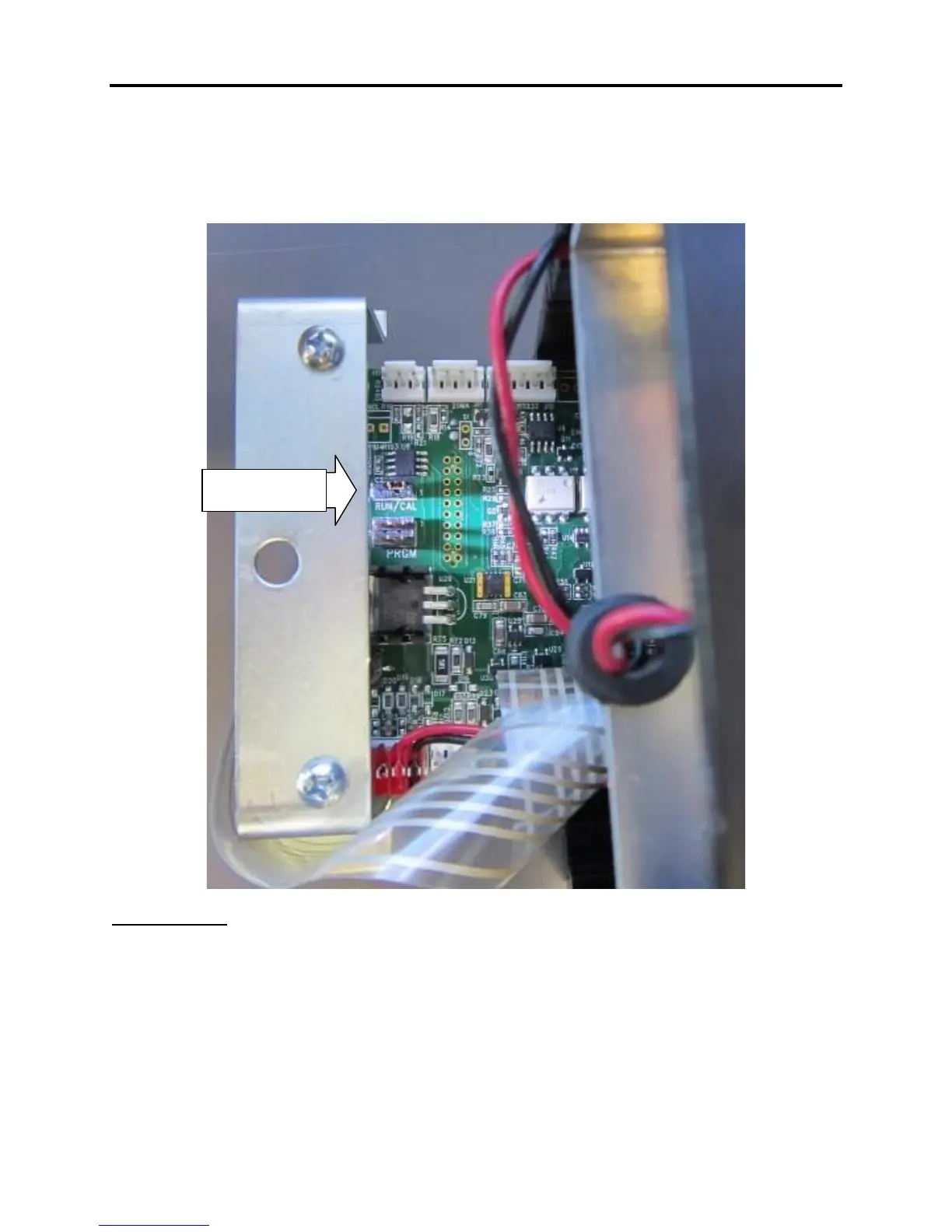
Enabling the Calibration Function
On the right side panel, remove the 4 screws that hold the side plate secure. Remove
the side panel and slide the circuit card out to access the calibration jumper. Place the
jumper in the "CAL" position.
Number Entry
The flashing digit may be incremented by pressing the Lb/Kg button or decremented by
pressing the ZERO button. To move one digit to the left, press the TARE button. When
you have finished entering a number, press the Mode button. The settings are saved
once Mode is pressed to advance the menu, and the scale can then be turned off.



 To Next Page