EasyManua.ls Logo

Intercomp CS750 - Maintenance; Calibration Menu

Intercomp CS750
31 pages
Print Icon
To Next Page IconTo Next Page
To Previous Page IconTo Previous Page
Loading...
CS750 User Manual
Rev E, April 2018
Page 19 of 31
Maintenance
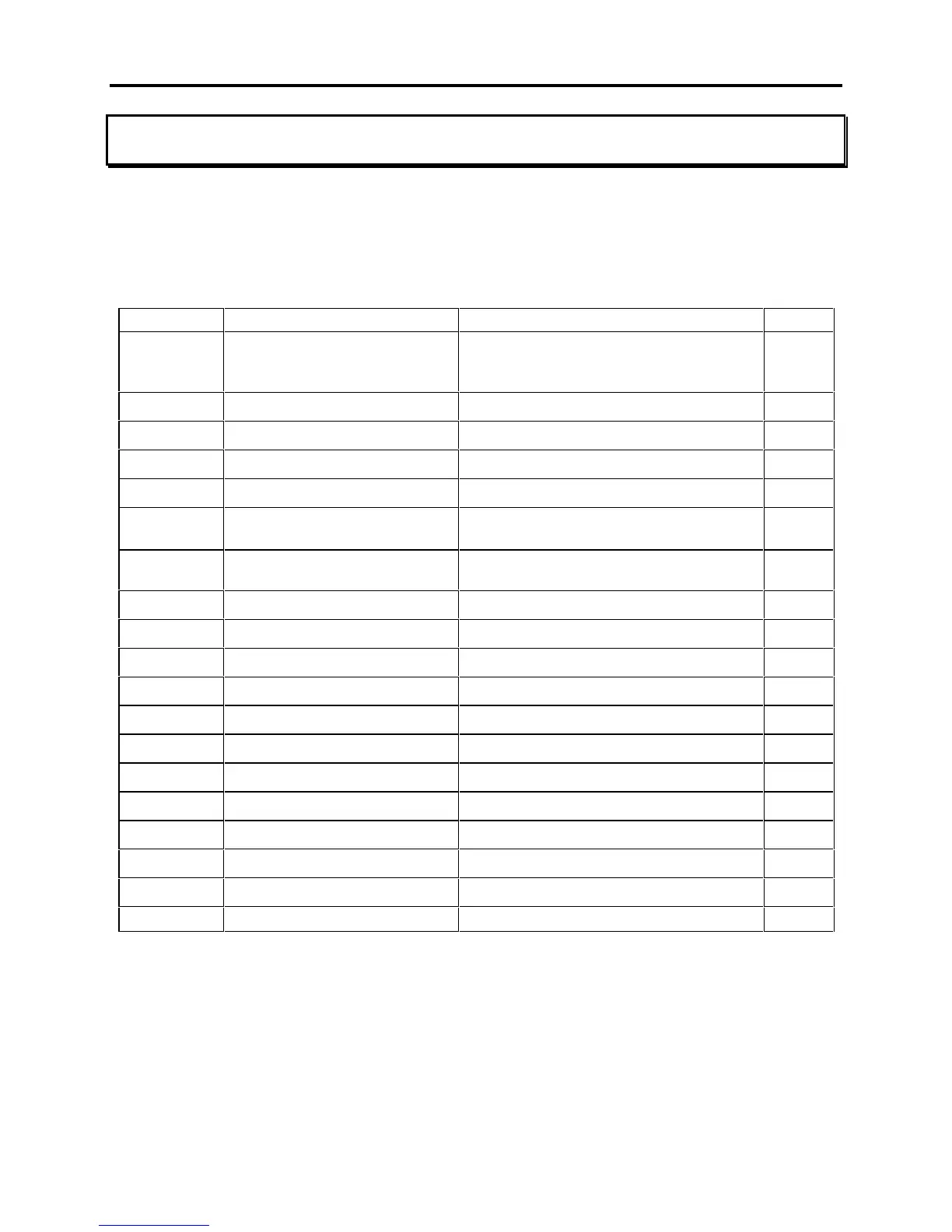
Calibration Menu
To initiate calibration, press the Mode button. The screen will display "". If the
message is not displayed, the calibration jumper needs to be set in the "CAL" position
to allow calibration to be initiated.
Step
Function
Note
Default

Skip
000= no skip
002= skip to weight calibration
005= skip to Mode menu

.
Unit Switch Enable
Yes or no


Motion Detect
Yes or no

.
ADC Rate
0 or 1


AZT (auto zero tracking)
1 d, 3 d, .5 d, oFF, or.6 d
.
.
Zero Range
0= off, 1= 1%, 2= 2%, 3= 5%,
4 = 1%

g
Graduation Size
0.02, 0.05, 0.1, 0.2, 0.5, 1, 2, 5, 10, 20,
50,100, 200, 500, 1000


Displays for 1 sec and advances

Capacity
Enter scale capacity


No Weight Applied

First Weight
Enter first weight

First Weight
Load first weight

Second Weight
Enter second weight

Second Weight
Load second weight

Third Weight
Enter third weight

Third Weight
Load third weight

Fourth Weight
Enter fourth weight

Fourth Weight
Load fourth weight
10 Points Available to Enter
3 or more recommended

Related product manuals