CS750 User Manual
Rev E, April 2018
Page 8 of 31
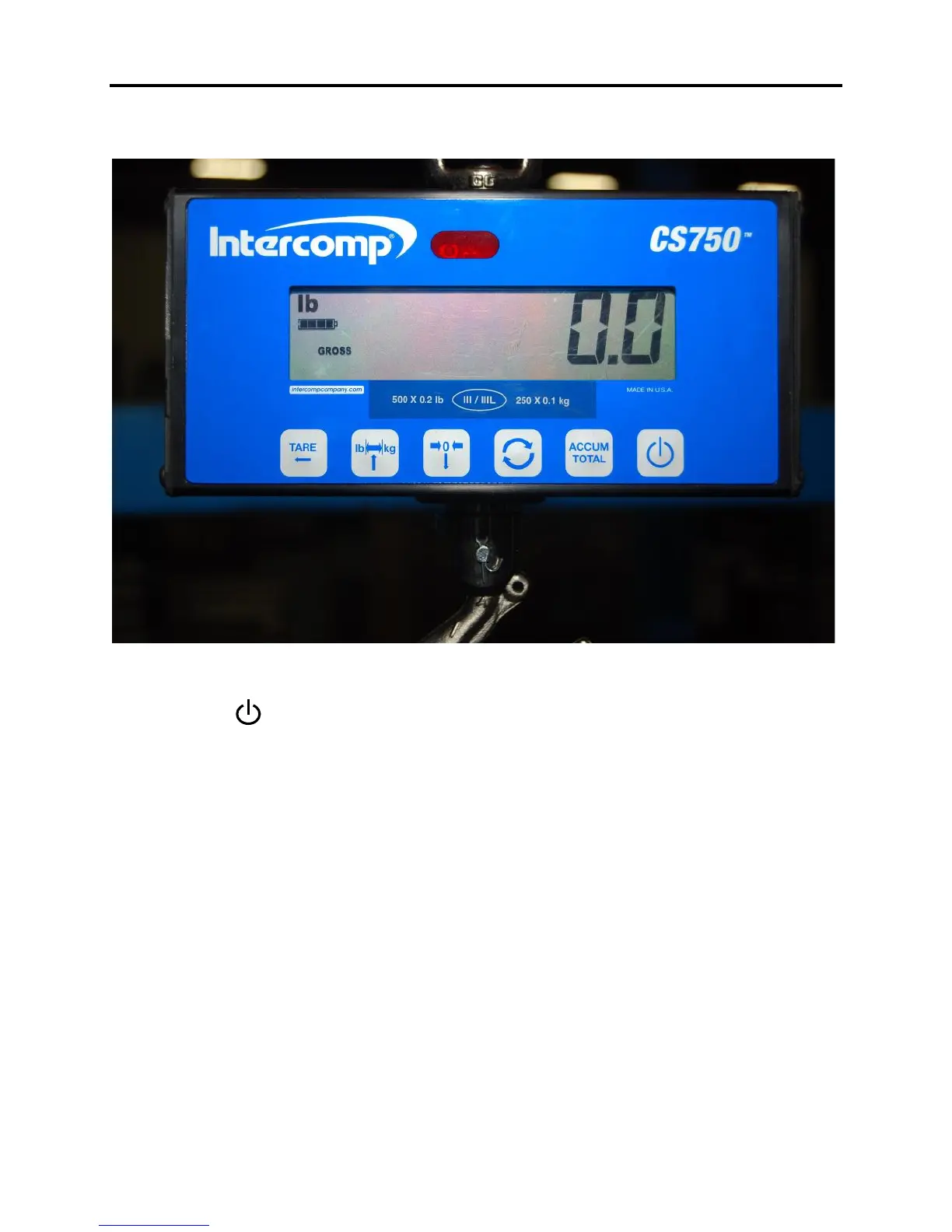
Display
Controls
ON / OFF
Press and hold the power button to apply power to the weighing system electronics.
Hold button until the display responds (approximately 1 second). When power is
applied, the weighing system performs a self-test of the pad and the internal
electronics. When the self-test has been completed, the system begins weighing. If a
problem is detected during self-test, an error message will be displayed. Press the
button to turn the scale off.
When the scale is turned off using the ON/OFF button, it cannot be turned on
with the IR remote or RFX wireless indicator. If the scale is powered up using a
remote, turn off the scale with the IR remote or wireless indicator.
ACCUM / TOTAL
The scale will not accumulate when the weight is negative, zero or if the weight is in
motion (when Motion Detect is enabled). A display message "." with error icon will
be displayed if any of those conditions are present. After a successful accumulation the
scale must return to zero before the next weight can be accumulated. Failure to do so
will generate and display an error message: ".".



 To Next Page