CK71 Service Work Instructions
Installation
Installation is reverse order of removal.
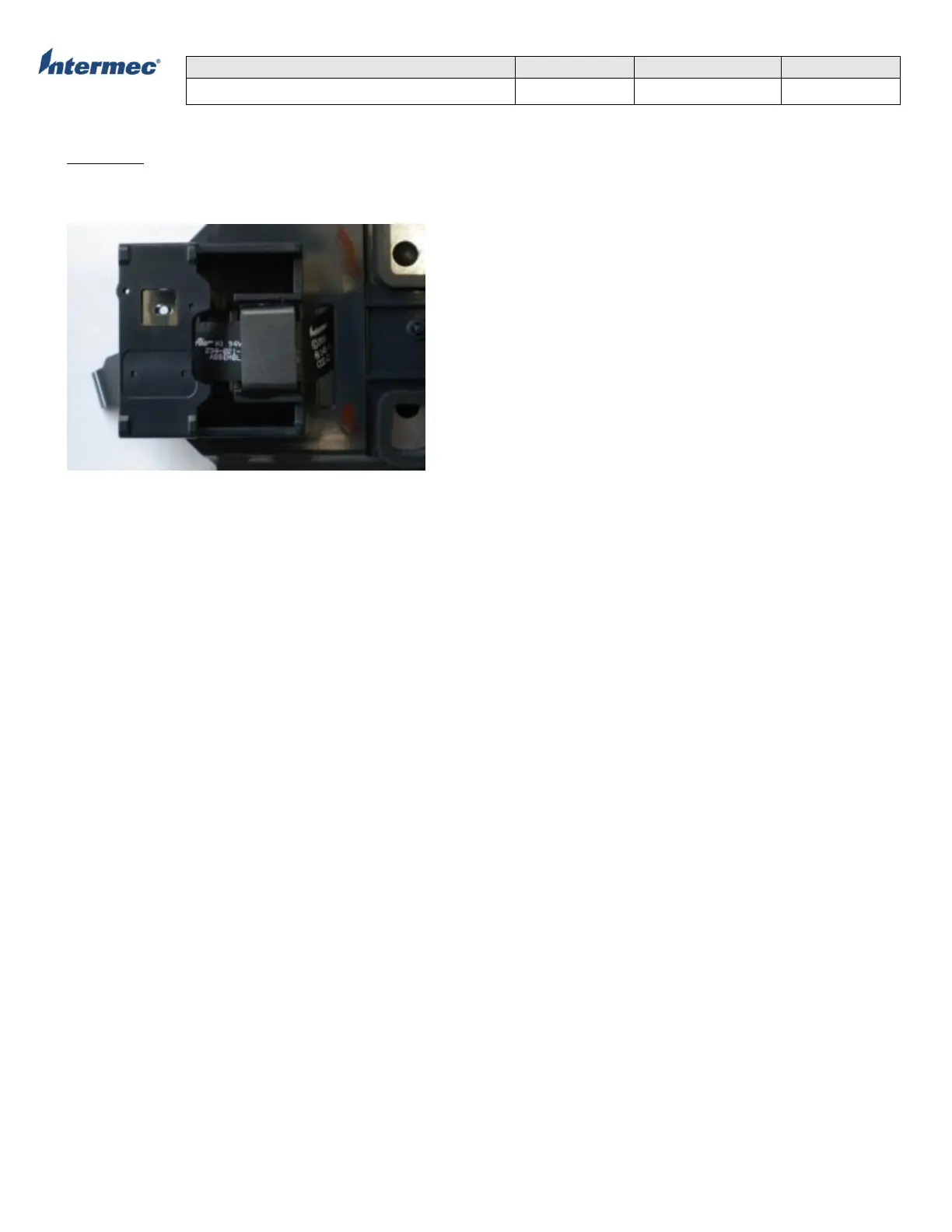
1. Slide flex cable through slot in ferrite glued to the scan bracket assembly. Note correct orientation.
2. Connect the flex cable to the EA30 scan engine being installed.
3. Slide the scan engine into the scan bracket assembly and secure the scan engine to the scan bracket assembly with
two screws using 1.2+/-0.2 in-lbs of torque.
4. Re-install the ground pad and camera assembly as needed.
5. Re-install the scan bracket assembly.
5. Re-install the bottom housing assembly.



 To Next Page