EasyManua.ls Logo

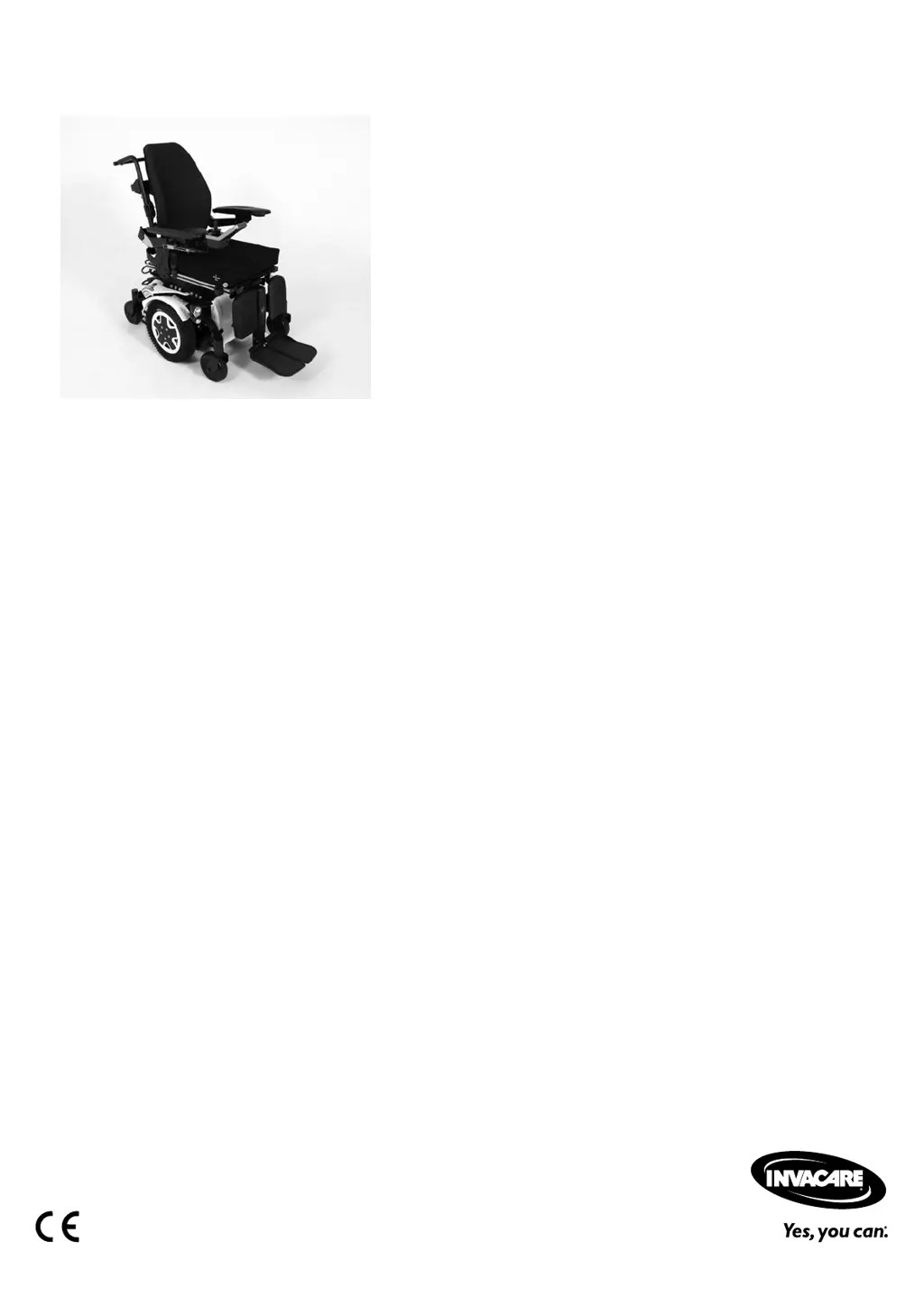
Invacare TDX SP2 - Service Manual

Invacare TDX SP2
52 pages
Print Icon
To Next Page IconTo Next Page
Loading...
Invacare®TDX®SP2Series
enPowerWheelchair
ServiceManual
DEALER:Keepthismanual.
TheproceduresinthismanualMUSTbeperformedbyaqualied
technician.

Table of Contents

Other manuals for Invacare TDX SP2

Questions and Answers

  • A
    Anna ChenSep 9, 2025
    Why does Invacare TDX SP2 Wheelchair motor make a clicking noise?
    • S
      Sarah BrownSep 9, 2025
      If the motor in your Invacare Wheelchair is making a clicking noise, this could be due to: * Defective clutch(es): Replace the clutch. * Defective bearing: Replace the motor. * Defective collector: Measure the internal resistance of the motor, and replace the motor if defective.
  • B
    Beth CastroSep 12, 2025
    Why does Invacare Wheelchair gearbox make a clicking noise?
    • A
      andersonveronicaSep 12, 2025
      If the gearbox on your Invacare Wheelchair is making a clicking noise, it could be due to a defective gearbox, which would need replacing. Alternatively, the drive wheel might be loose; tighten the drive wheel and secure the bolts with Loctite if necessary.
  • C
    Connie GravesSep 13, 2025
    Why is there a scraping noise or why is the Invacare TDX SP2 Wheelchair motor blocked?
    • N
      Nicole DunnSep 14, 2025
      If you hear a scraping noise or the motor of your Invacare Wheelchair is blocked, this could be caused by: * Defective clutch(es): Replace the clutch. * Defective bearing: Replace the motor. * Defective gearbox: Replace the gearbox.
  • S
    Sandra HendricksSep 16, 2025
    Why does Invacare TDX SP2 Wheelchair gearbox lose oil?
    • W
      whiteheadbruceSep 16, 2025
      If the gearbox of your Invacare Wheelchair is losing oil, it could be due to a defective sealing ring on the drive shaft. If this is the case, replace the gearbox. Alternatively, check the carbon brushes for oil wetting.

Summary

Safety Instructions

Safety and Fitting Instructions

Essential safety guidelines to prevent accidents during work and for fitting.

Hygiene Procedures

Handling of Returned Products

Procedures for safely handling and preparing returned mobility devices.

Mobility Device Setup

Seating Position Adjustments

Covers seat depth, lower leg length, and center of gravity adjustments.

Mobility Device Setup (cont.)

Mobility Device Testing

Motor and Brake Testing

Procedures for testing motor resistance and motor brake function.

Environmental and Load Tests

Covers rain test, field load test, and battery charge level check.

Service Procedures Overview

Tightening Torques

Specifies torque values for various threads and bolts.

Chassis Maintenance

Stability Lock

Instructions for maintaining the stability lock system.

Gas Cylinder Replacement

Step-by-step guide for removing and installing the gas cylinder.

Chassis Components

Walking Beams

Procedures for removing and installing top and bottom walking beams.

Drive Components

Drive Unit Maintenance

Replacing Motor;Gearbox Unit

Step-by-step guide for replacing the motor/gearbox assembly.

Drive Unit Maintenance (cont.)

Motor;Gearbox Unit Replacement

Detailed procedure for replacing the motor/gearbox unit.

Wheel Components (cont.)

Replacing Drive Wheel

Detailed instructions for removing and installing the drive wheel.

Mobility Device Controls

Replacing Power Module

Instructions for replacing the power module and related software adjustments.

Control System Updates

Updating Driving Program

How to update the mobility device's driving program and its implications.

Battery Handling and Replacement

Replacing Batteries

Detailed steps for replacing the mobility device batteries.

Battery Replacement Procedures

Battery Cable and Fuse Replacement

Replacing Batteries;Battery Cables

Guide for replacing batteries and battery cables, including safety precautions.

Battery Handling Instructions

Electrical System Maintenance

Main Fuse Check;Replacement

How to check and replace the main fuse, with safety warnings.

Electrical System Maintenance (cont.)

Troubleshooting Guide

Operational Faults

Identifies and solves common operational issues with the mobility device.

Drive Fault Diagnosis

Diagnoses and resolves problems related to the drive system.

Troubleshooting (cont.)

Charger Fault Diagnosis

Troubleshooting steps for charger issues and non-illuminating LEDs.

Service Plan

Annual Service Checks

Checklist for annual maintenance of key mobility device components.

Invacare TDX SP2 Specifications

General IconGeneral
Weight Capacity300 lbs
Ground Clearance2.5"
TiresPneumatic or solid
Seat Width16"
Seat Depth16 - 22"
Battery TypeGroup 22
Drive Wheels14"
Weight220 lbs
SuspensionSureStep Suspension
ControllerMK6i

Related product manuals