EasyManua.ls Logo

Inventis TIMPANI - User Manual

Inventis TIMPANI
60 pages
Print Icon
To Next Page IconTo Next Page
Loading...
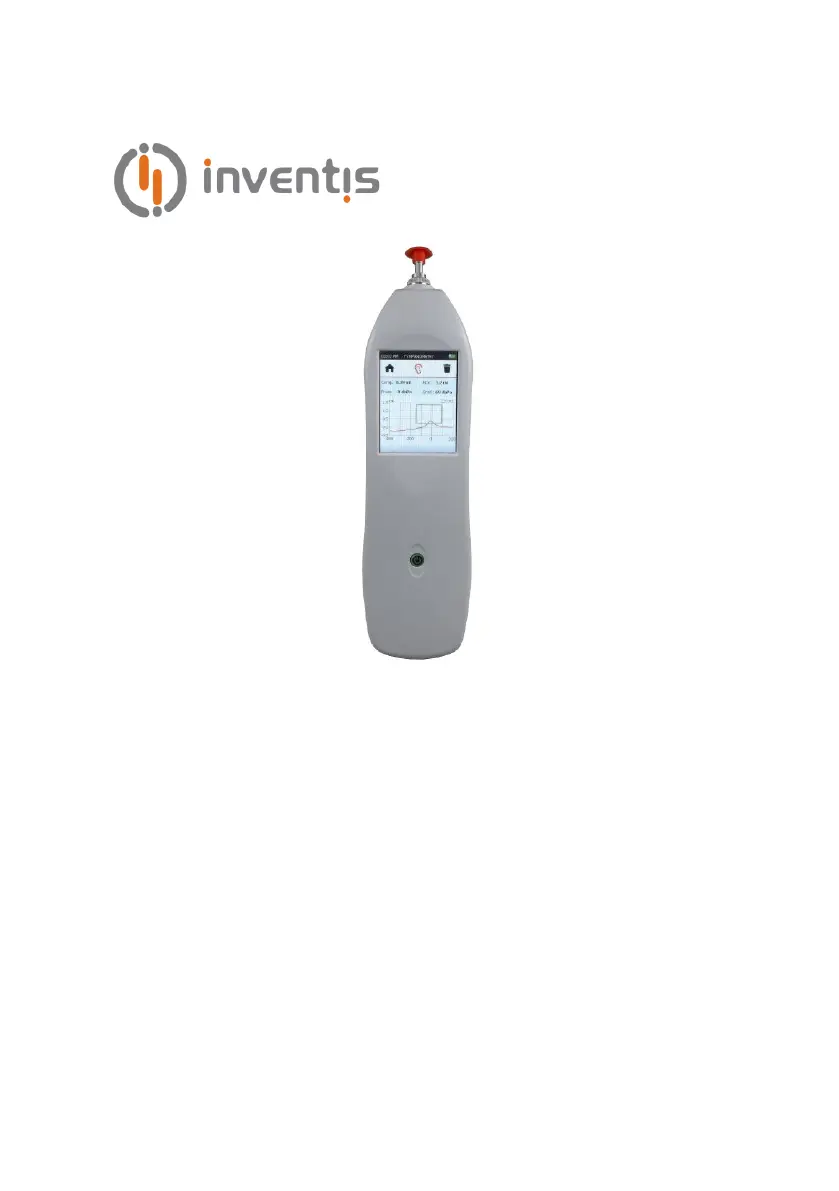
TYMPANOMETER
TIMPANI
USER MANUAL

Questions and Answers

  • B
    barnettrobertSep 6, 2025
    Why is the battery on my Inventis Measuring Instruments not recharging?
    • M
      Michael CooperSep 6, 2025
      If the battery of your Inventis Measuring Instruments is not recharging, there are several potential causes. The USB cable could be damaged, so try changing it. The instrument might not be positioned correctly in the docking station; in this case, check the positioning of the instrument, ensure the contacts are clean, and verify the connections.
  • K
    kstoutAug 22, 2025
    What to do if the display remains blank on my Inventis TIMPANI Medical Equipment?
    • J
      James GarnerAug 22, 2025
      If the Inventis Medical Equipment displays a blank screen, first ensure it is properly connected to the power supply and that the power switch is in the 'I' position. If the issue persists, the adapter may be damaged, and you should contact the Inventis service department or dealer for assistance.
  • L
    Lisa HillSep 3, 2025
    What to do if there is no signal from a transducer on Inventis TIMPANI Medical Equipment?
    • B
      Breanna WrightSep 3, 2025
      If there is no signal from a transducer on your Inventis Medical Equipment, ensure the transducer is connected to the correct output. If it is correctly connected, the transducer may be damaged, and you should contact the Inventis service department or dealer.
  • M
    Mr. Harry MontgomerySep 2, 2025
    How to fix no probe tone on Inventis TIMPANI?
    • P
      pattersonericaSep 2, 2025
      If there is no probe tone from your Inventis Medical Equipment, the holes of the probe tip may be blocked. Unscrew the probe tip and clean inside.
  • H
    hhensonSep 1, 2025
    Why can't I access a test on my Inventis Medical Equipment?
    • G
      Gerald MathewsSep 1, 2025
      If you cannot access a test on your Inventis Medical Equipment, it is possible that the optional test has not been activated. Contact the Inventis technical service department to obtain the license, and supply the serial number of the instrument.
  • R
    Robert HallAug 30, 2025
    What does the “Hardware error” message mean on Inventis TIMPANI?
    • R
      Rachel MooreAug 30, 2025
      If your Inventis Medical Equipment displays a “Hardware error” message, press OK to continue. If the problem persists, contact the Inventis service department.
  • A
    Andrew HutchinsonAug 29, 2025
    How to establish a connection between PC and Inventis TIMPANI?
    • J
      jsmithAug 29, 2025
      If the Inventis Medical Equipment fails to establish a connection with your PC, verify the USB connection between the instrument and the computer. If the connection is correct, try changing the USB cable (using a standard USB A – mini B cable).
  • P
    payneclaytonAug 27, 2025
    Why does the date and time prompt appear on my Inventis Medical Equipment?
    • S
      Savannah RichardsonAug 28, 2025
      If the Inventis Medical Equipment prompts for the date and time upon powering up, this indicates an internal battery failure. You should contact the Inventis service department or dealer to have the battery replaced.
  • J
    John WalkerAug 27, 2025
    How to fix compliance measurements affected by noise on Inventis TIMPANI?
    • C
      Carla BrayAug 27, 2025
      To address compliance measurements affected by noise on your Inventis Medical Equipment, reposition the probe to minimize vibrations. Additionally, check the probe tip holes; if blocked, unscrew the probe tip and clean inside.
  • J
    John RayAug 25, 2025
    What to do if Inventis TIMPANI Medical Equipment shows 'Pressure loss' message?
    • M
      Melissa BooneAug 25, 2025
      If you receive a 'Pressure loss' message on your Inventis Medical Equipment, ensure the probe tip is properly tightened. Also, check that the probe is correctly inserted into the ear and that you are using a suitable earpiece. Try changing the earpiece and adjusting the angle of the probe in the ear.

Inventis TIMPANI Specifications

General IconGeneral
TypeTympanometer
Frequency226 Hz
Ipsilateral Reflex Frequencies500, 1000, 2000, 4000 Hz
Contralateral Reflex Frequencies500, 1000, 2000, 4000 Hz
Probe Tone Frequency226 Hz
Power Supply100-240 V AC, 50/60 Hz
DisplayColor LCD

Related product manuals