| LaserNet software
100
YLS-K
Symbol Description
Chiller
Beam switch and fiber coupler
Table14: Events tab symbol descriptions
Via the context menu (right-click in the Events column), you can also:
• Sort the events by time
• Save the events as a .txt file
• Delete the events
You limit the number of saved events under the path Configuration
\LaserNet Settings\Events. Once you close LaserNet, the events are
saved in the file events4.dat in the directory IPG Laser\Lasername.
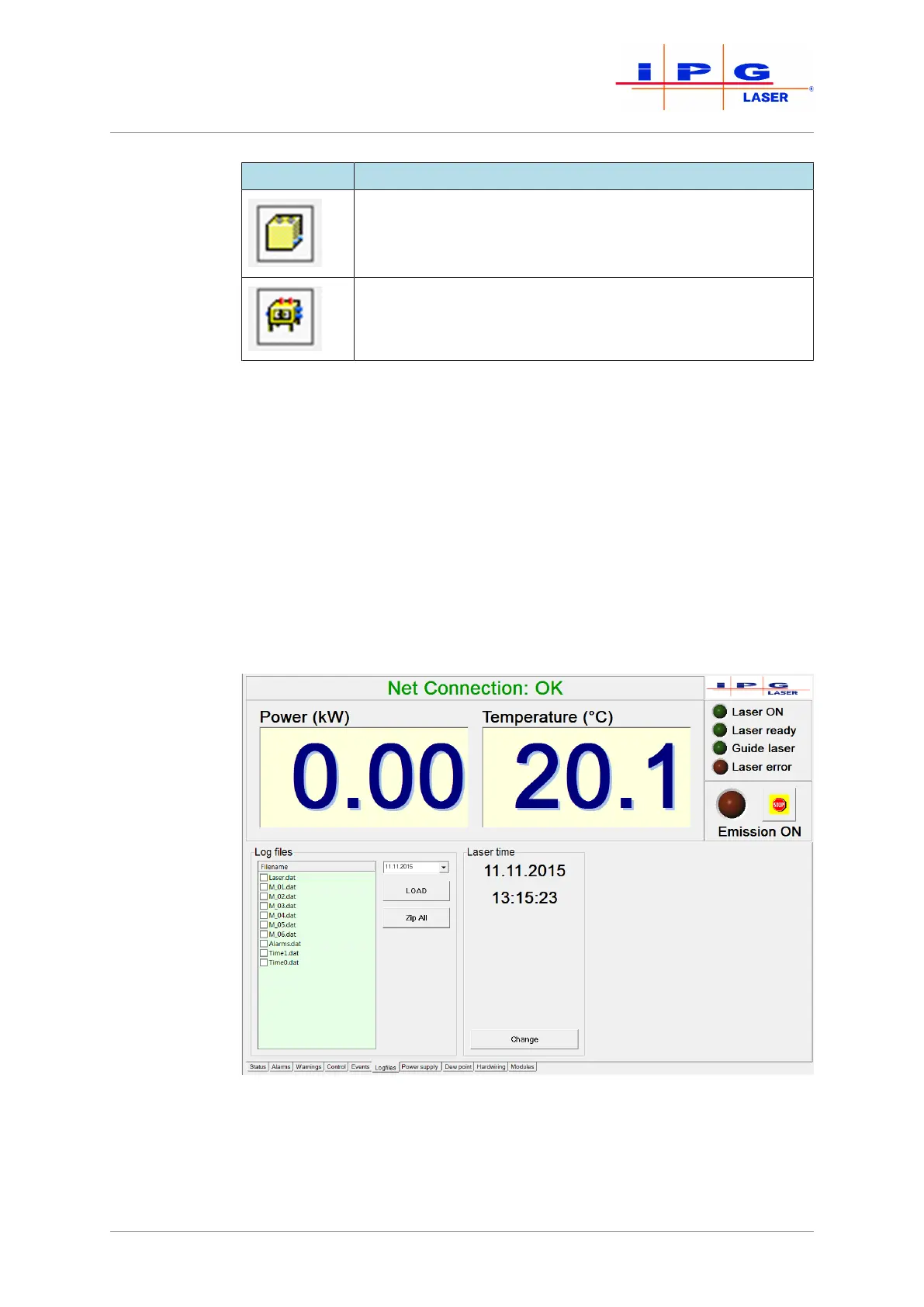
8.8.6 Logfiles tab
Figure59: Logfiles tab



 To Next Page