| LaserNet software
102
YLS-K
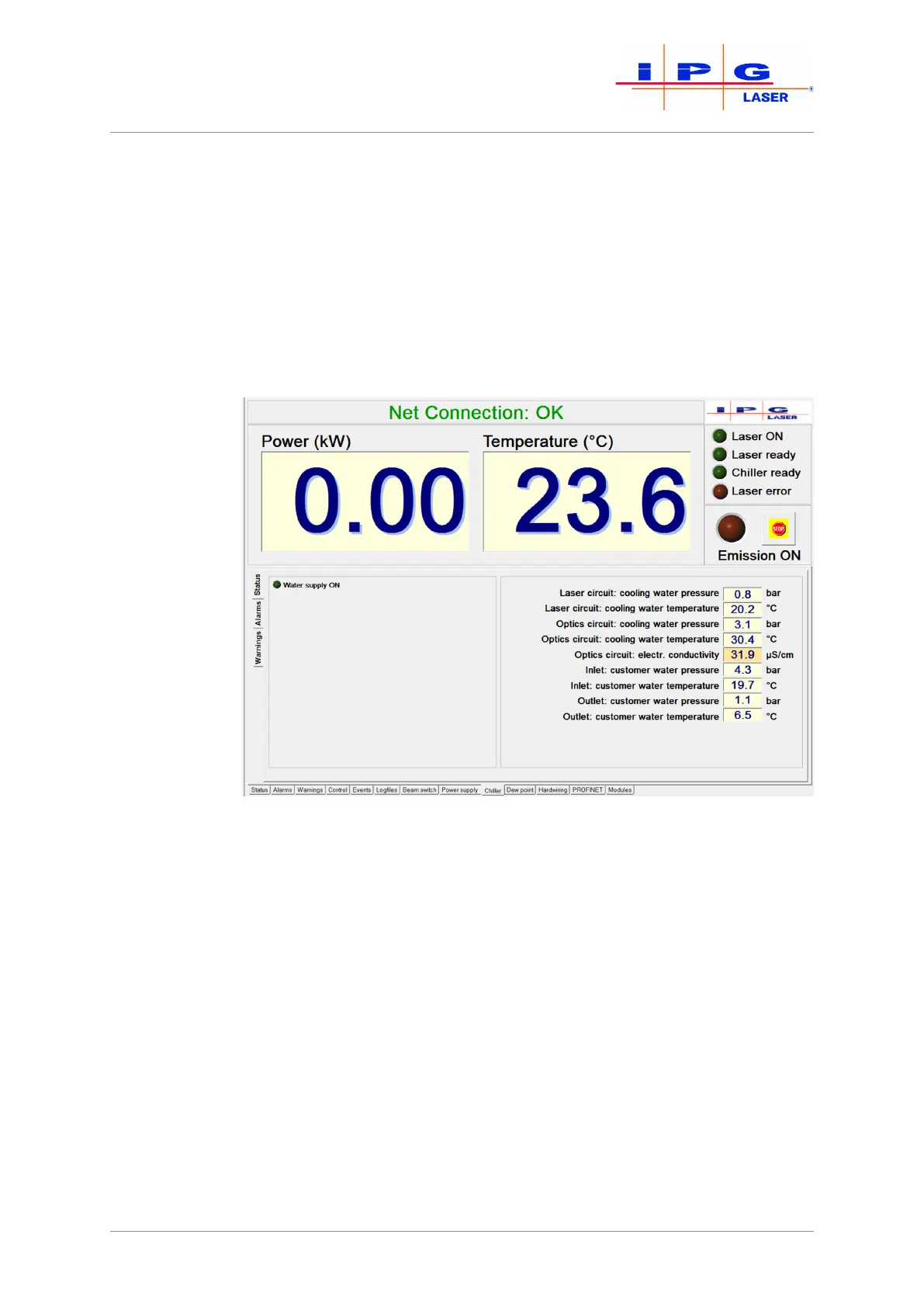
8.8.8 Chiller tab
Actual values of the laser chiller are displayed in this tab (see Fig. Chiller
Status tab).
IPG chiller
The status messages, warnings and alarms of the chiller can be accessed
via the side tabs (see Fig. Alarms and Fig. Warnings). A detailed descrip-
tion of the individual alarms and warnings as well as instructions for
eliminating the faults can be found in the appendix under Messages of
the Chiller tab.
Figure61: Chiller tab status



 To Next Page